Best MCP Servers for Product Managers (2026): 12 Official Picks
Connect your tracker (Linear or Jira), docs (Notion), analytics (PostHog, Amplitude or Mixpanel), feedback (Productboard), Slack and Mowgli or Figma.
The best MCP setup for a product manager uses one official server per job: Linear or Atlassian for tracking, Notion for docs, your existing analytics platform, Productboard or a research repository for evidence, Mowgli or Figma for design, and Slack for updates. Start with your tracker, docs and analytics. Add other servers only when a workflow needs them. These are vendor-published remote servers that use browser-based OAuth, while several also accept tokens for headless access.
Best MCP servers for product managers: quick answer
Mowgli is our product.
| Job | Official server | Server URL | Auth |
|---|---|---|---|
| Issues, projects, cycles | Linear | https://mcp.linear.app/mcp | OAuth 2.1, or API key as Bearer |
| Jira work items, Confluence pages | Atlassian MCP v2 | https://mcp.atlassian.com/v2/mcp | OAuth 2.1, optional API token |
| Docs and wikis | Notion | https://mcp.notion.com/mcp | OAuth only |
| Product analytics, flags, errors | PostHog | https://mcp.posthog.com/mcp | OAuth, or personal API key |
| Product analytics, experiments | Amplitude | https://mcp.amplitude.com/mcp | OAuth |
| Product analytics, experiments | Mixpanel | https://mcp.mixpanel.com/mcp | OAuth, or service account beta |
| Specs, roadmap entities, scoring | Productboard beta | https://mcp.productboard.com | OAuth |
| Research repository | Dovetail | https://dovetail.com/api/mcp | OAuth 2.1, or API token |
| Support conversations | Intercom | https://mcp.intercom.com/mcp | OAuth, or Bearer token |
| Spec plus every screen and state | Mowgli | https://app.mowgli.ai/mcp | OAuth |
| Existing Figma files, FigJam | Figma | https://mcp.figma.com/mcp | OAuth |
| Messages, threads, canvases | Slack | https://mcp.slack.com/mcp | OAuth, admin-approved |
Google Workspace also publishes remote MCP servers for Drive, Docs, Sheets and other products, but they remain in Developer Preview.
For more design-specific options, see the MCP servers for UI design roundup. If you need repeatable instructions rather than live tool access, compare the best agent skills for product managers.
How to connect an MCP server as a PM
An MCP server gives Claude, ChatGPT, Claude Code, Codex or Cursor live access to another product under your existing permissions. The assistant can call supported read and write tools instead of relying on pasted exports. The distinction from reusable instruction packages is covered in agent skills versus MCP servers.
In Claude web, desktop or Cowork, open Customize > Connectors > "+" > Add custom connector. Enter a name and the remote server URL, then complete OAuth. Custom connectors are available on Free, Pro, Max, Team and Enterprise plans, although Free users can add one. Team and Enterprise Owners first add custom connectors under Organization settings.
In ChatGPT, open Plugins, select "+", choose Add custom MCP server, enter the server URL including its /mcp path, configure authentication and create it as a plugin. Workspace policies still apply. Type @ in a chat to select the plugin.
For terminal-based clients, use the vendor URL:
claude mcp add --transport http <name> <url>
codex mcp add <name> --url <url>
Cursor accepts this structure in .cursor/mcp.json:
{"mcpServers": {"<name>": {"url": "<url>"}}}
The common blockers are administrative. Productboard requires a workspace admin to enable its server. Some Mixpanel accounts need an organization admin to switch MCP on. Slack requires workspace approval. Notion AI search and meeting-note tools require Business or Enterprise with Notion AI.
Trackers and docs: Linear, Jira and Confluence, Notion, Slack
Linear MCP: best if your team plans in Linear
Linear's centrally hosted server finds, creates and updates issues, projects and comments. It uses OAuth 2.1 with dynamic client registration, or a Linear API key passed as a Bearer credential. Use https://mcp.linear.app/mcp/readonly or request only the read scope when you do not need writes.
# Claude Code (then run /mcp to authenticate)
claude mcp add --transport http linear-server https://mcp.linear.app/mcp
# Codex
codex mcp add linear --url https://mcp.linear.app/mcp
Each workspace needs its own authentication context. The old SSE endpoint is deprecated. For roadmap creation, ask the assistant to show its proposed project, milestones, issues and relationships before creating anything.
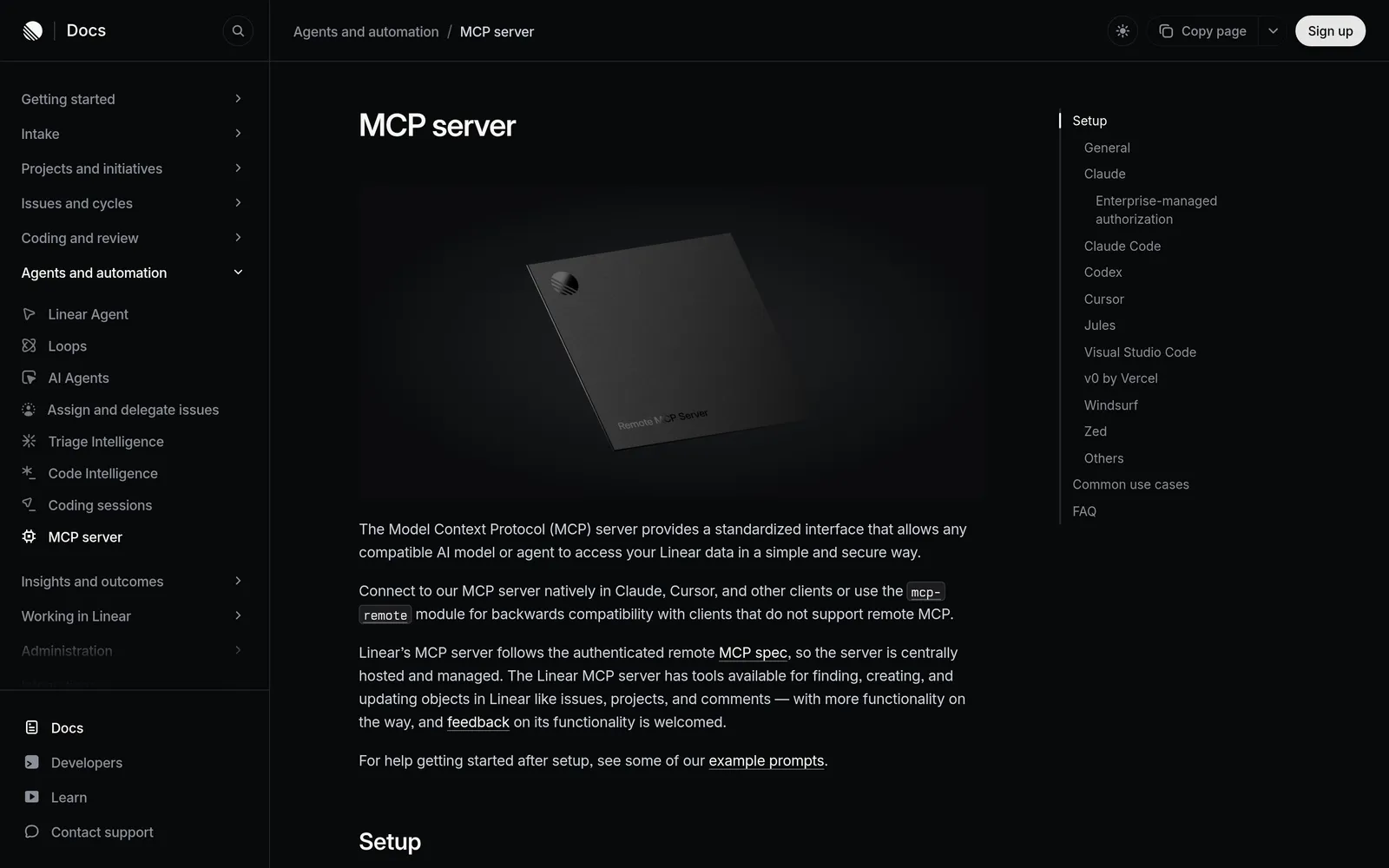
Caption: Linear's official MCP server docs: one URL, OAuth sign-in, read-only option. Source: linear.app, captured October 2026.
Atlassian MCP: best for Jira and Confluence teams
Atlassian MCP searches and summarizes Jira, Jira Service Management, Confluence, Bitbucket, Projects and Goals. It can create or update work items and pages, retrieve Loom recordings and generate work from notes or specs.
Useful requests include checking a Jira item's status, summarizing a planning page or creating five Jira work items from meeting notes. OAuth actions respect the user's current access controls. API-token authentication is optional.
claude mcp add --transport http atlassian https://mcp.atlassian.com/v2/mcp
codex mcp add atlassian --url https://mcp.atlassian.com/v2/mcp
The default gateway exposes discovery and execution methods. Add ?tools=all to request a flat tool list. MCP calls consume Rovo credits from the organization's shared pool. Existing v1 usage moves to v2 tools on March 1, 2027.
Notion MCP: best for specs and wikis in Notion
Notion MCP searches Notion and connected sources, reads and updates pages, creates databases and views, queries data sources, handles comments and accesses meeting notes. PMs will use tools such as notion-search, notion-fetch, notion-create-pages, notion-update-page and notion-query-data-sources.
Notion requires OAuth. Its older open-source server is no longer actively maintained. Workspace owners control access under Settings > Connections.
claude mcp add --transport http notion https://mcp.notion.com/mcp
# Codex: ~/.codex/config.toml, then run: codex mcp login notion
[mcp_servers.notion]
url = "https://mcp.notion.com/mcp"
AI search across connected sources and meeting-note queries require Business or Enterprise with Notion AI. In Claude Code, /context shows how many tokens each enabled MCP server adds.
Slack MCP: best for posting updates and searching decisions
Slack MCP searches messages, files, users and channels. It reads threads, drafts or schedules messages, manages canvases and lists, and uploads files.
The server uses Streamable HTTP, not SSE, and requires admin approval. Claude Desktop connects through Customize > Connectors. Claude Code can install Slack's plugin:
claude plugin install slack
Slack Web API rate limits still apply. For example, reading a channel uses Tier 3, listed as 50 or more requests per minute. Draft and preview product updates before sending them.
What about Google Drive and Docs?
Google publishes servers for Gmail, Drive, Docs, Sheets, Slides, Calendar and Chat, but only through the Google Workspace Developer Preview Program. Setup requires a Google Cloud project, enabled APIs and MCP services, and your own OAuth client. The Drive endpoint is https://drivemcp.googleapis.com/mcp/v1.
That makes Google Workspace suitable for an admin-led pilot, not a five-minute PM setup.
Product analytics: PostHog, Amplitude, Mixpanel
Choose the server for the platform that already holds your events. All three official servers support OAuth plus read and write operations.
PostHog MCP
PostHog provides a free hosted endpoint for analytics queries, HogQL, feature flags, experiments, error tracking, CDP destinations and support-ticket triage. OAuth is recommended. A personal API key with the MCP Server preset works when a client lacks OAuth.
Use https://mcp.posthog.com/mcp?readonly=true while investigating. You can also filter tools with ?features=flags,dashboards,insights.
npx @posthog/wizard mcp add
# or Claude Code manually
claude mcp add --transport http posthog https://mcp.posthog.com/mcp -s user
# or the Claude Code plugin
claude plugin install posthog
The endpoint routes to the US or EU. Calling tools is free, but tools that use language models internally can count as PostHog AI spend when AI data processing is enabled.
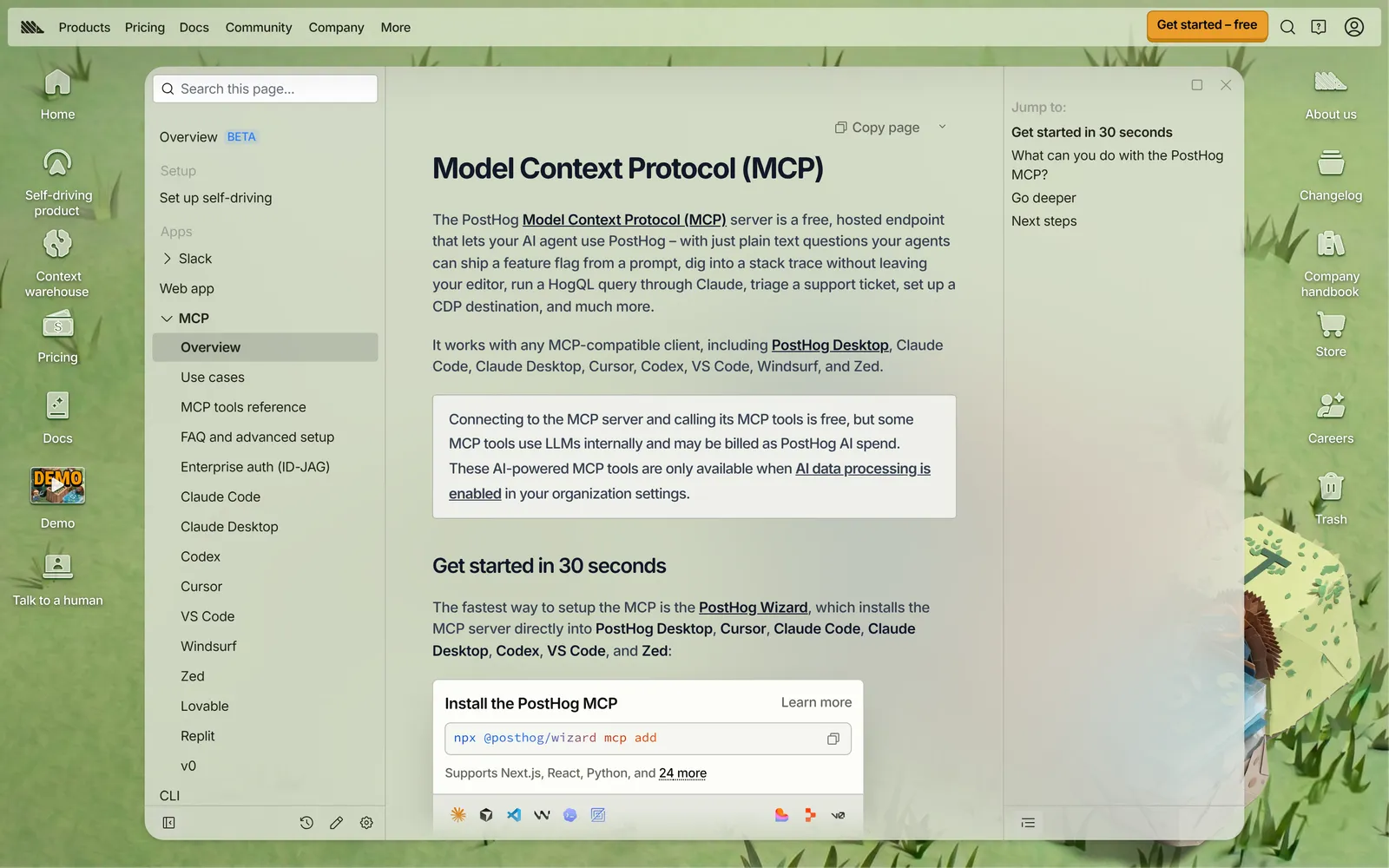
Caption: PostHog's MCP endpoint is free to connect; some AI-powered tools bill as PostHog AI spend. Source: posthog.com, captured October 2026.
Amplitude MCP
Amplitude MCP reads and writes charts, dashboards, experiments, cohorts, events and properties. It supports segmentation, funnels, retention, experiment analysis, session replay and feedback questions such as identifying the month's top customer complaints.
claude mcp add -t http -s user Amplitude "https://mcp.amplitude.com/mcp"
Use https://mcp.eu.amplitude.com/mcp for EU data. The server inherits the authenticating user's permissions. ChatGPT receives a curated subset of about 25 tools without session replay or progressive discovery, so use Claude or Cursor when those capabilities matter.
Mixpanel MCP
Mixpanel's server queries events, funnels, flows, retention and session replays. It creates and updates Boards, cohorts and metrics, with experiments and feature flags in beta.
US, EU and India endpoints are available. OAuth is standard, while service accounts are in beta for headless use. New Free and Growth accounts created after August 1, 2026 have MCP enabled by default. Other accounts require an organization admin to enable it.
claude mcp add --transport http mixpanel https://mcp.mixpanel.com/mcp
Free plans can encounter Query API limits. Mixpanel also notes that the assistant can read and write on your behalf and that data is sent to the AI provider.
Customer feedback and research: Productboard, Dovetail, Intercom
Productboard MCP: best when specs and roadmap live in Productboard
Productboard MCP is in beta and included with Spark-enabled workspaces at no extra cost. An admin enables it and selects which roles may connect. Authentication uses browser sign-in, with no API keys.
The server finds, reads and refines specs, posts comments, updates status and records writes in version history. It also manages objectives, initiatives, key results, components, features, companies and driver fields such as Value, Risk, Impact, Confidence and Effort.
claude mcp add --transport http productboard https://mcp.productboard.com
Start requests with "Use Productboard..." and refer to specs by name rather than ID.
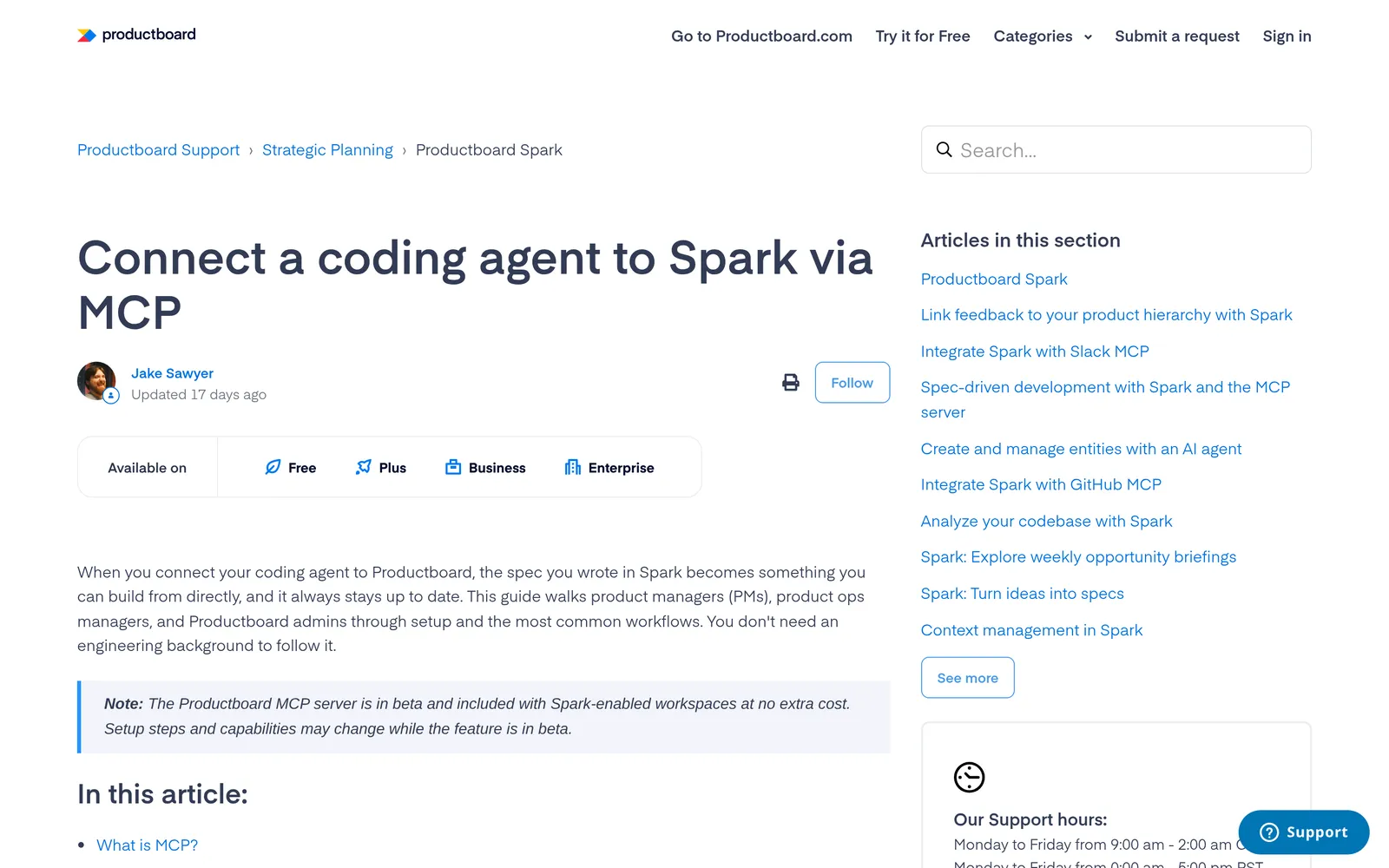
Caption: Productboard's MCP server is in beta and included with Spark-enabled workspaces. Source: support.productboard.com, captured October 2026.
Dovetail MCP: best for interview and research evidence
Dovetail exposes research search, project highlights, individual highlights, documents, comments and channel themes at https://dovetail.com/api/mcp. It supports OAuth 2.1 and API tokens. First-party ChatGPT, Claude, Figma and Copilot integrations need no manual configuration.
The hosted endpoint does not support DCR or CIMD. Cursor configurations that require them can pass a Dovetail API token as a Bearer credential.
Intercom MCP: best for raw support conversations
Intercom provides 14 tools for searching conversations, contacts, companies and articles. It can create or update articles and add internal notes. Internal notes remain teammate-only and cannot send customer-visible replies.
Use https://mcp.intercom.com/mcp for US workspaces or the EU endpoint for EU workspaces. AU-hosted workspaces are not supported yet. Authentication is OAuth or a Bearer token.
Design: Mowgli and Figma
PMs have two distinct design jobs. Use one server to create a complete product direction from a spec, or another to work with designs already stored in Figma.
Mowgli MCP: best for turning a spec into every screen and state
A Mowgli project contains SPEC.md for the pitch, journeys and data model, frontend.xml for every screen and state, and one React plus Tailwind component per screen.
Through the Mowgli MCP server, Claude can read or update the spec, a screen or a state, show version history and request a natural-language edit. Screen changes keep the spec and screen structure in sync for review on the canvas. Claude Code, Codex, Cursor or another coding agent can pull the same files into code or push an existing codebase in.
claude mcp add --transport http mowgli https://app.mowgli.ai/mcp
codex mcp add mowgli --url https://app.mowgli.ai/mcp
An agent edit costs 30 credits, or 10 credits on a plan. Free to start (300 credits); credit packs from $12; plans from $15/mo.
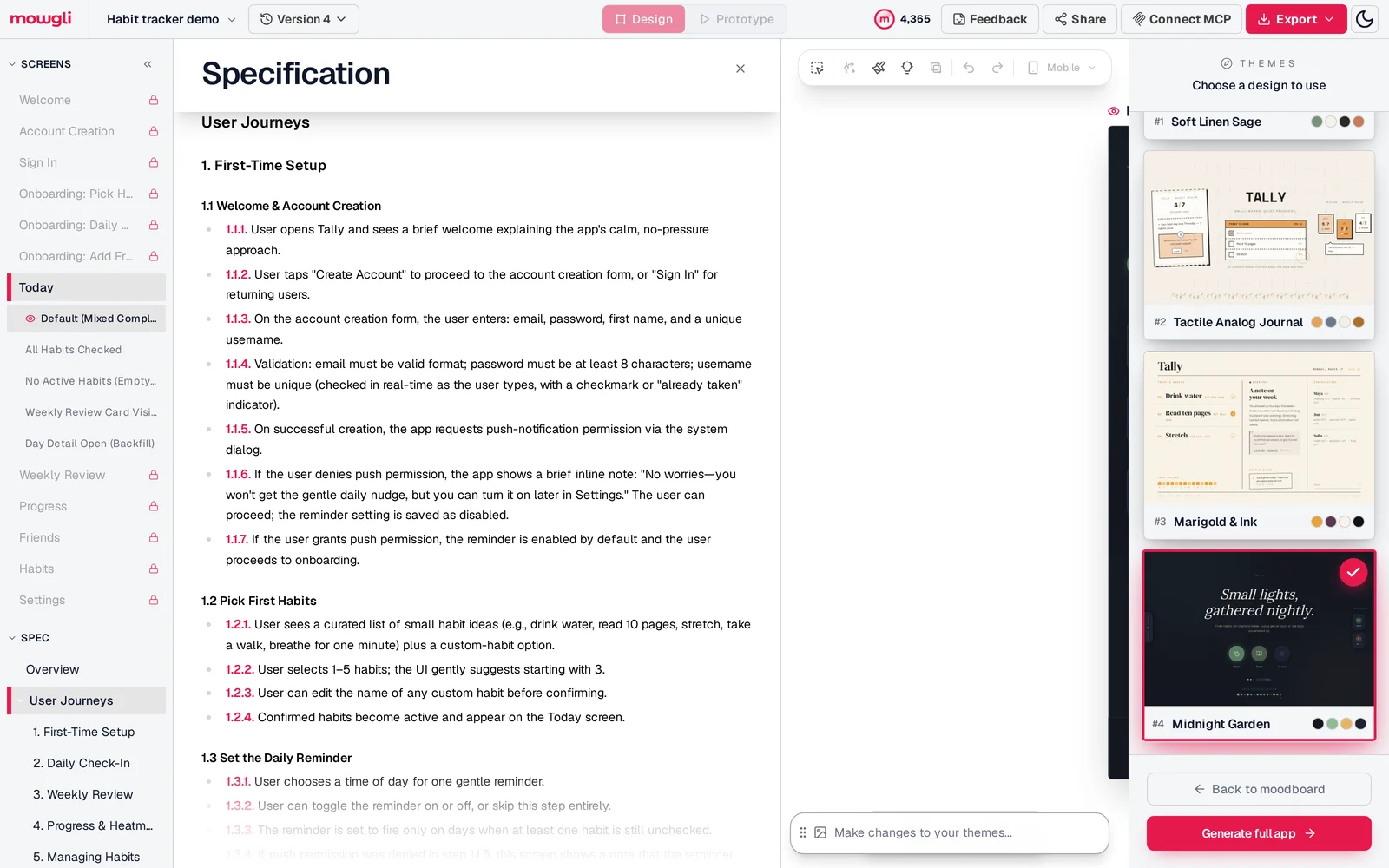
Caption: The spec Claude, ChatGPT or a coding agent reads and updates through the Mowgli MCP server.
Figma MCP: best when designs already live in Figma
Figma MCP extracts variables, components and layout context, generates code from frames, writes frames and components to the canvas, and creates FigJam diagrams. Only clients listed in Figma's MCP Catalog can connect; that catalog includes Claude, Claude Code, ChatGPT, Codex and Cursor.
claude plugin install figma@claude-plugins-official
# or manual
claude mcp add --transport http figma https://mcp.figma.com/mcp
codex mcp add figma --url https://mcp.figma.com/mcp
# Cursor: type /add-plugin figma in agent chat
View and Collab seats receive up to 20 tool calls per month. Dev and Full seats receive 200 per day on Professional and Organization, or 600 per day on Enterprise. Exempt write tools include create_new_file.
Three PM workflows that combine MCP servers
For each workflow, ask the assistant to show proposed changes before creating or editing anything.
Workflow 1: feedback to spec to design to tickets
Use Productboard, Dovetail or Intercom to collect evidence. Update the spec in Notion or Productboard. Then update the journey and affected states in the design project before drafting Linear or Jira work.
Use this prompt:
"Use Productboard to read the Onboarding Revamp spec. In Mowgli, update @SPEC.md, @frontend.xml and the onboarding screens to match the revised journey, including the empty and error states. Show me the diff. Then draft Linear issues for each changed screen and state, but do not create them until I approve."
After approval, Claude Code, Codex or Cursor can pull the screens from the same project. See the design handoff guide.
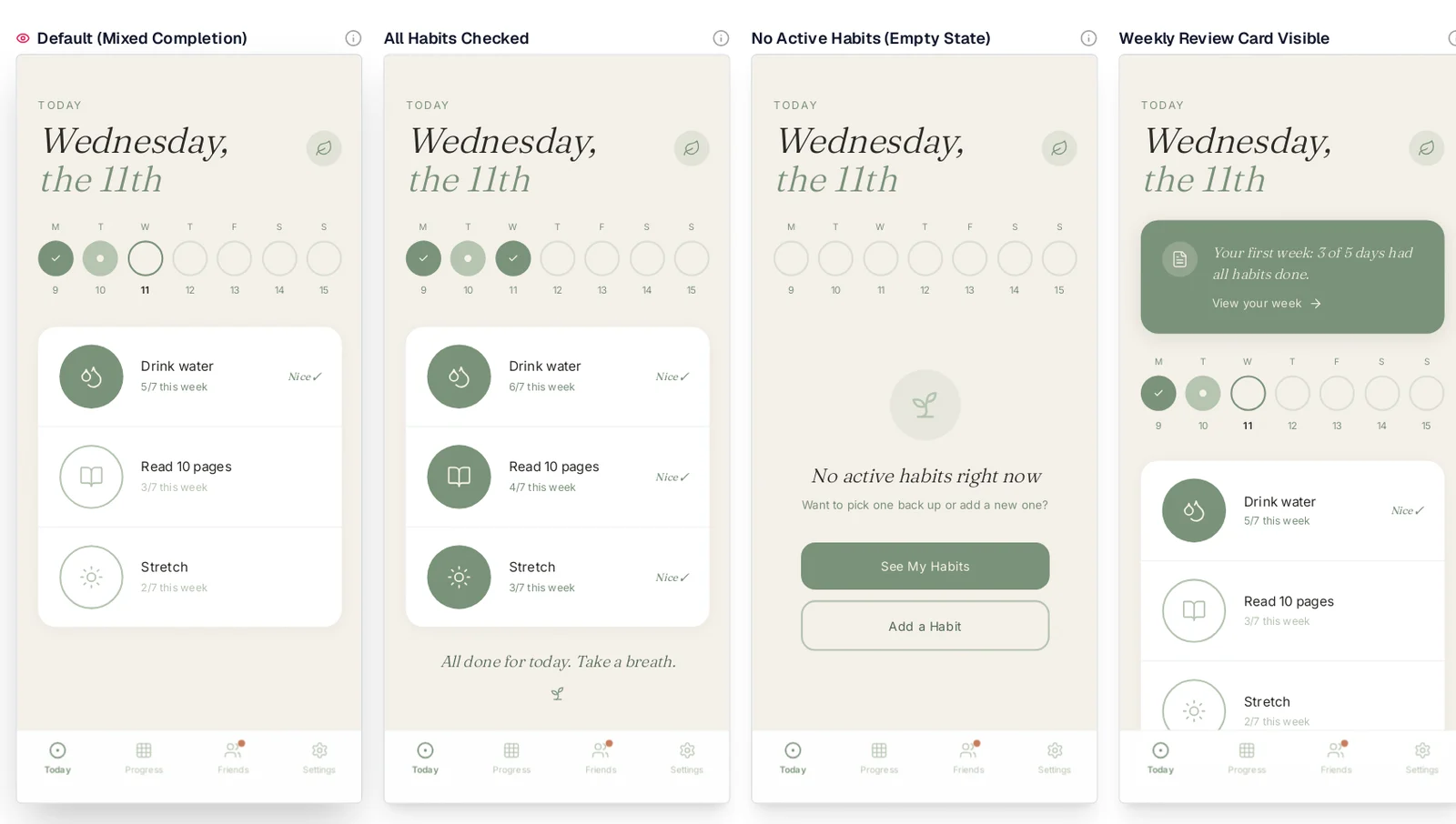
Caption: Every state of a screen, ready for a PM to review after an MCP edit.
Workflow 2: metric drop to investigation to experiment ticket
Query the affected funnel or retention metric through Amplitude, Mixpanel or PostHog. Inspect session replays where available, record findings in Notion or Confluence, then create an experiment or feature flag. Draft a tracker ticket and a Slack update.
Keep analytics read-only during exploration. PostHog accepts ?readonly=true, while Linear offers /mcp/readonly.
Workflow 3: the weekly product update
Summarize the latest Linear cycle or Jira work without overstating progress. Add Productboard initiative status and one or two analytics metrics. Draft the result as a Slack message or Confluence page.
Review before sending. Slack posts, Productboard comments and status changes can notify teammates.
Limits, costs and safe defaults
Costs and access limits differ:
- Atlassian MCP calls consume Rovo credits from the organization's shared pool.
- PostHog tool calls are free, but language-model-backed tools can incur PostHog AI spend.
- Mixpanel Free plans can hit Query API limits.
- Some Notion tools require Business or Enterprise with Notion AI.
- Figma View and Collab seats get up to 20 calls monthly. Professional prices are Full $16/mo, Dev $12/mo and Collab $3/mo.
- Productboard's beta is included with Spark-enabled workspaces at no extra cost.
Prices are from each vendor's pricing page, October 2026.
Use read-only endpoints or scopes where available. Give every server the least privilege required, review high-impact writes and monitor audit logs. PostHog warns that language models can follow untrusted instructions, so inspect tool calls. Mixpanel notes that queried data goes to the AI provider.
Keep the stack small because every enabled server adds tool definitions to context. Claude Code's /context command shows token use per server. Atlassian discovery mode and Amplitude progressive discovery reduce the initial tool set.
Verdict: a starter MCP stack for product managers
Start with three servers: your tracker, your docs and the analytics platform that already contains your events. Add Productboard when specs and prioritization live there. Add Dovetail or Intercom when research or support evidence drives planning.
For design, choose Mowgli when you want the spec and every screen and state in one place that Claude and coding agents such as Claude Code, Codex or Cursor can read and update. Choose Figma MCP when your team already ships designs in Figma and you have a Dev or Full seat.
Add Slack last, after an administrator approves it. For adjacent options, read the PM agent skills list, skills for PRDs and specs and design MCP server guide.
FAQ
What are the best MCP servers for product managers?
The best set is one official server per job. Use Linear or Atlassian for tracking, Notion for docs, PostHog, Amplitude or Mixpanel for analytics, Productboard for specs and prioritization, and Slack for updates. For design, use Mowgli for a spec plus every screen and state, or Figma MCP for existing Figma files.
Can I use MCP servers in ChatGPT, or only in Claude?
You can use MCP servers in both ChatGPT and Claude. ChatGPT adds them through Plugins > "+" > Add custom MCP server. Claude uses Customize > Connectors > Add custom connector. Some vendors expose fewer tools in ChatGPT; Amplitude provides about 25 and excludes session replay there.
Do I need to code to use an MCP server as a PM?
No. Claude and ChatGPT accept a remote URL and browser sign-in from their settings. Claude Free permits one custom connector. Claude Code, Codex and Cursor use a command or JSON configuration when you prefer a coding workspace.
Is there an official Linear MCP server? What about Jira?
Yes. Linear hosts its official server at https://mcp.linear.app/mcp, with a read-only variant available. Jira and Confluence use Atlassian MCP at https://mcp.atlassian.com/v2/mcp, and its calls consume Rovo credits.
Are product management MCP servers free?
Many are included with their underlying product. PostHog's endpoint is free, and Productboard's beta is included with Spark-enabled workspaces. Check Atlassian Rovo credits, Figma tool-call limits, Mixpanel Query API limits and Notion plan requirements.
Is there an official Google Drive MCP server?
Yes, but it is available only through the Google Workspace Developer Preview Program. Setup requires a Google Cloud project, enabled services and your own OAuth client.
Sources
- Linear MCP server documentation
- Atlassian MCP server setup
- Notion MCP overview
- Notion MCP setup
- Notion MCP supported tools
- Slack MCP server
- Google Workspace MCP servers
- PostHog MCP documentation
- Amplitude MCP documentation
- Mixpanel MCP documentation
- Productboard MCP setup
- Productboard entity management
- Dovetail MCP documentation
- Intercom MCP documentation
- Figma MCP installation
- Figma MCP limits
- Mowgli skills repository
- Claude custom connectors
- ChatGPT custom MCP servers
- Codex MCP documentation