from idea to custom
design in minutes
Mowgli is a design copilot with product expertise. Visualize your idea in minutes: high-trust, high-quality, and ready for dev.
Built with Mowgli
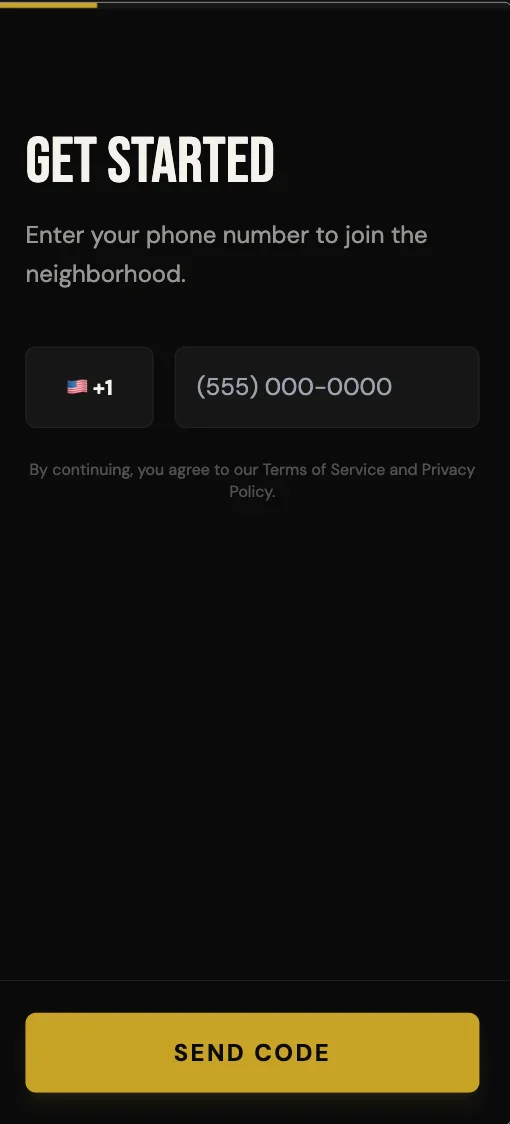
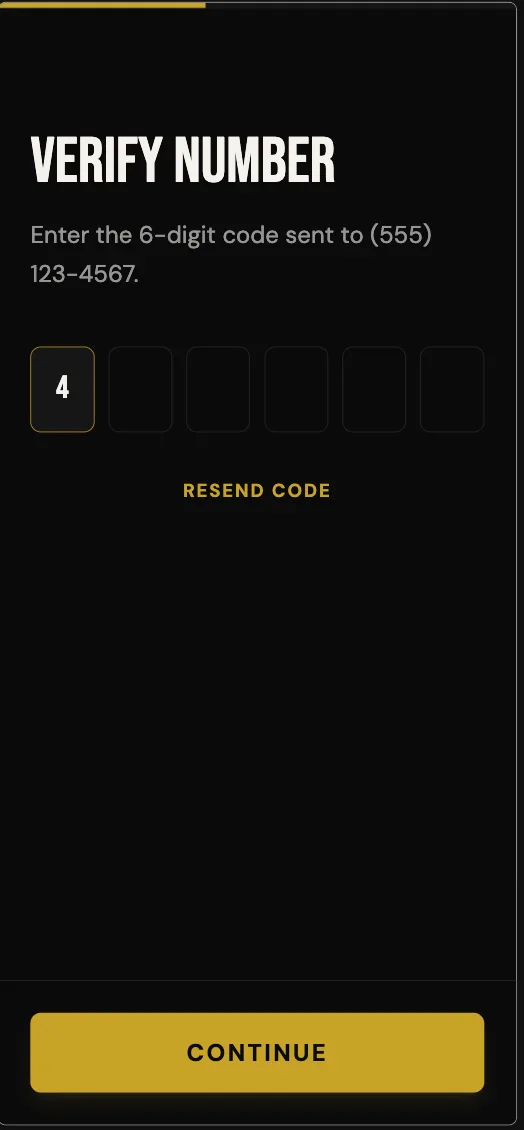
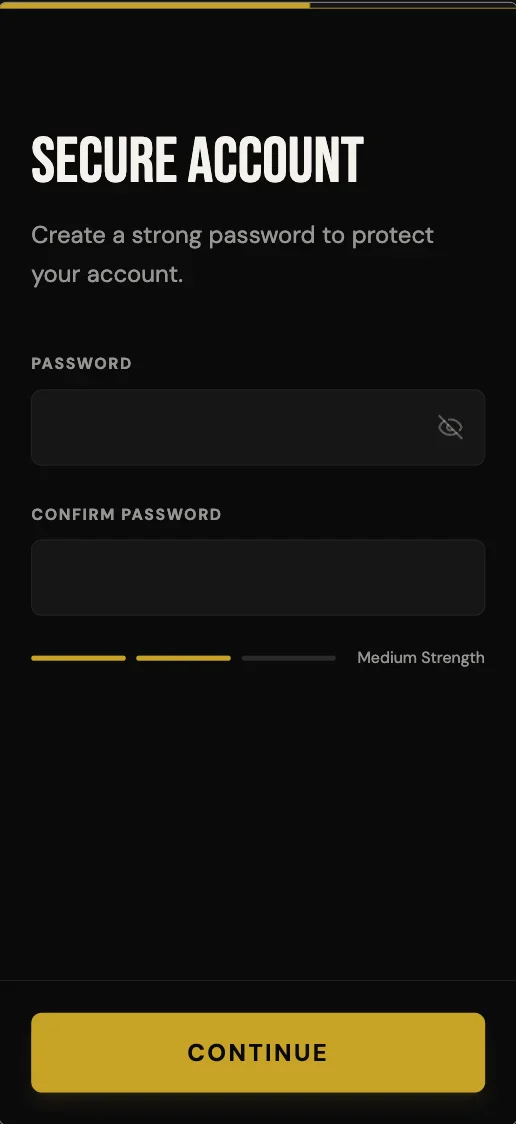
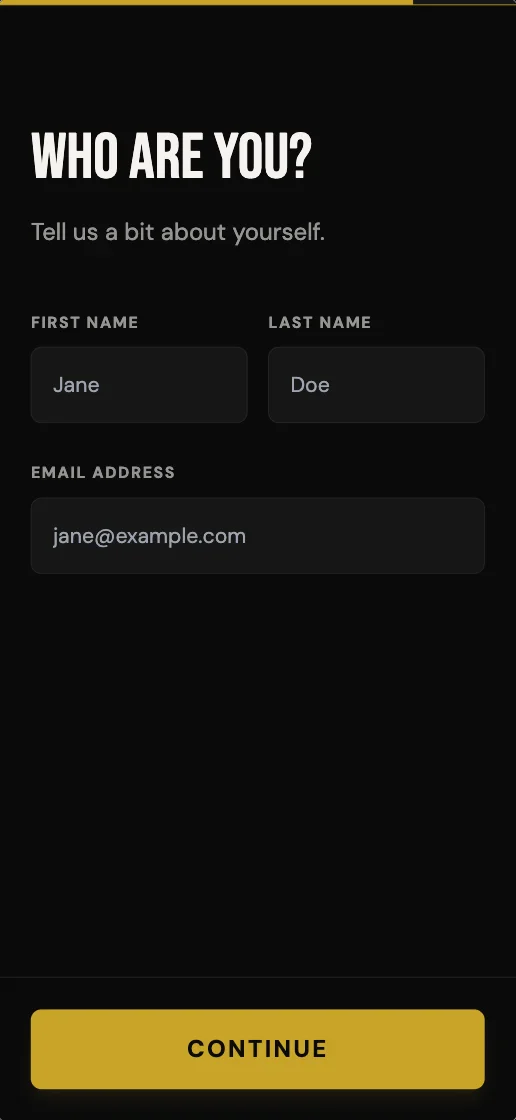
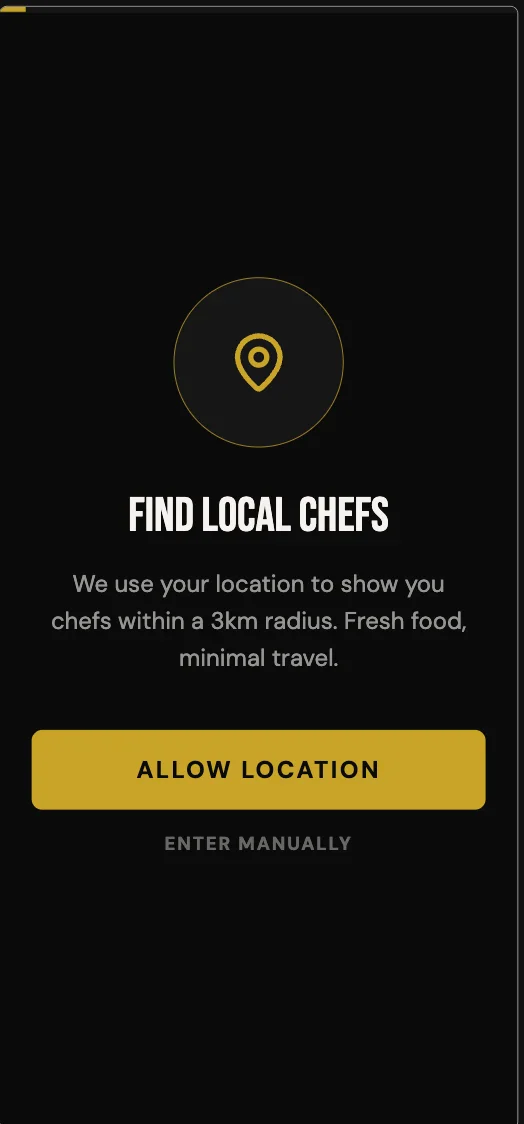
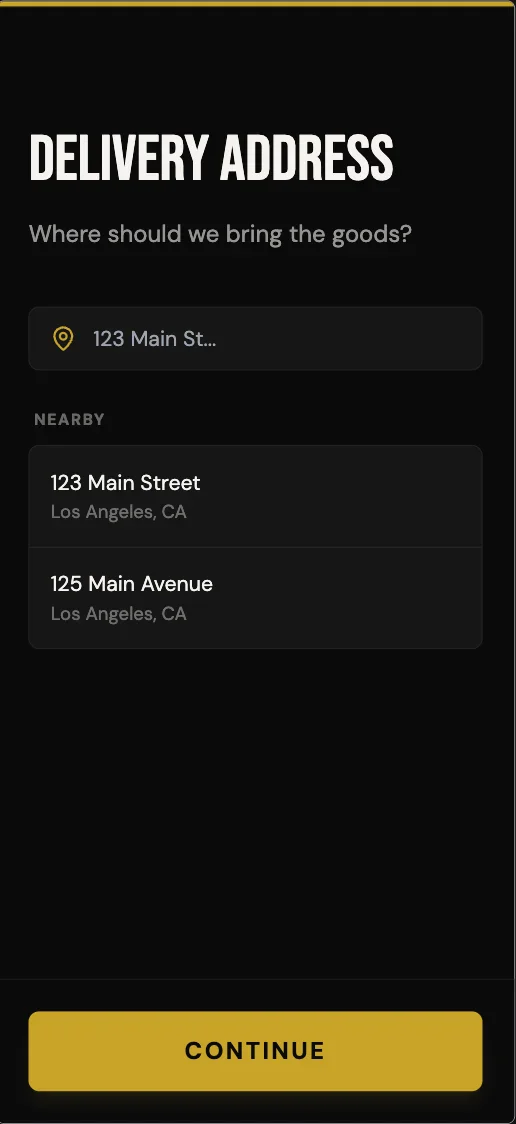
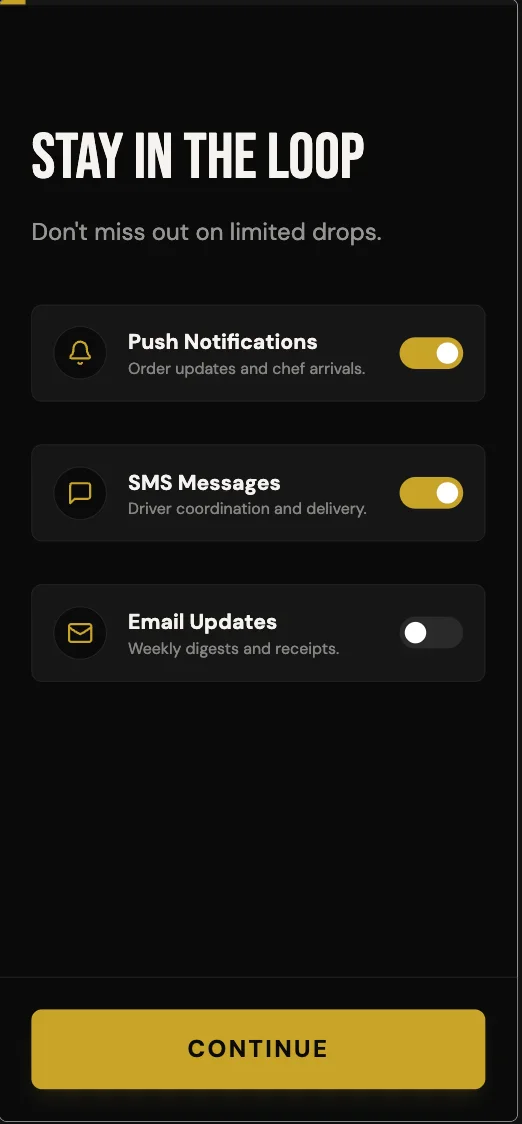
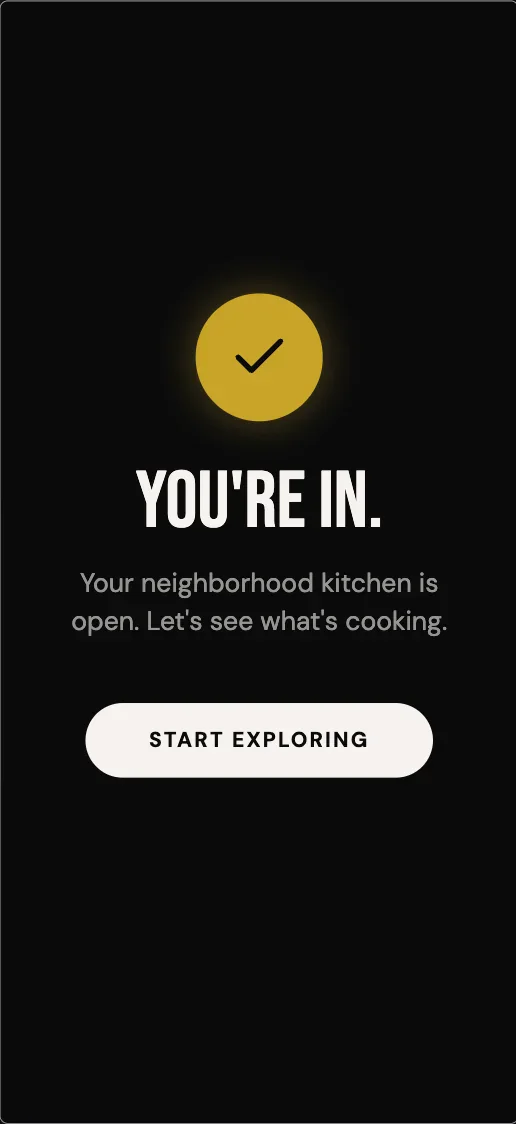
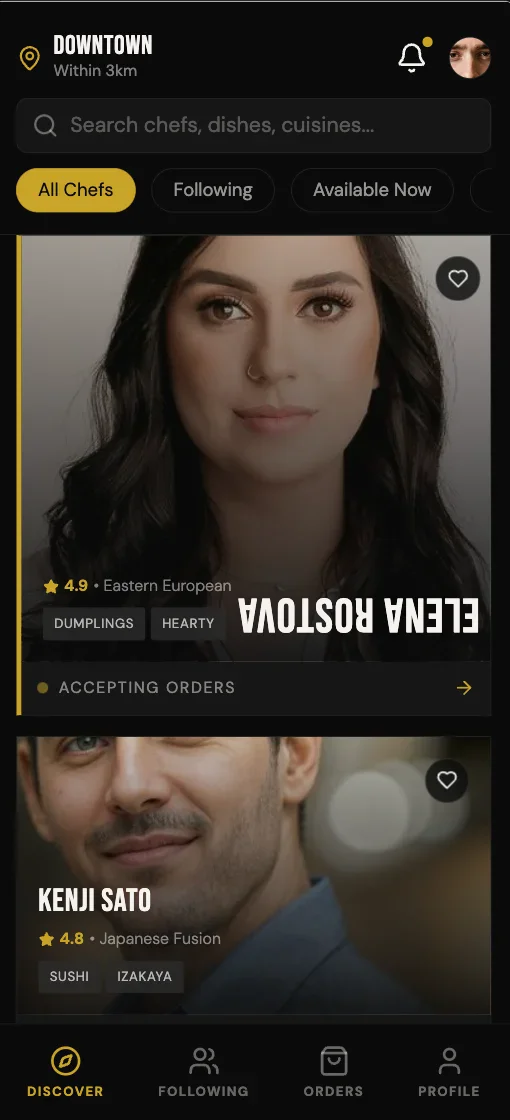
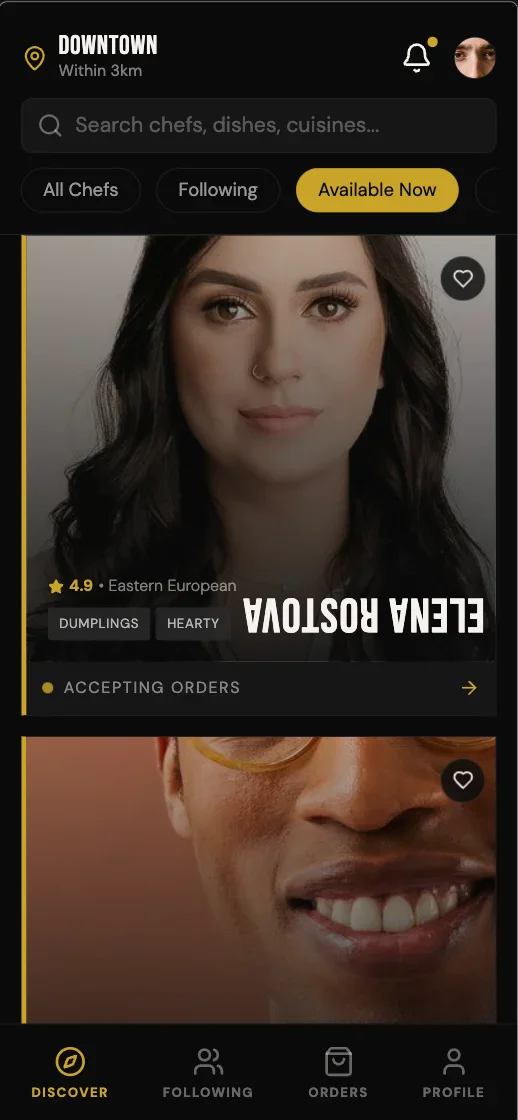
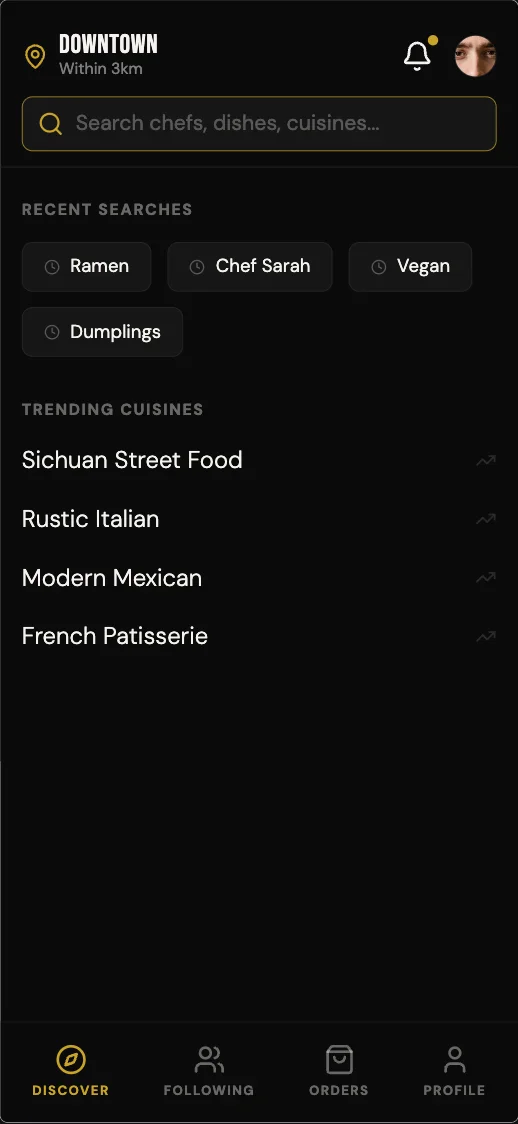
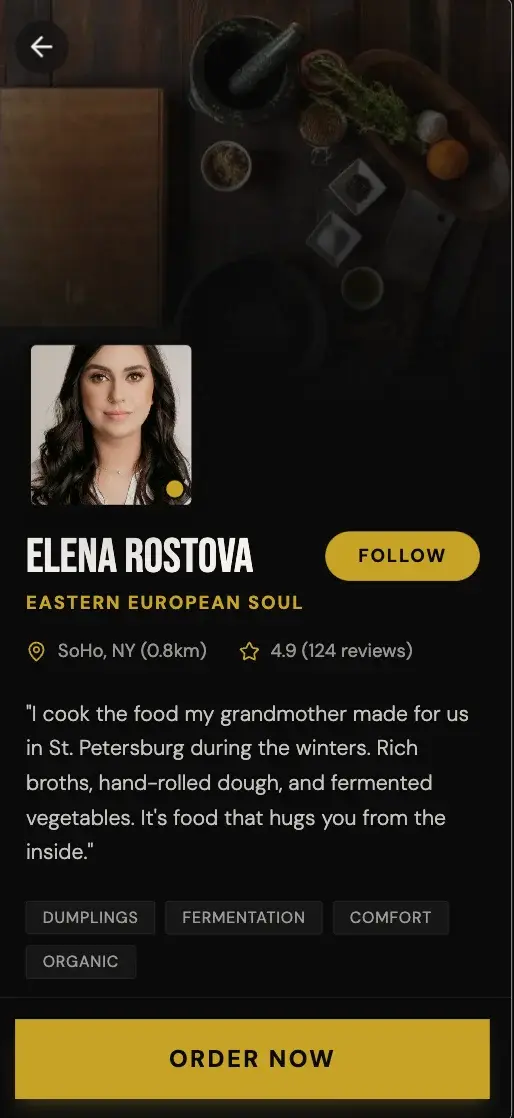
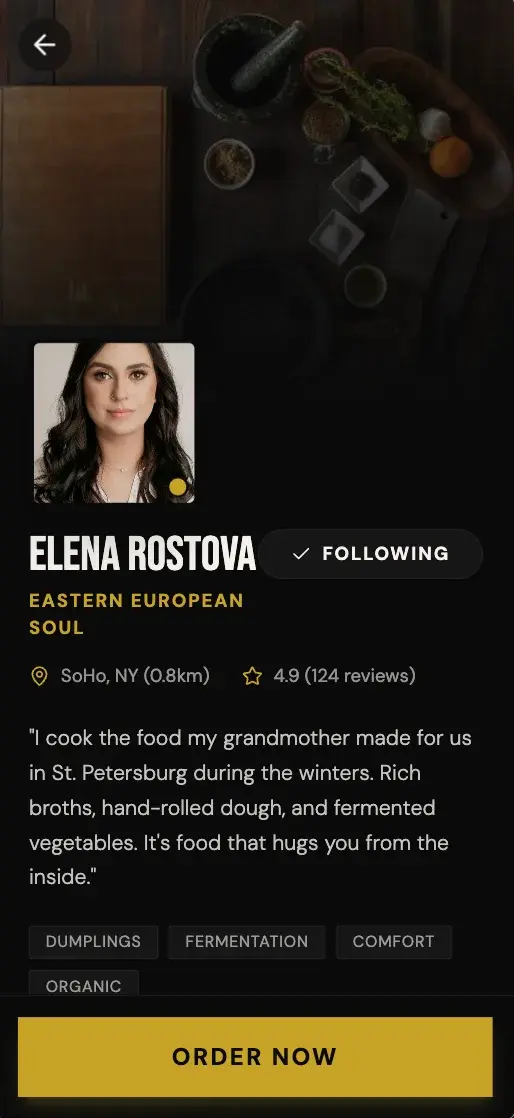
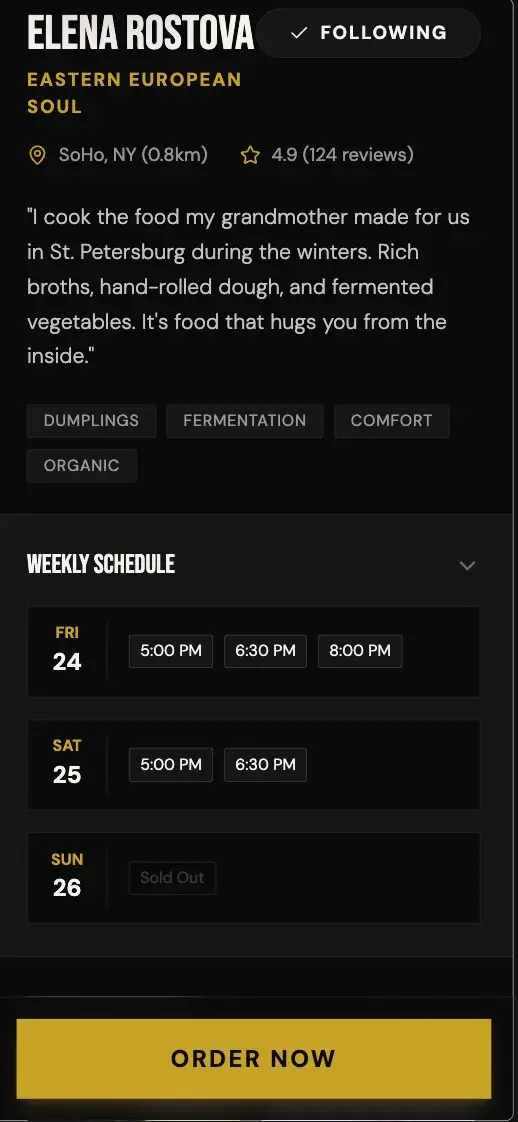
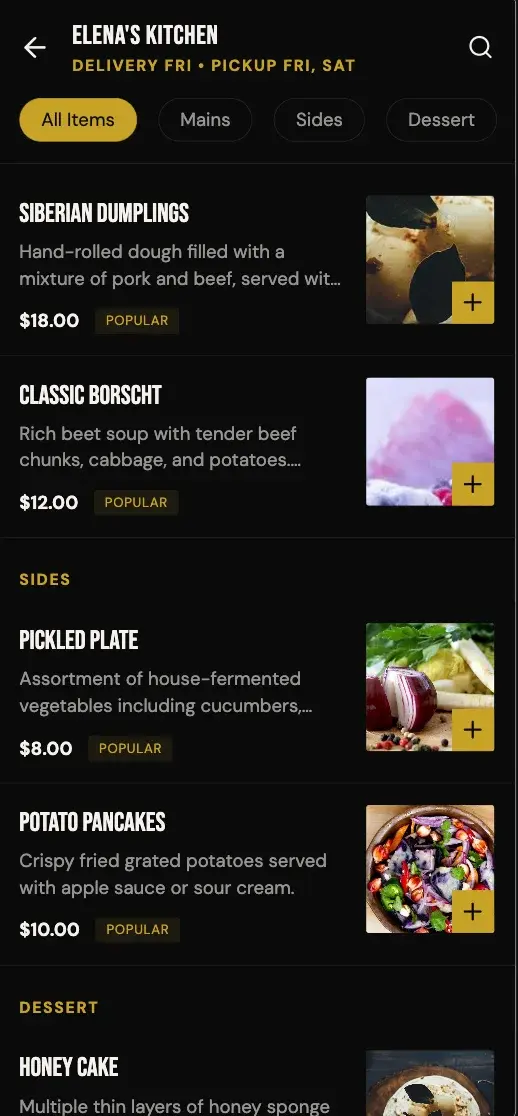
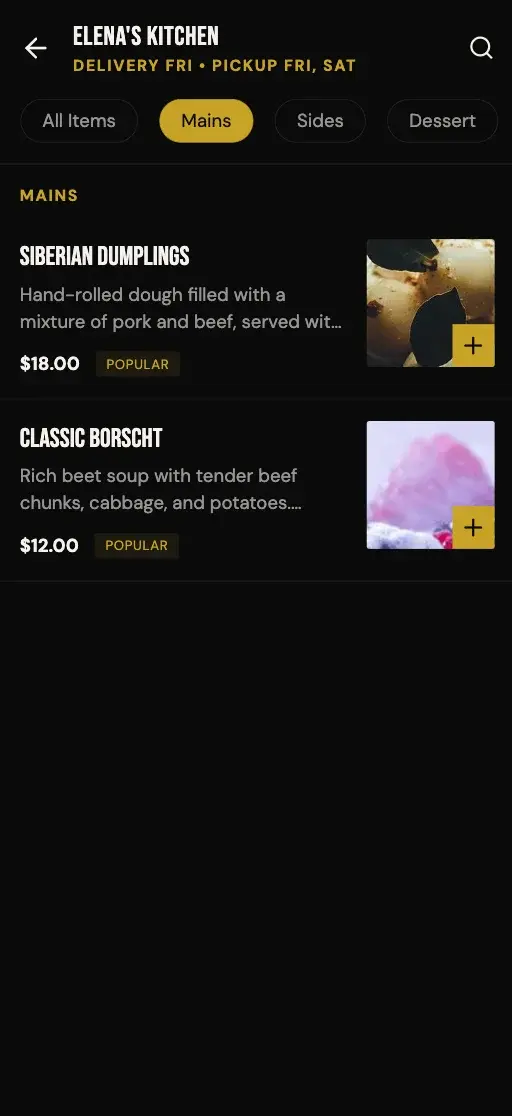
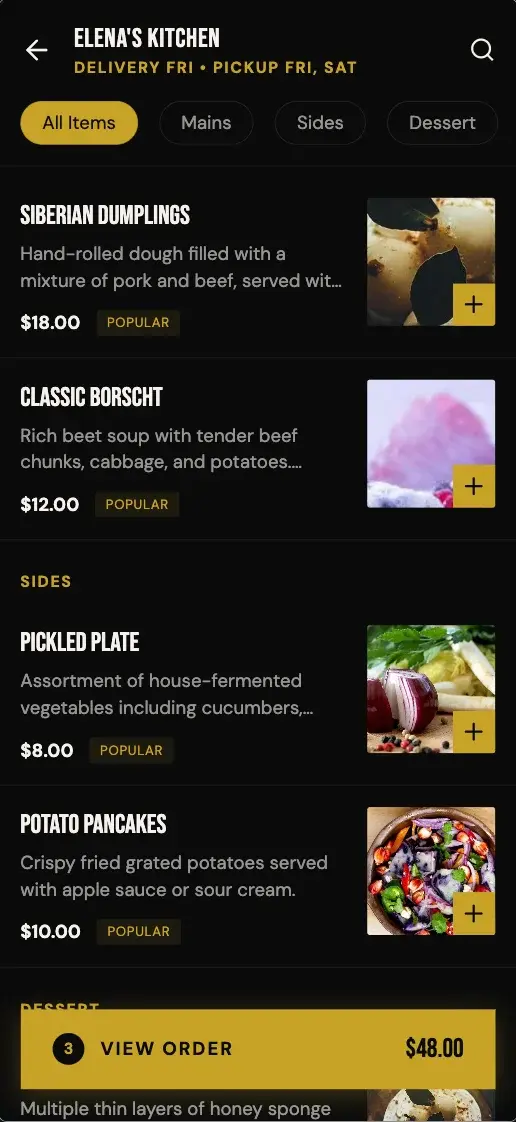
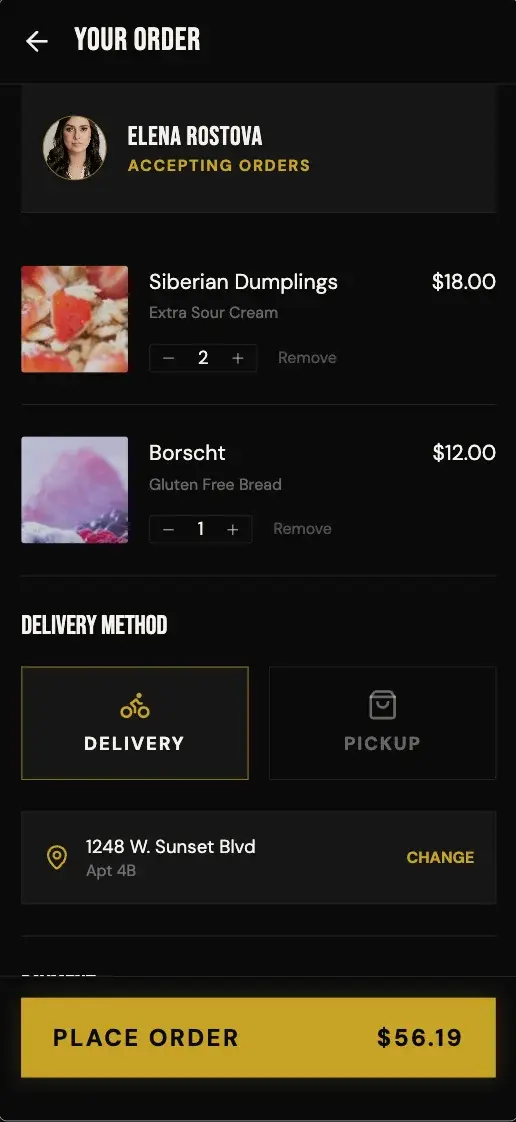
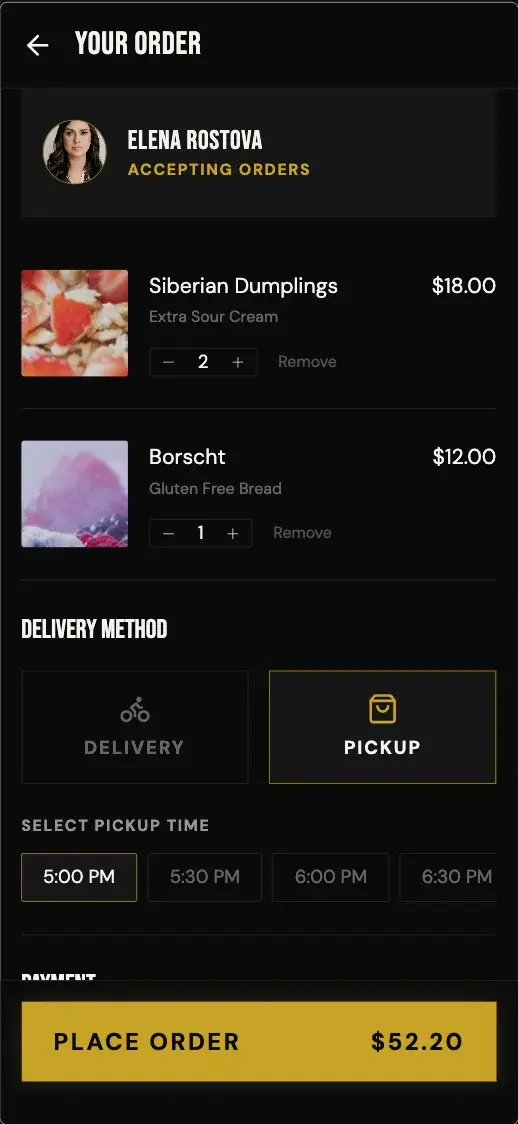
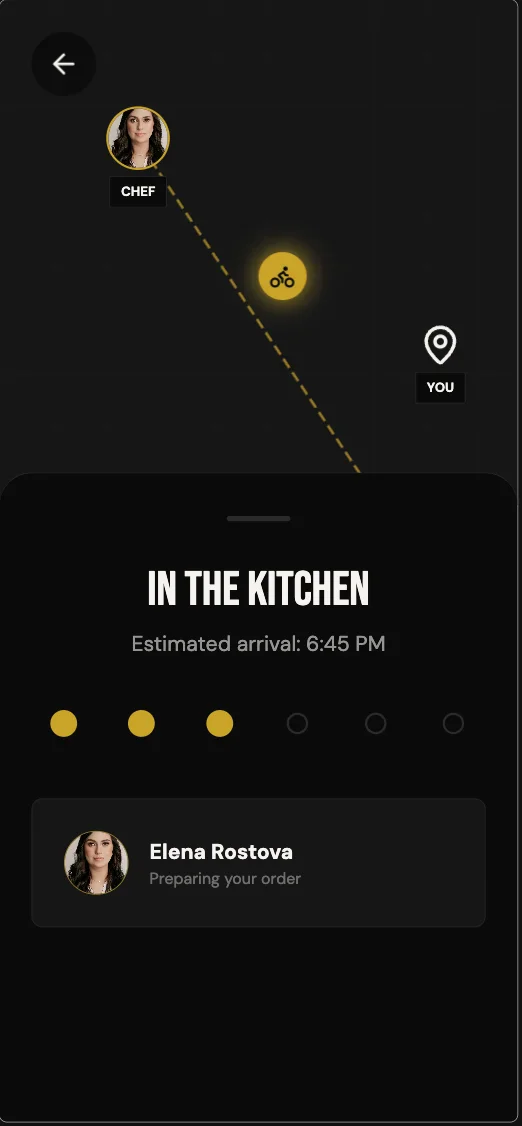
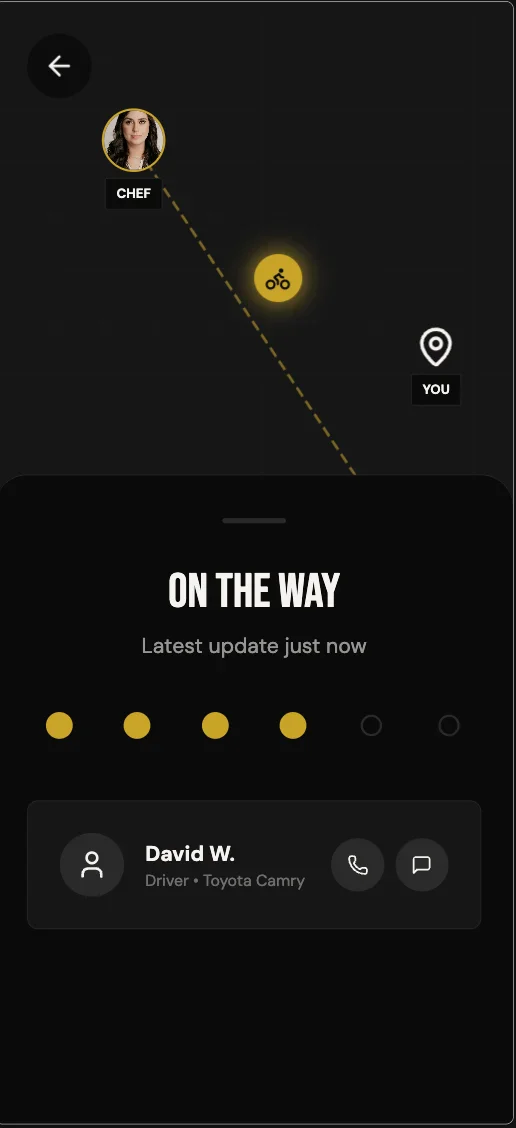
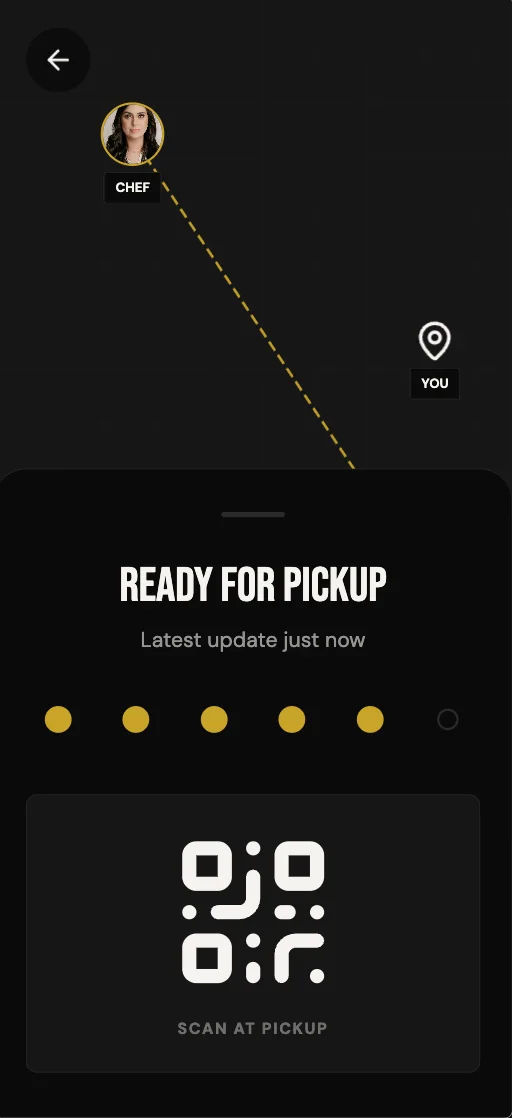
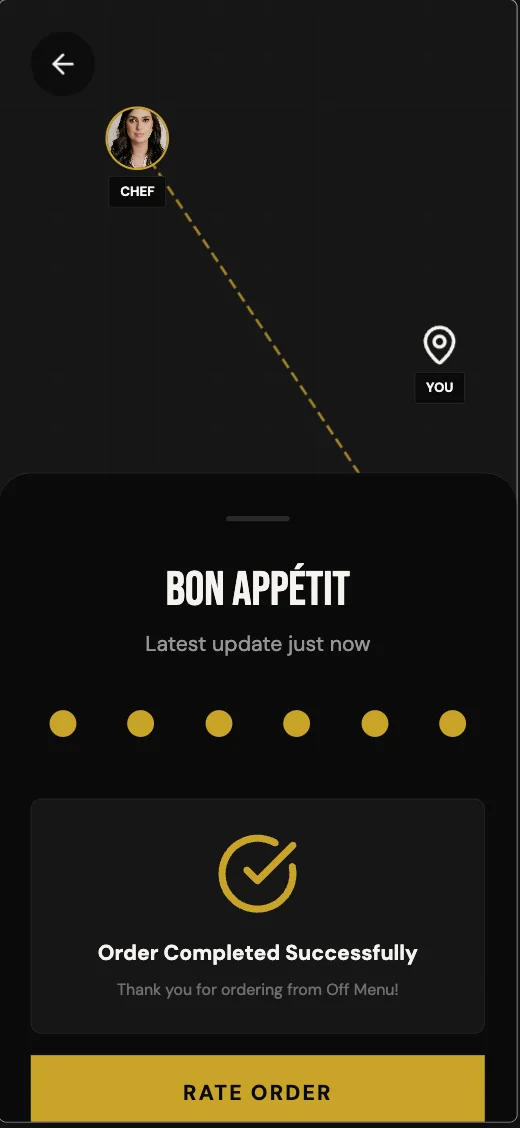
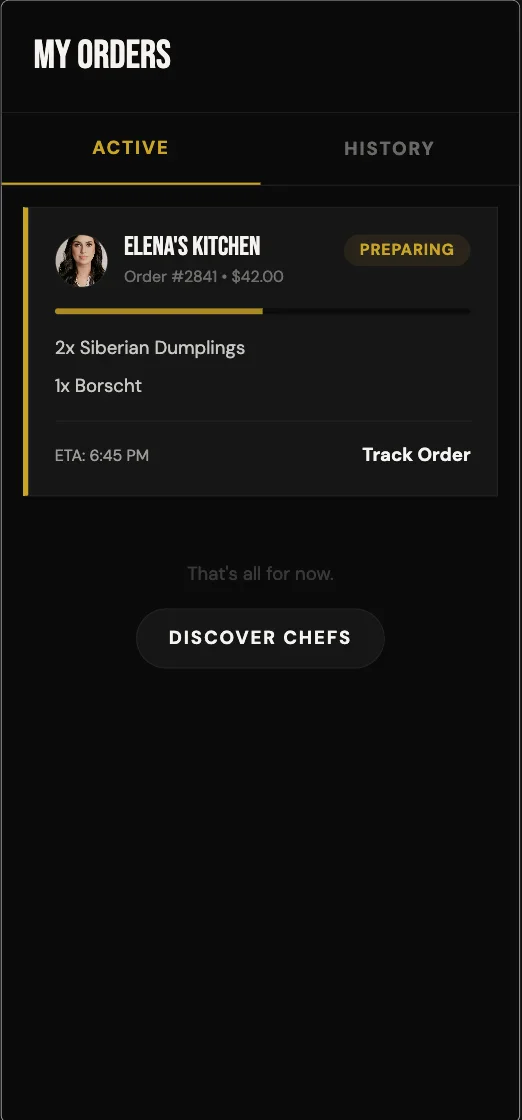
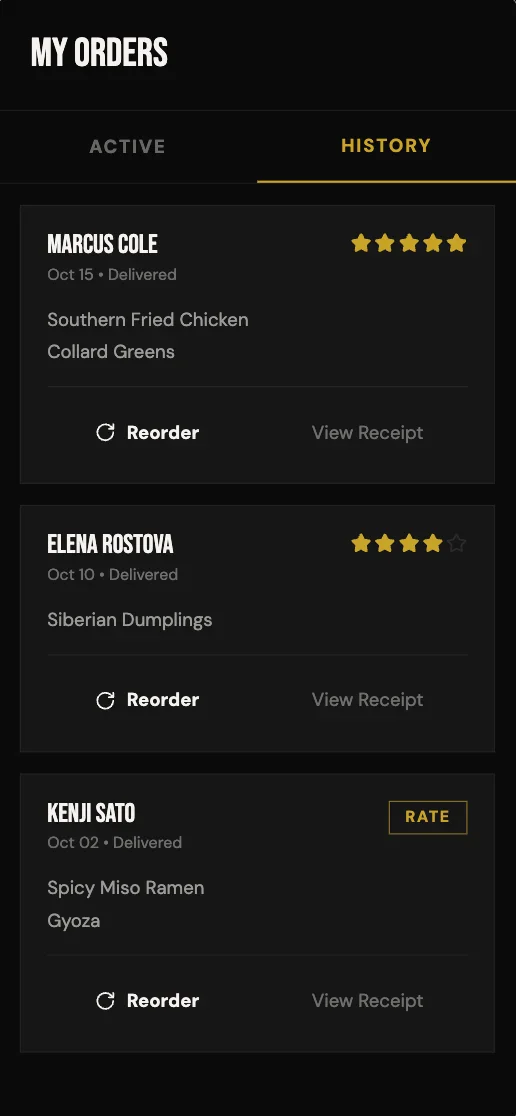
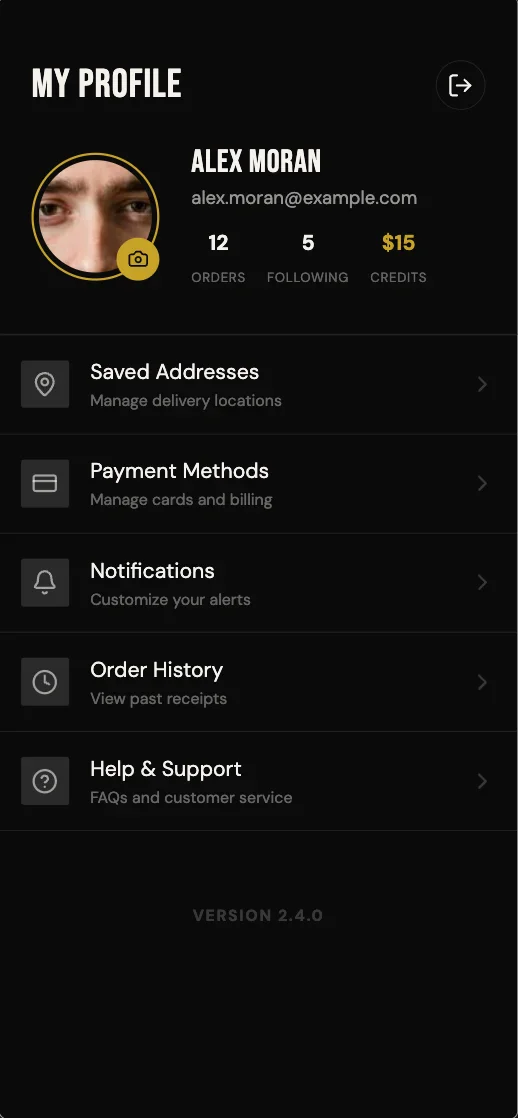
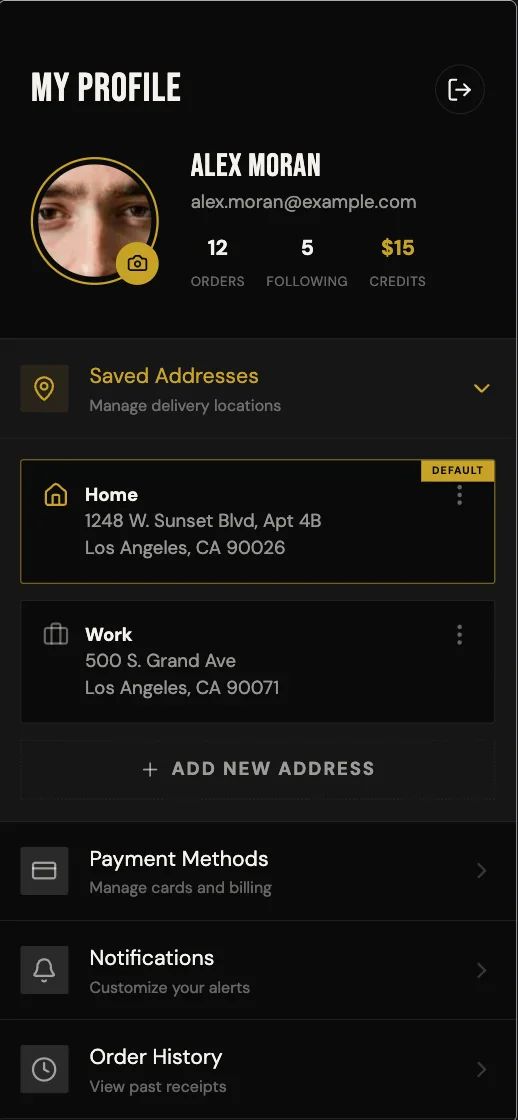
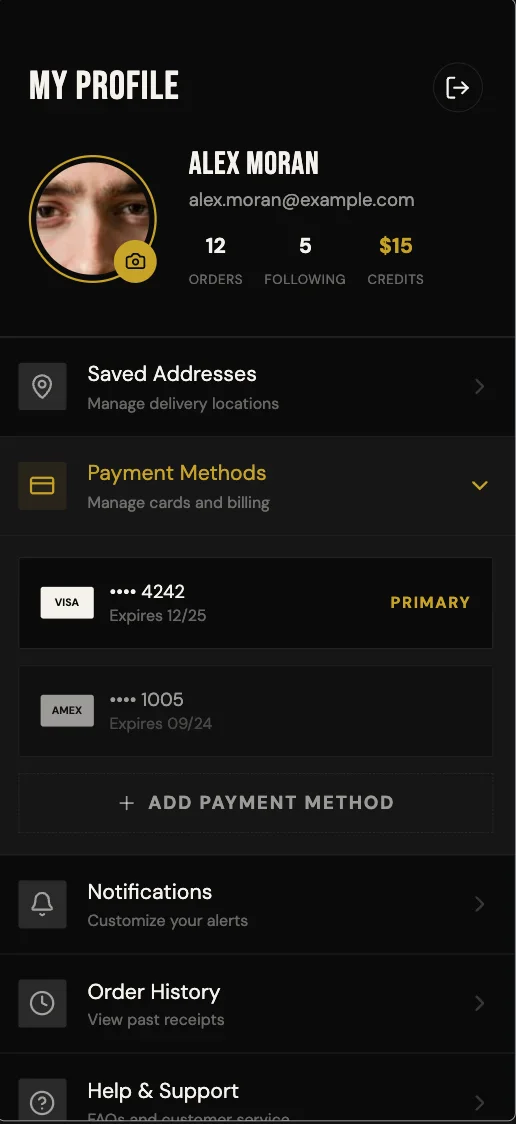
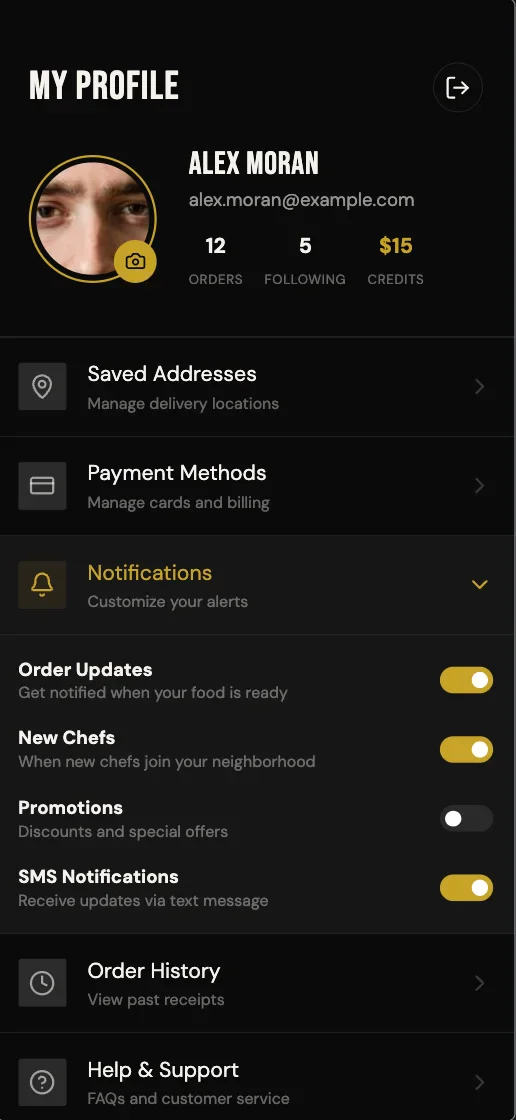
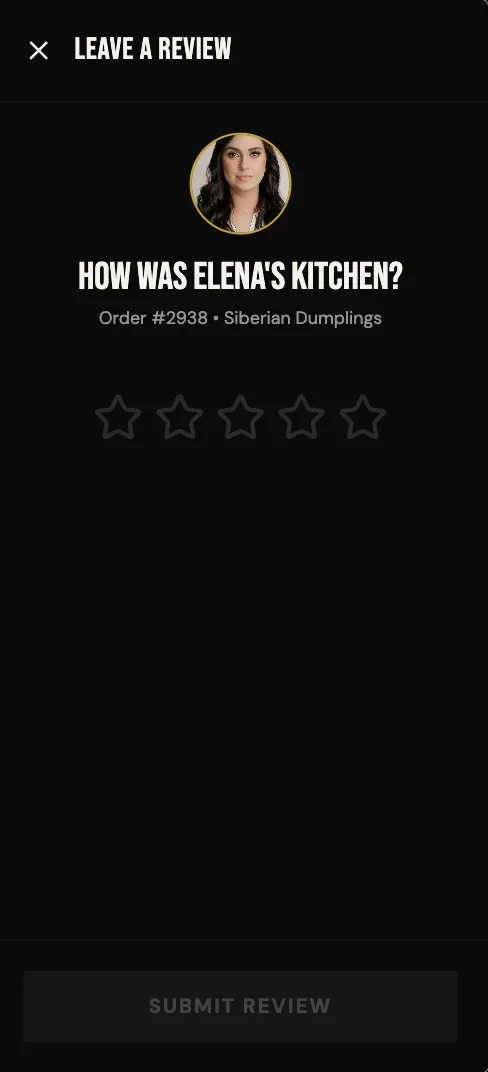
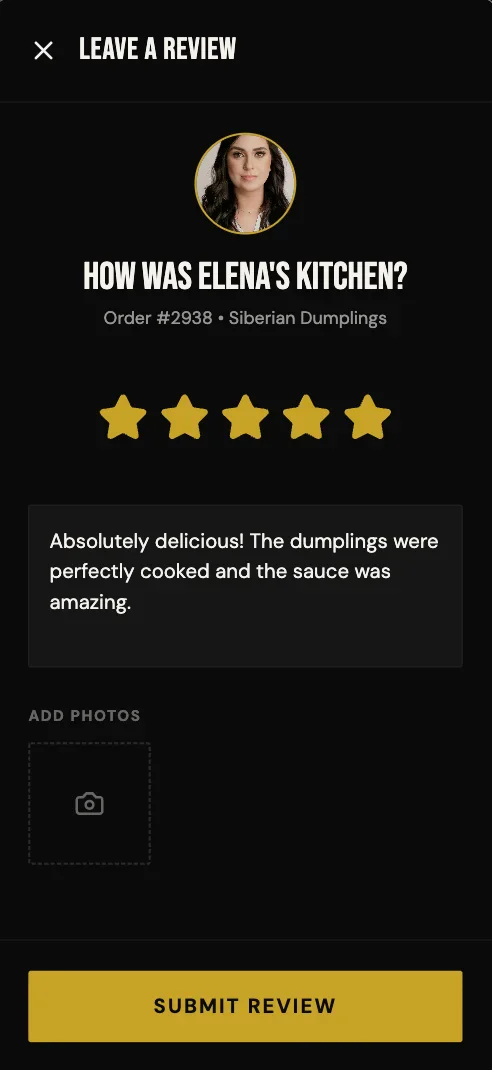
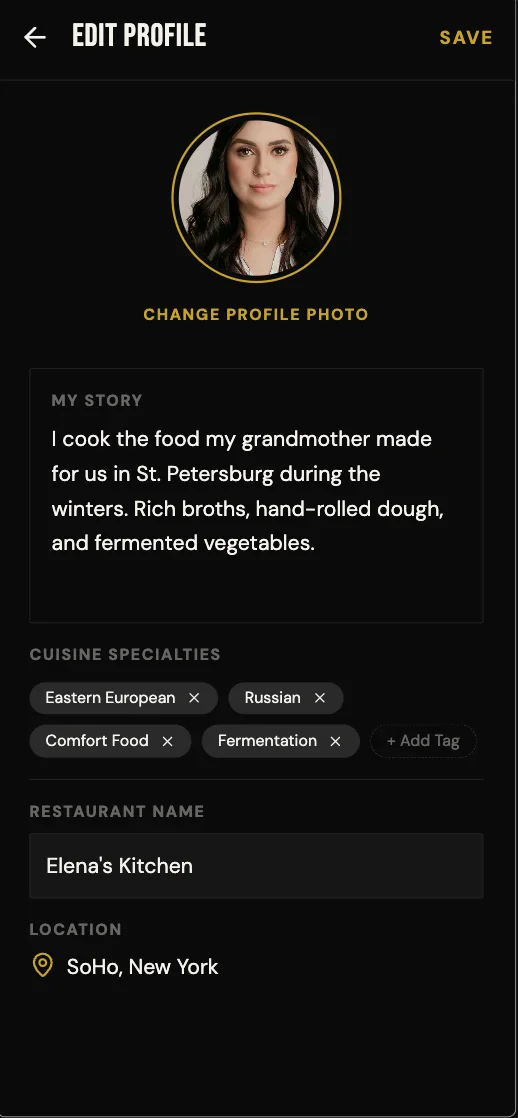
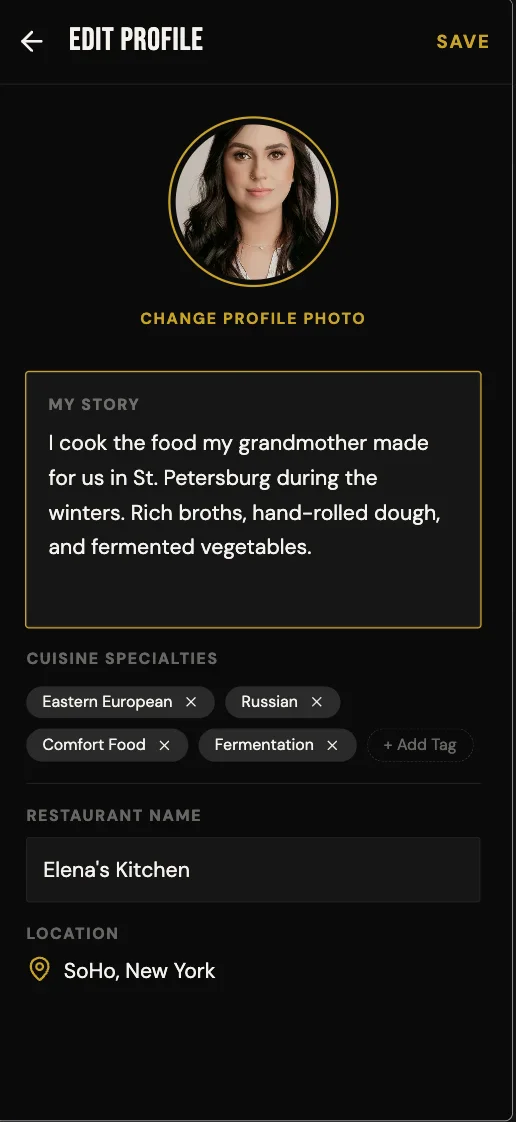
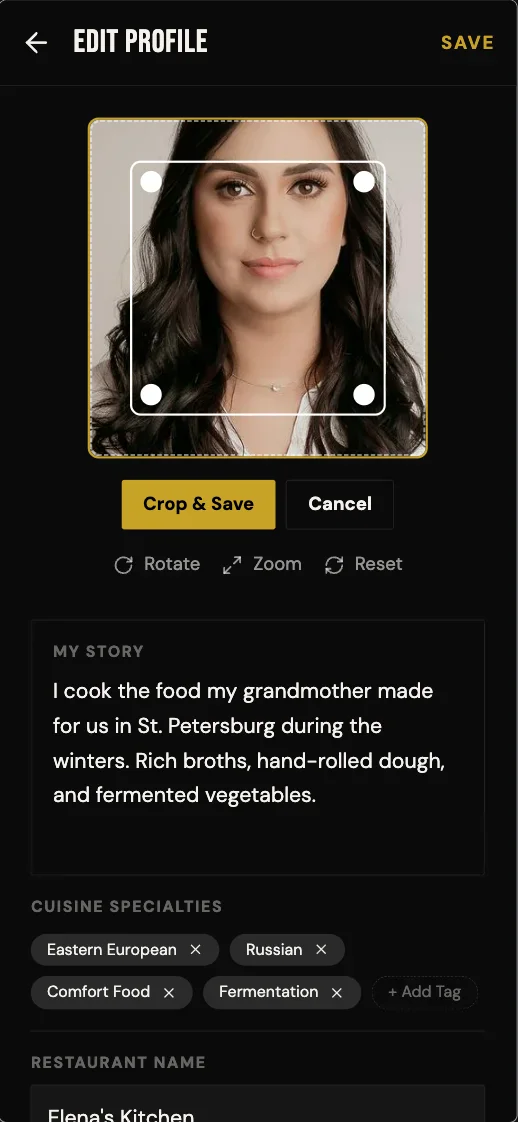
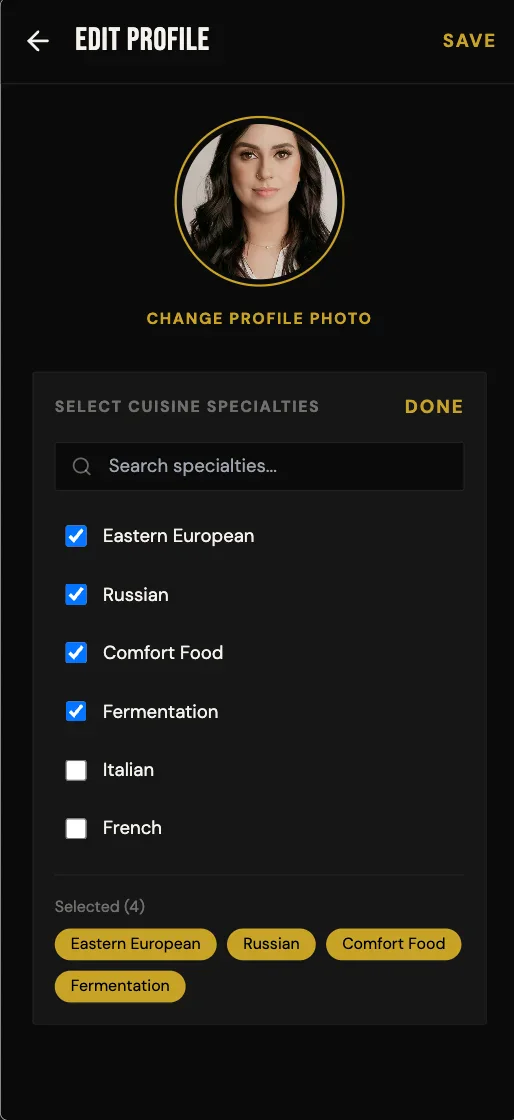
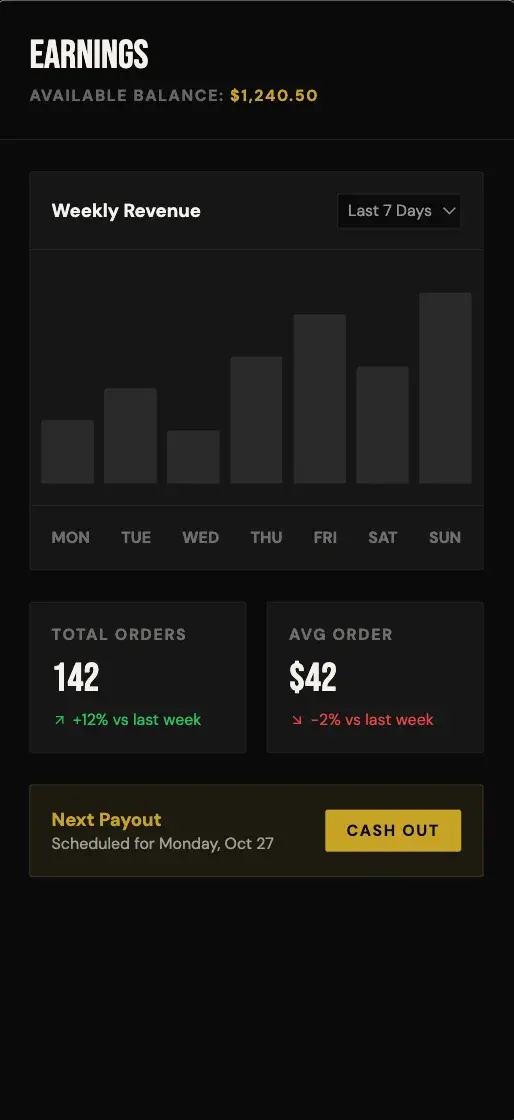
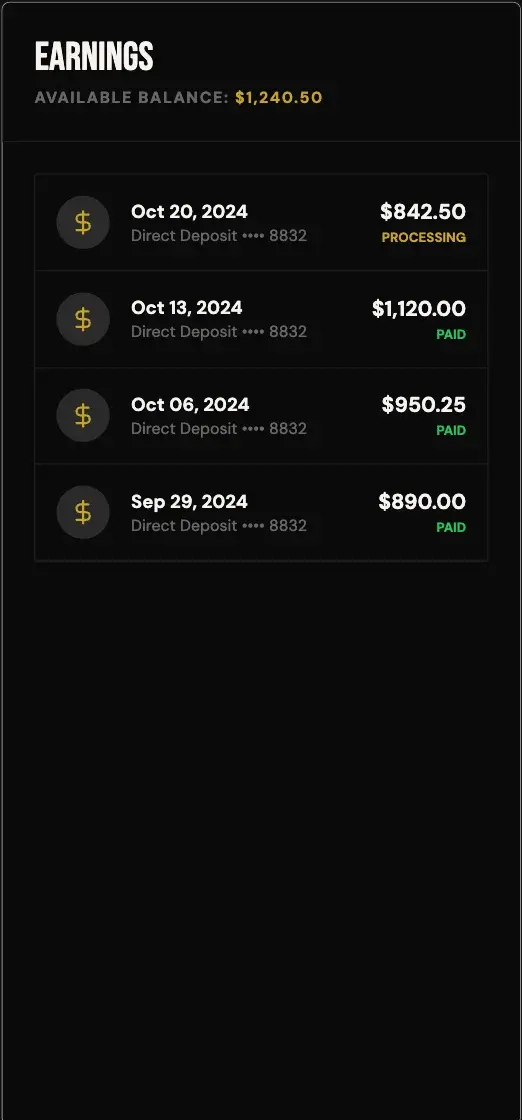
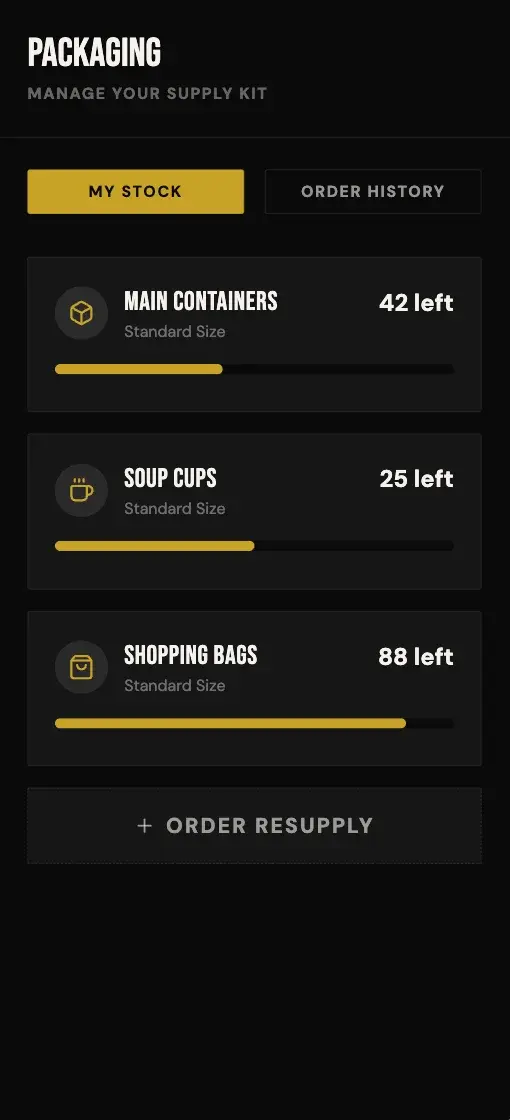
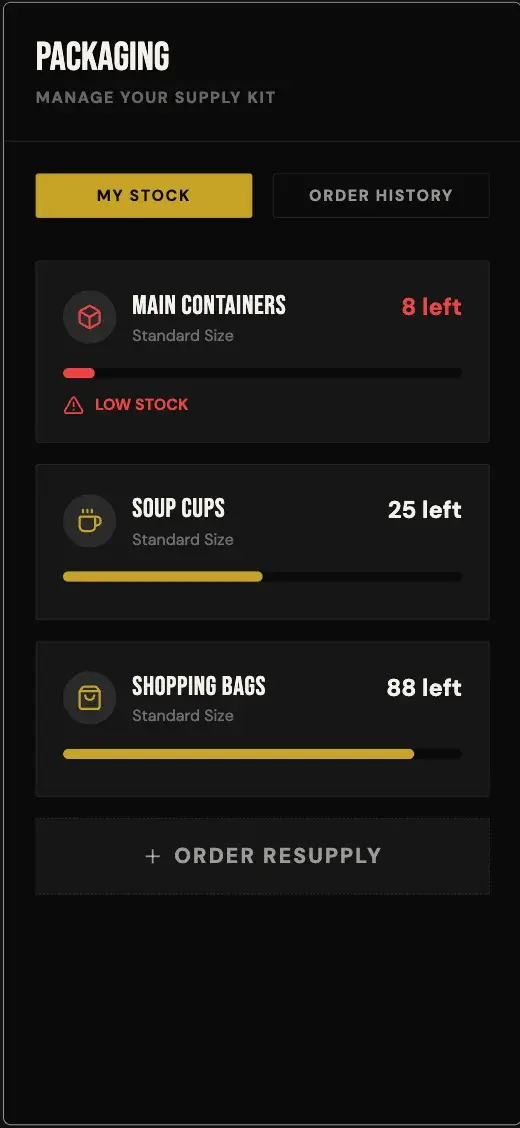
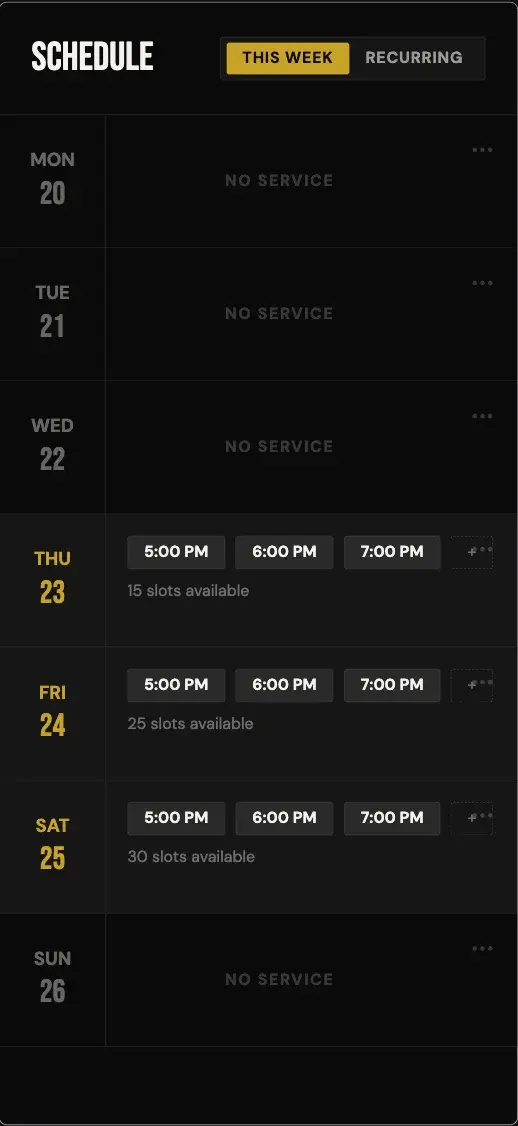
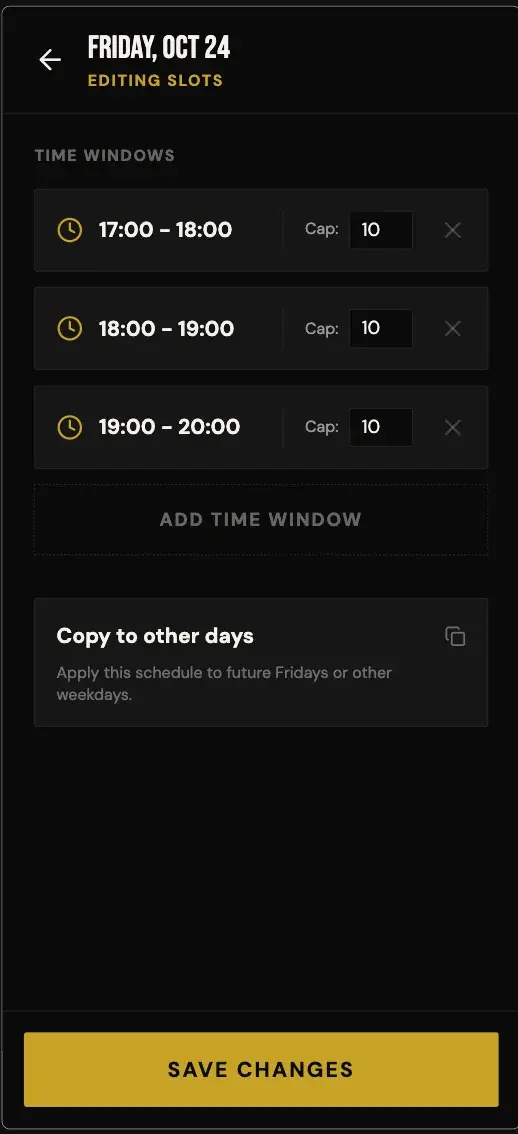
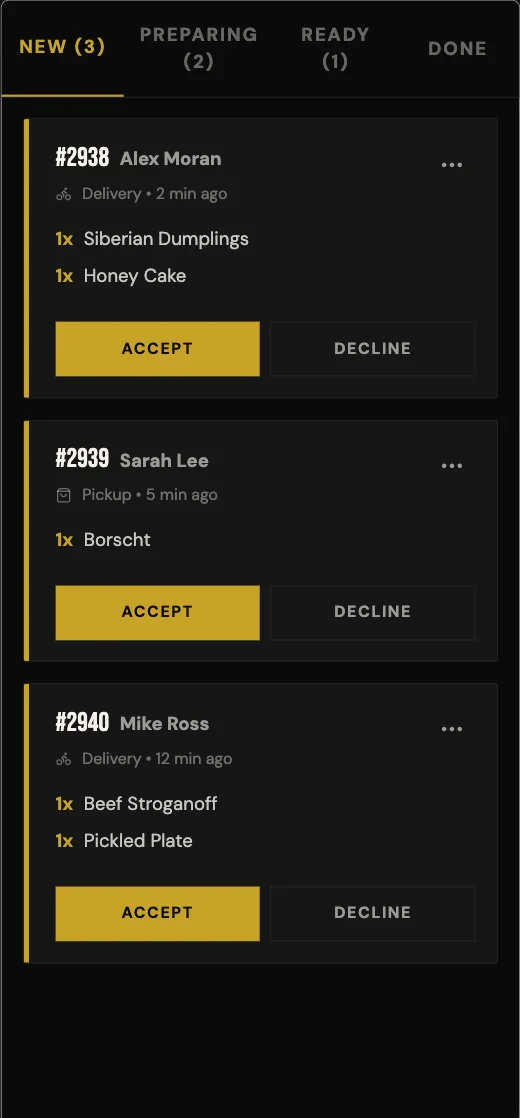
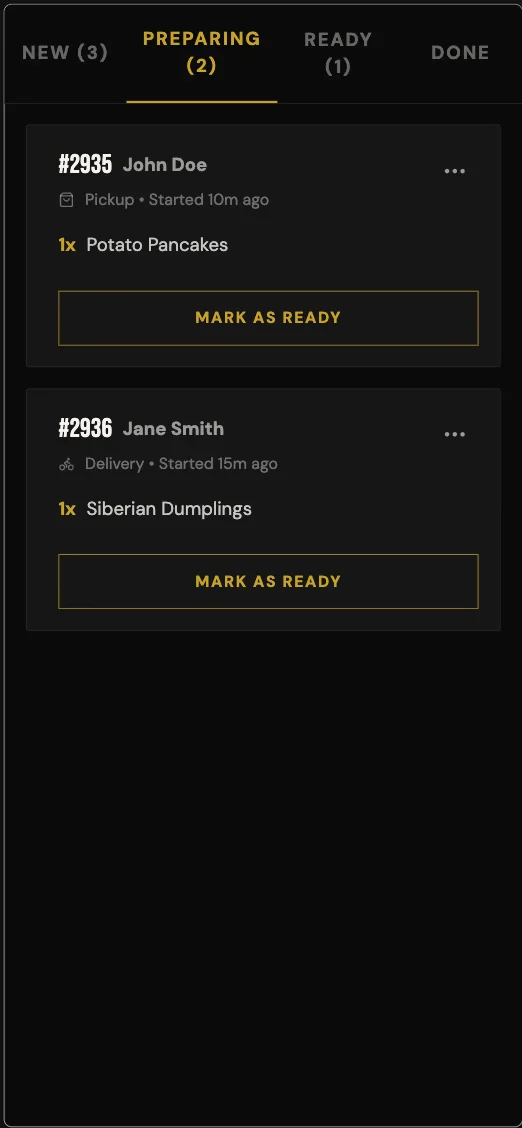
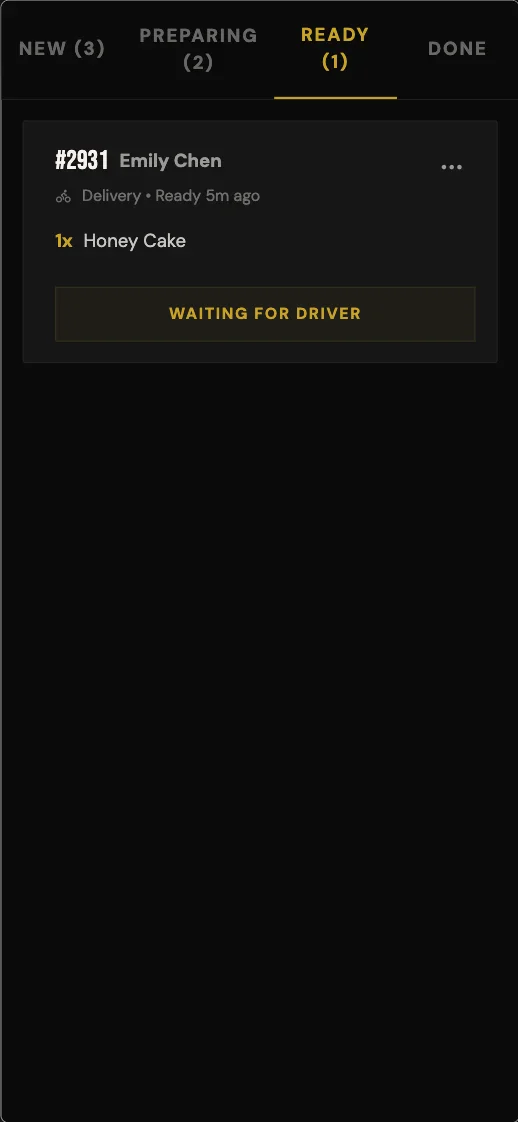
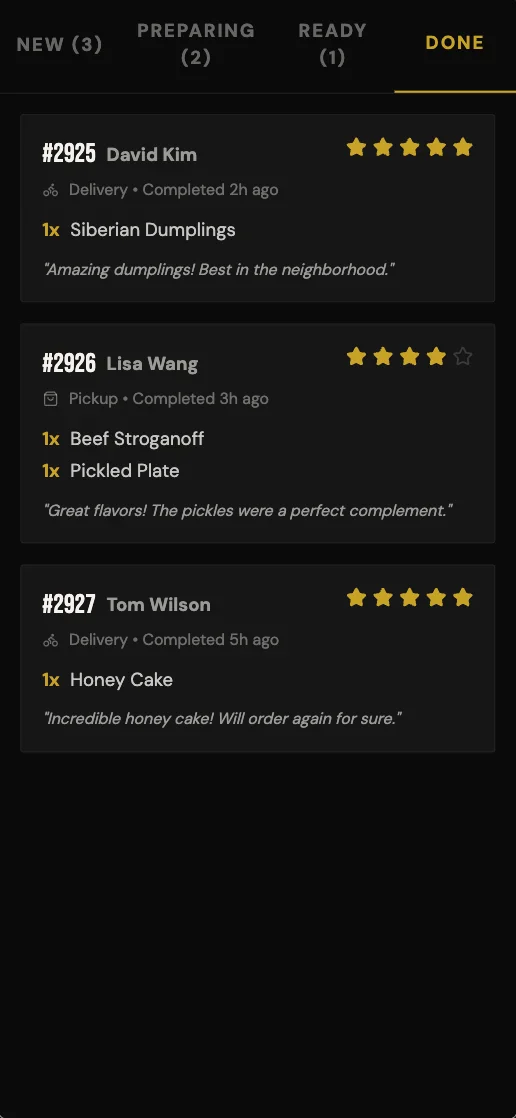
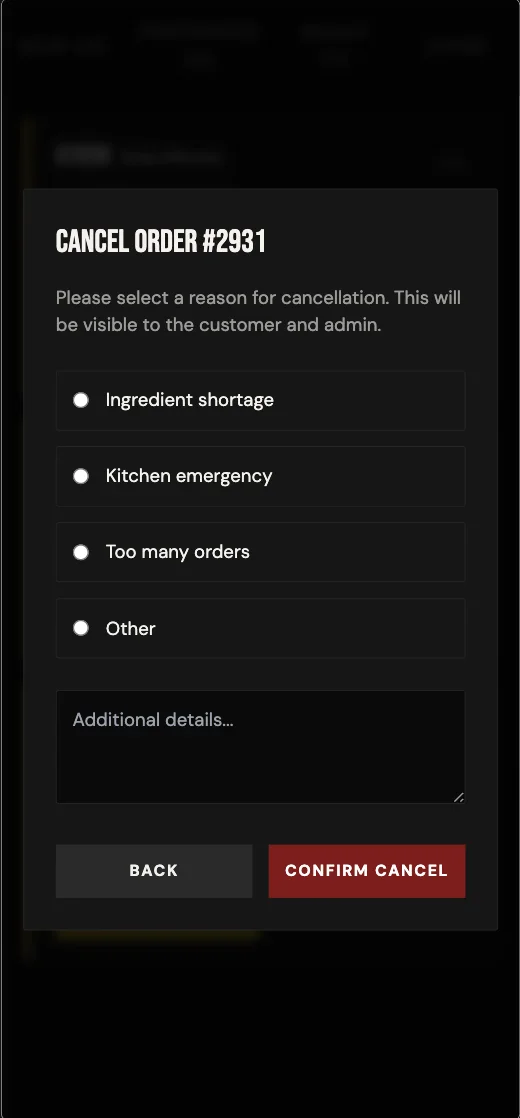
Off Menu
Hyperlocal food delivery connecting you with vetted home chefs. Discover unique, neighborhood-exclusive dishes cooked within 3km of your door.
preview in mowgli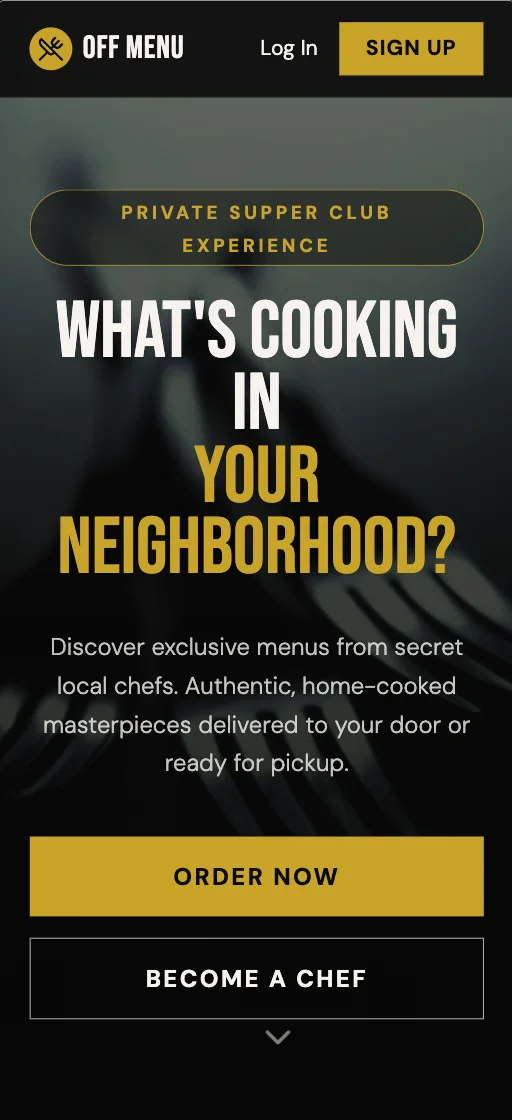
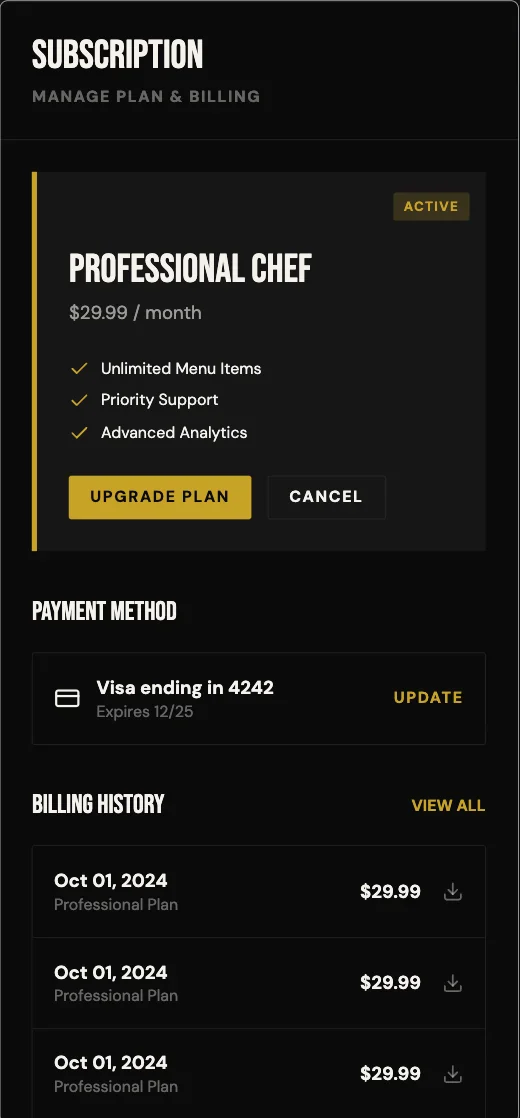
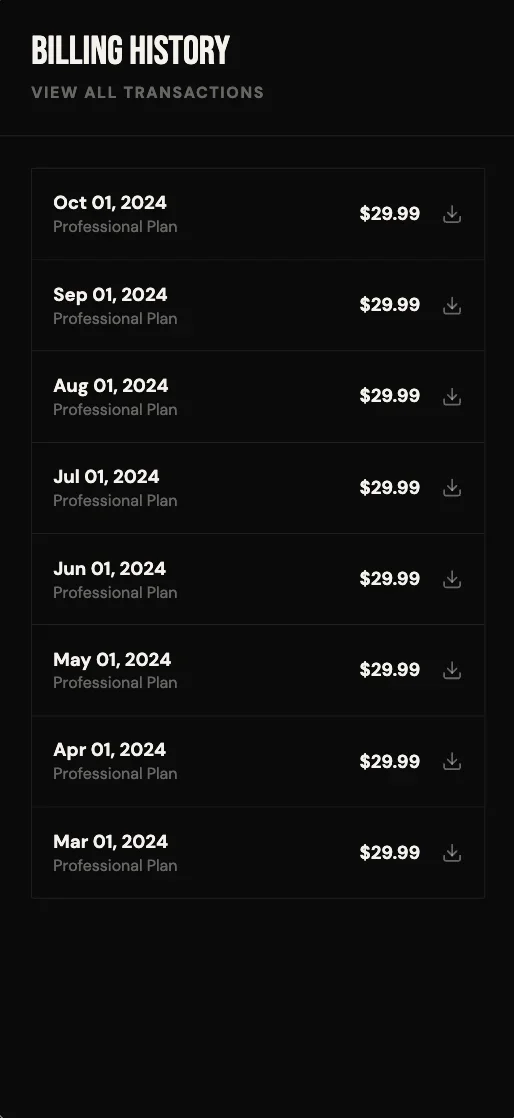
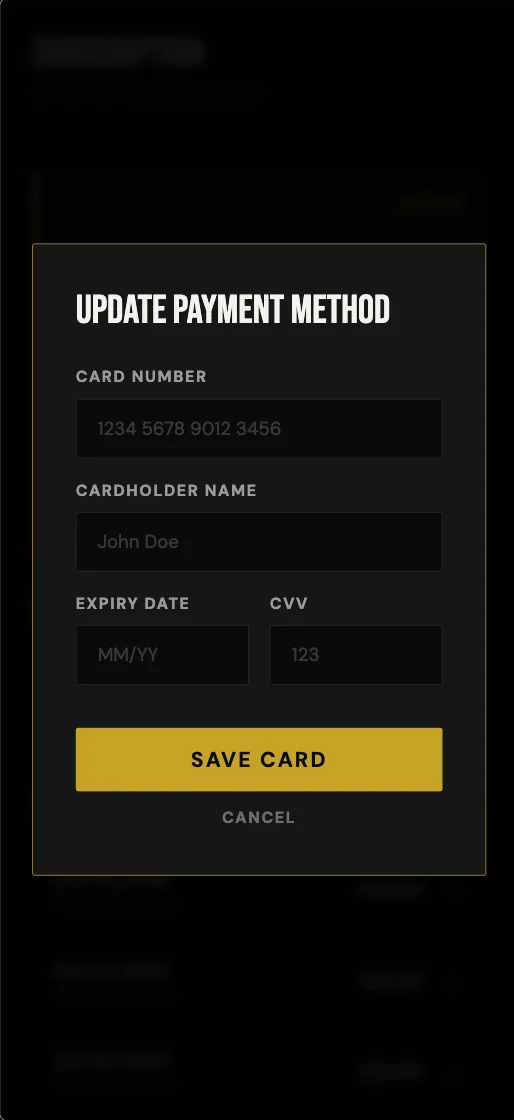
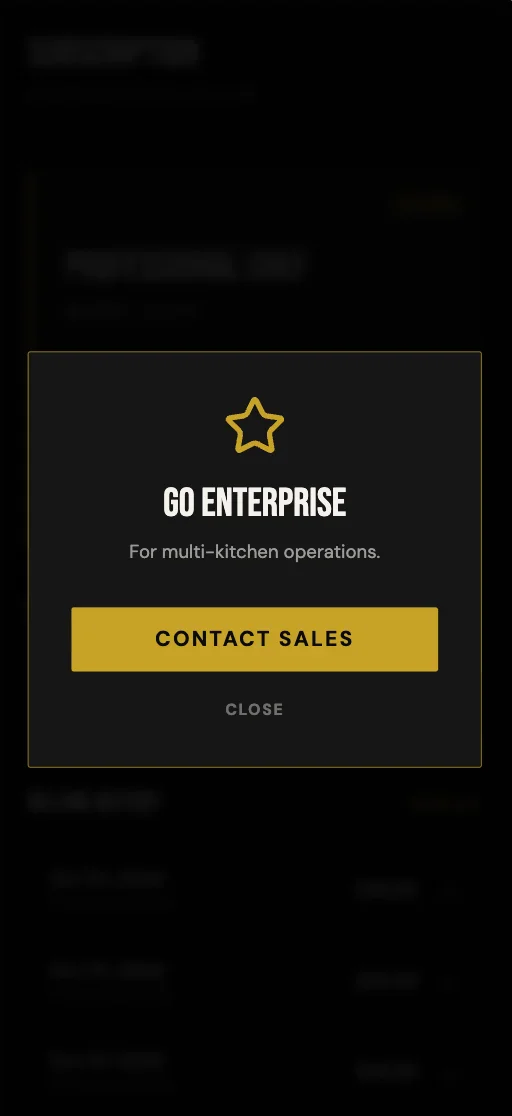
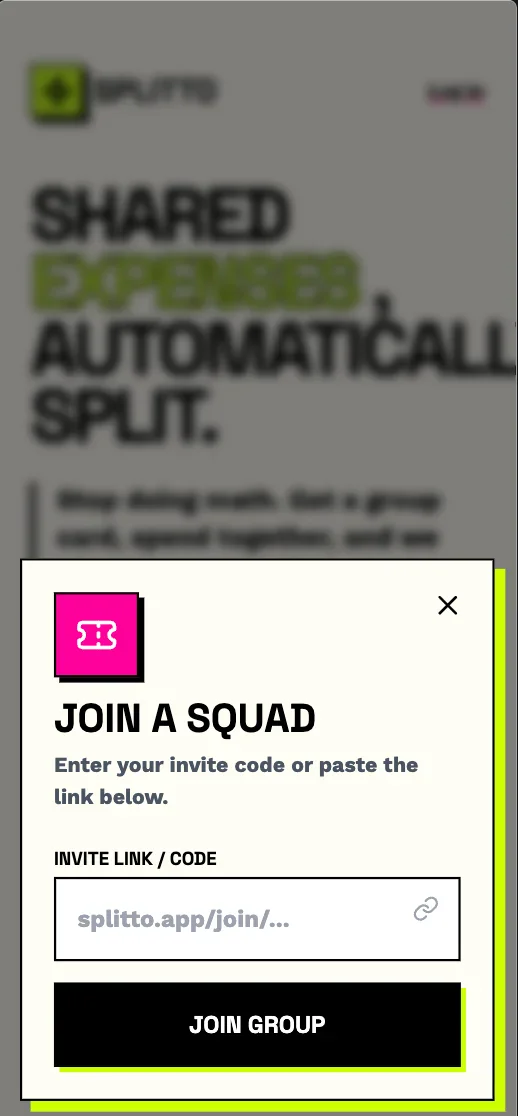
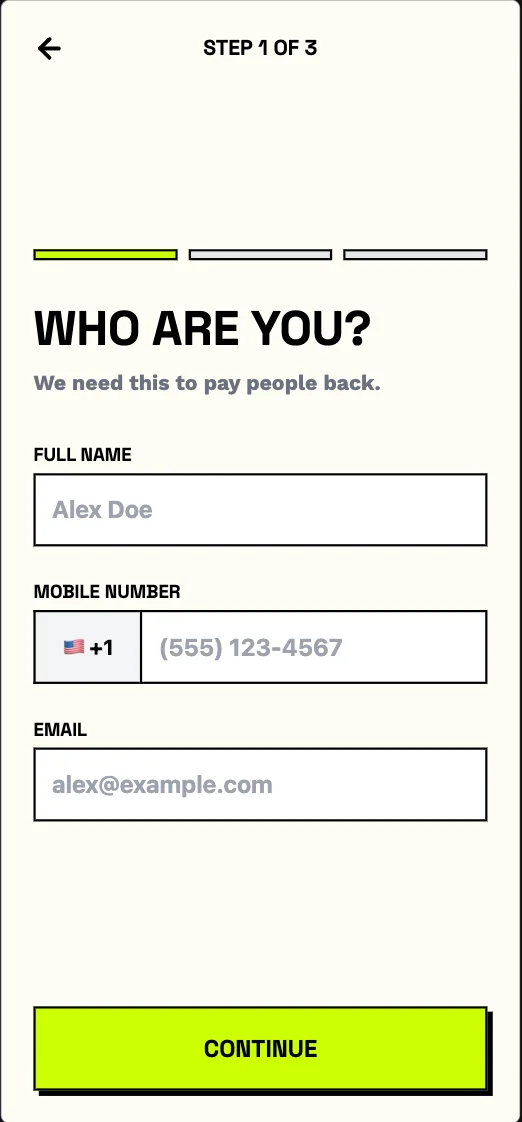
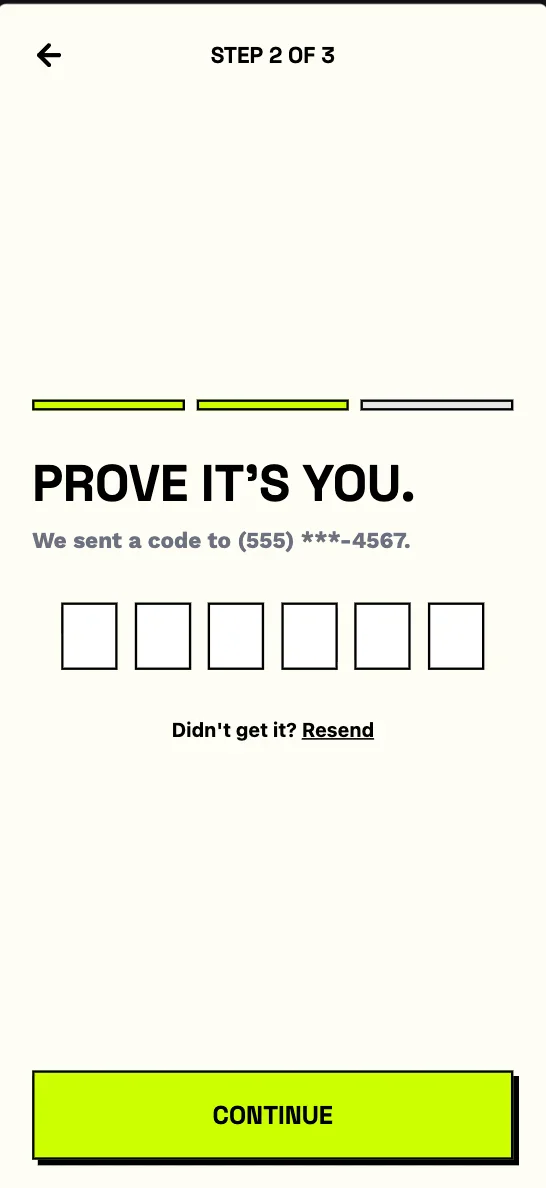
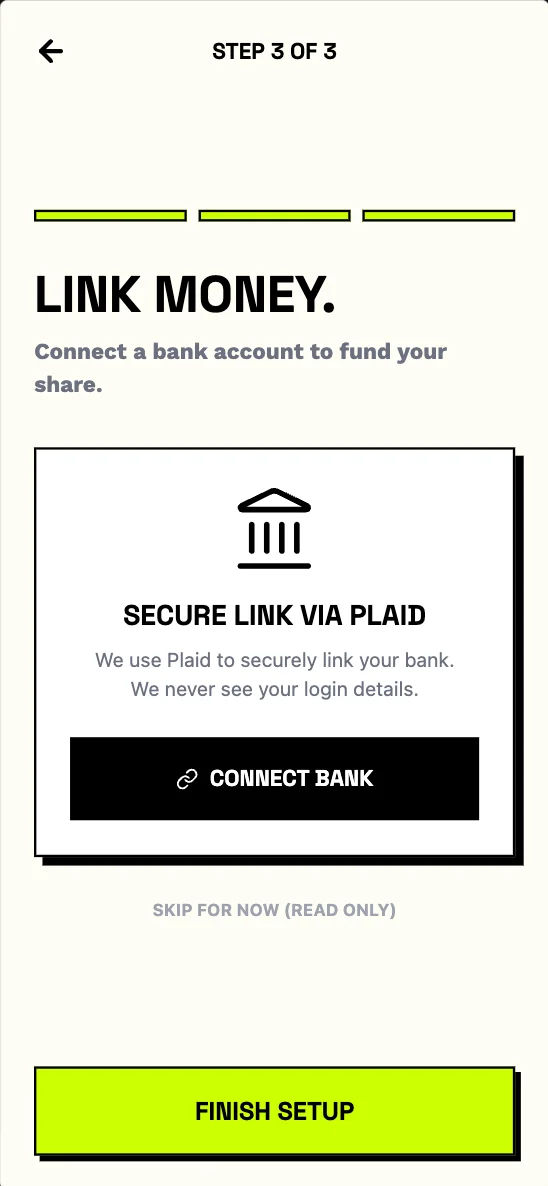
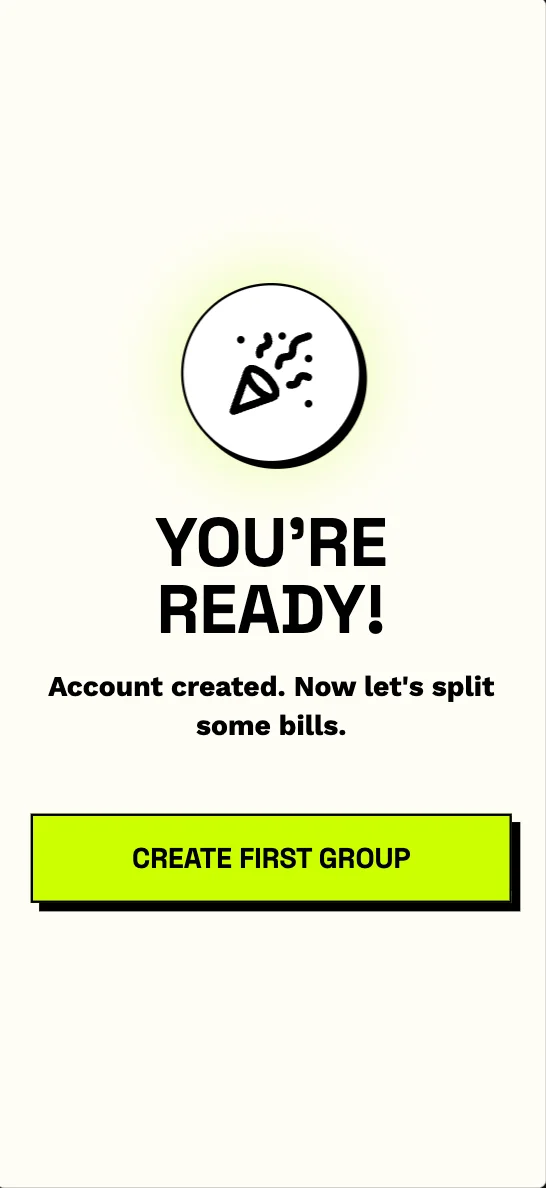
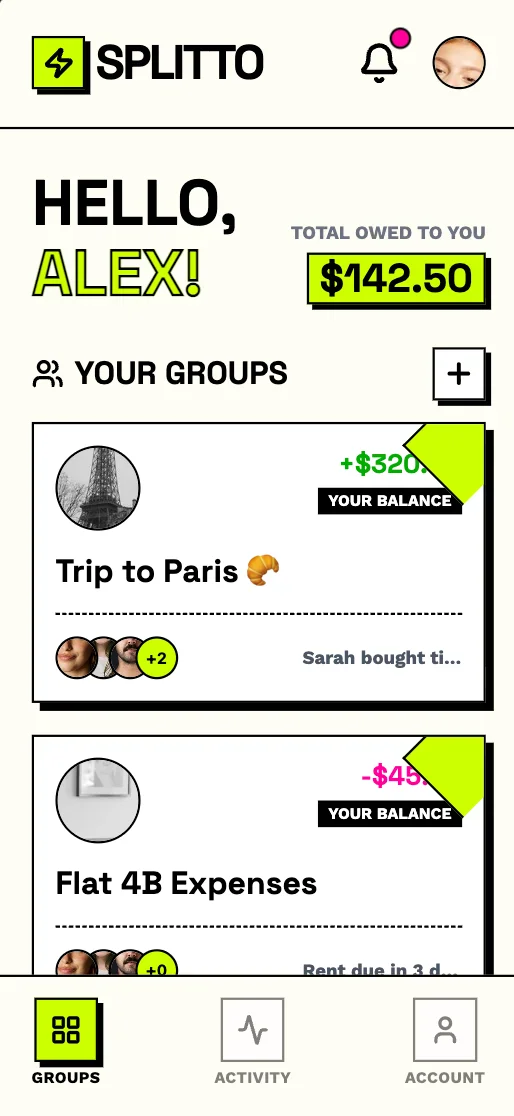
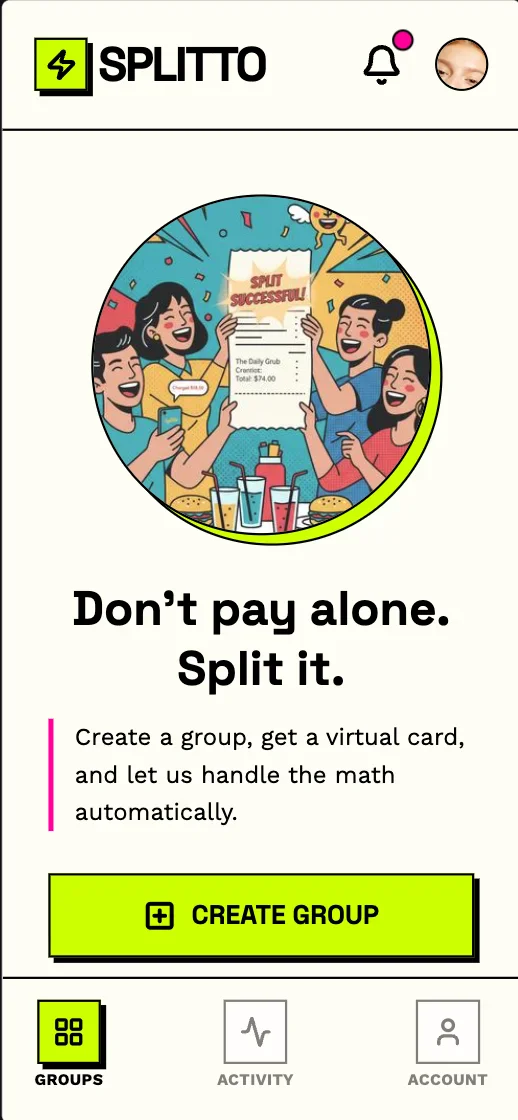
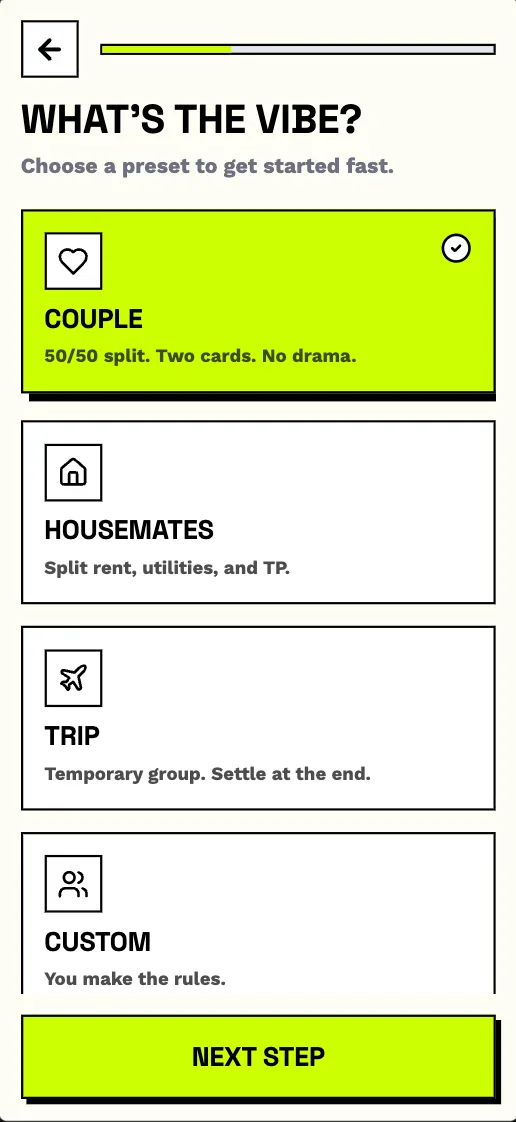
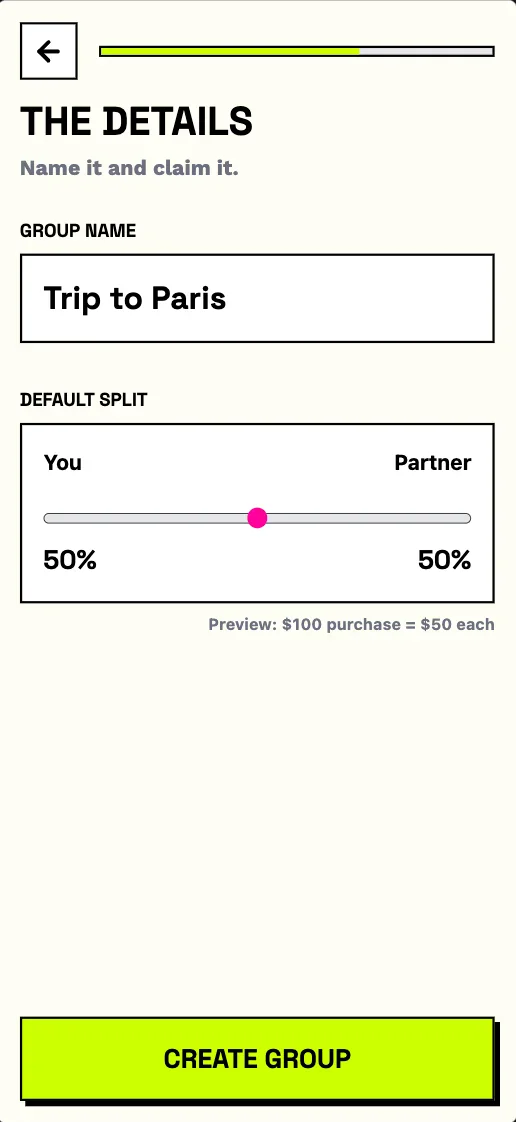
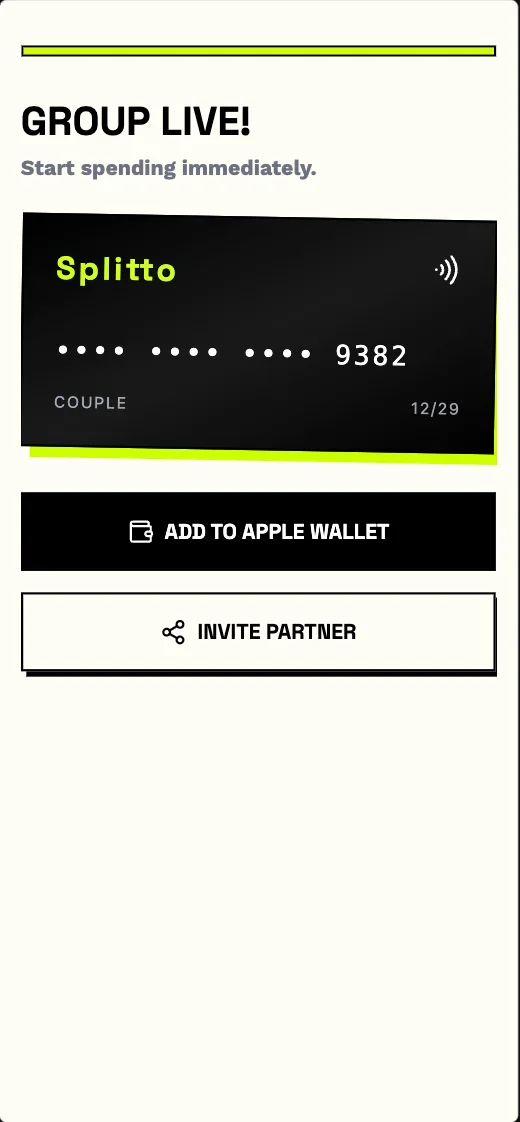
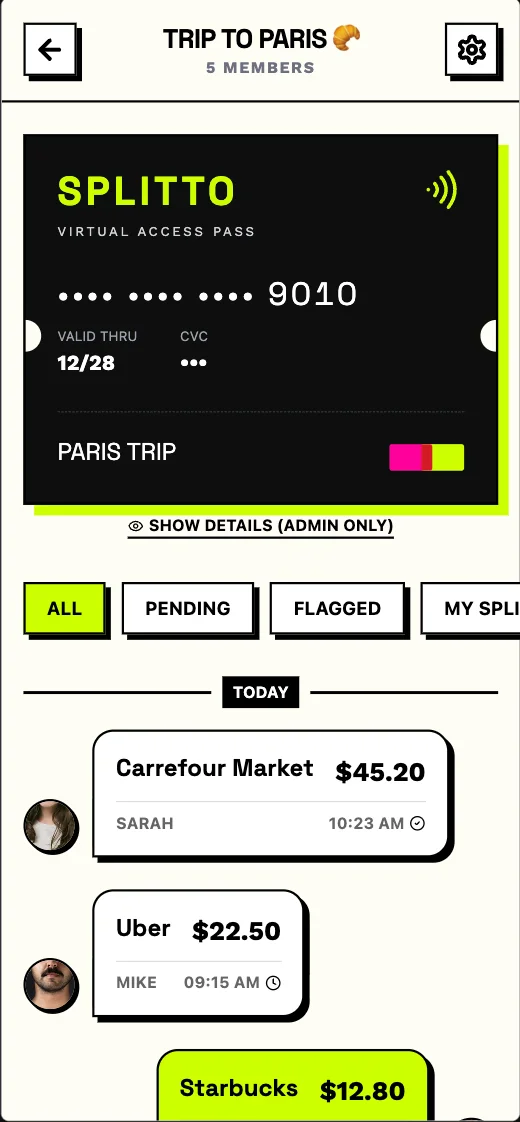
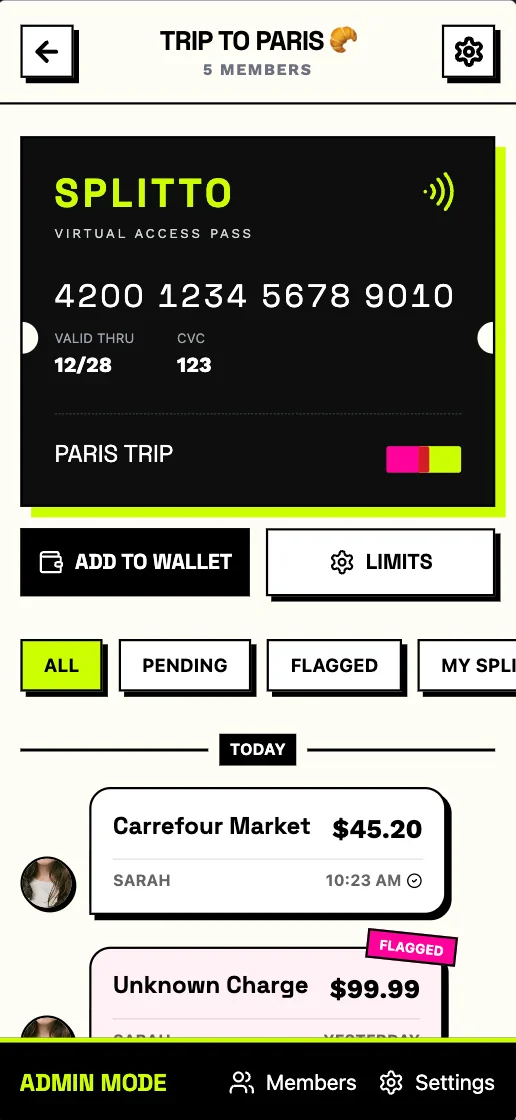
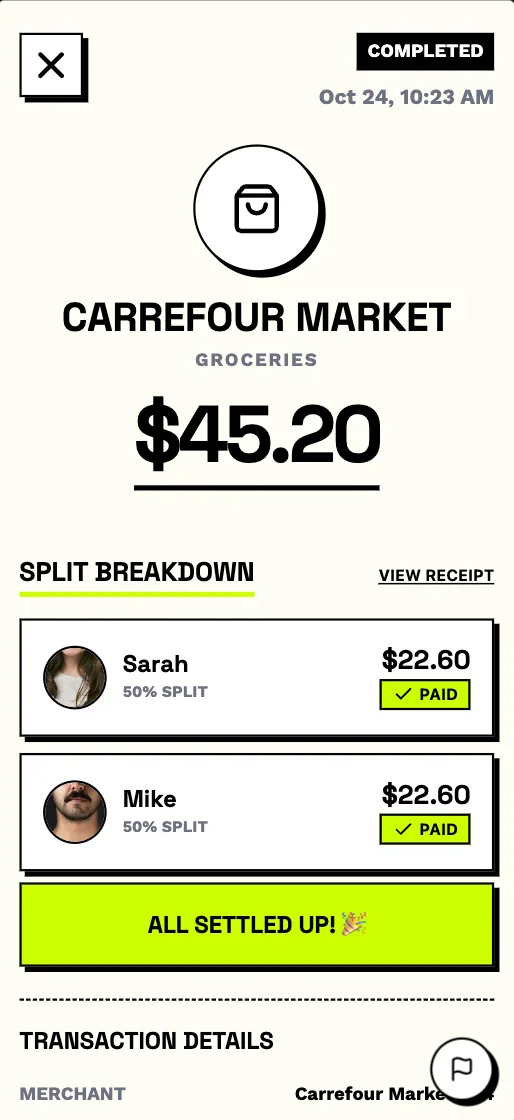
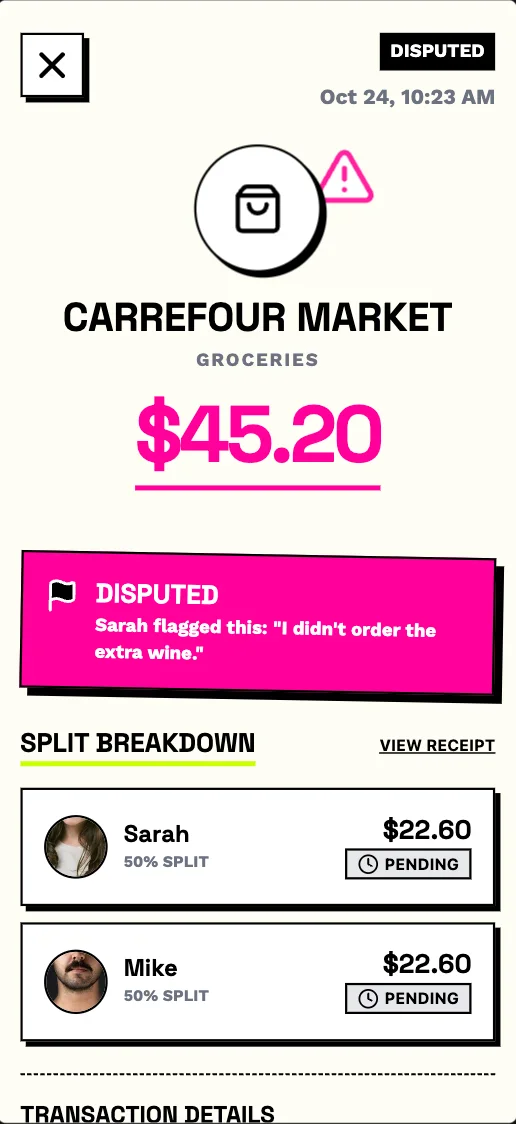
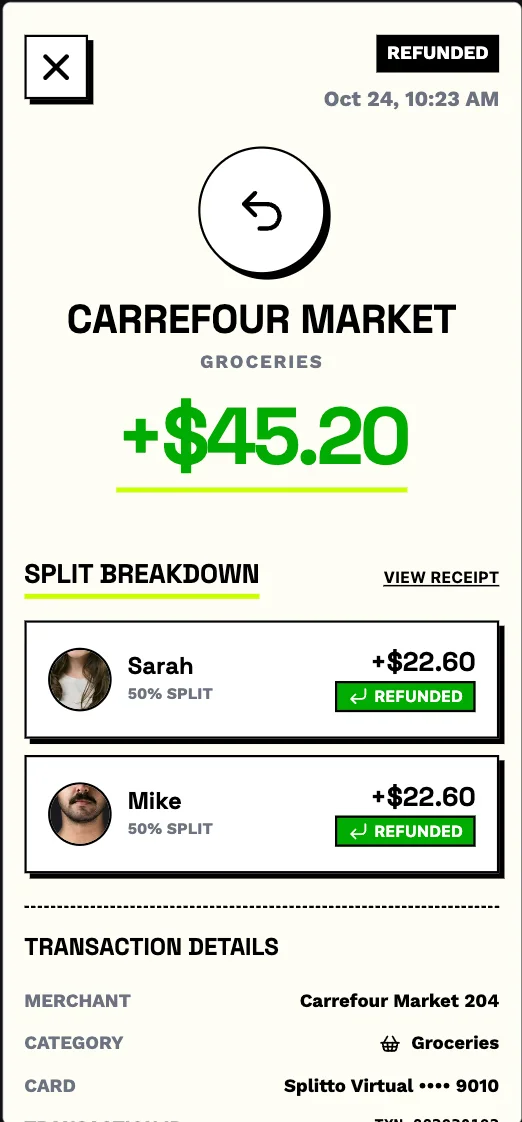
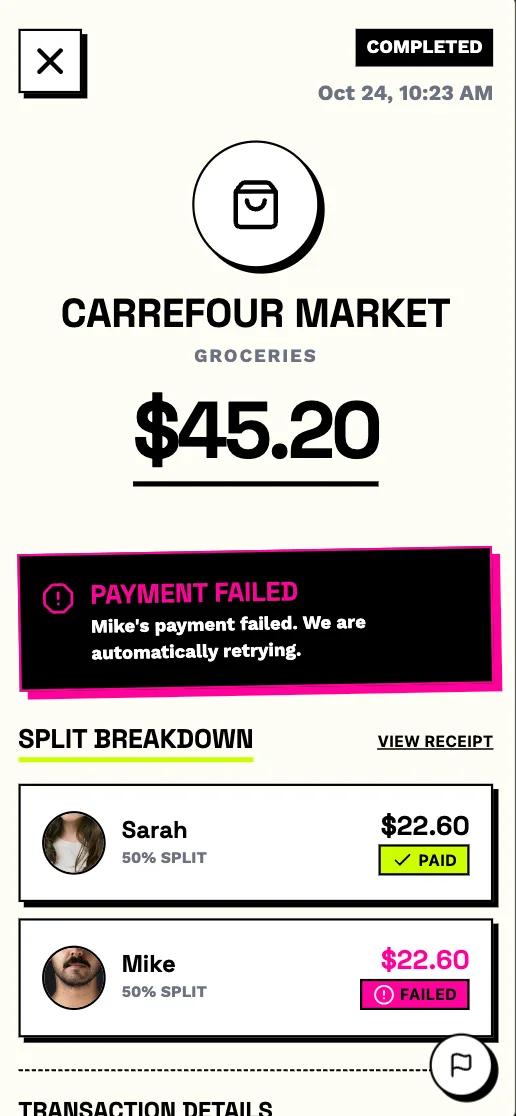
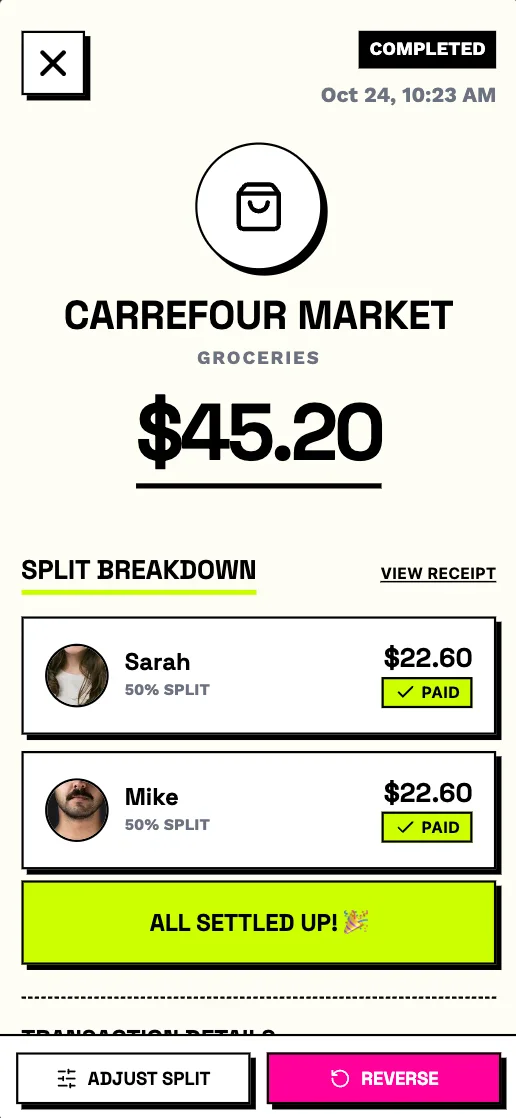
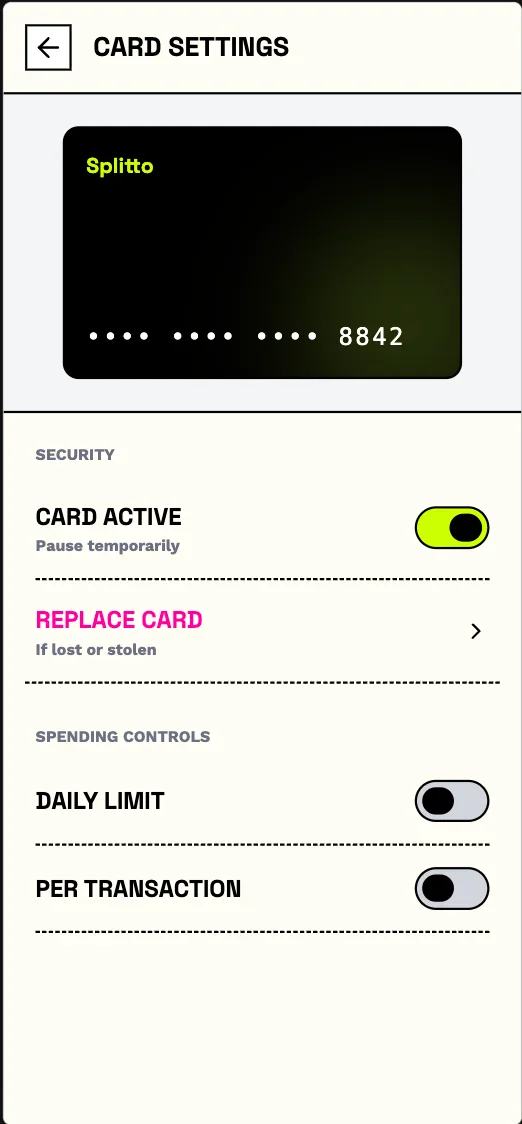
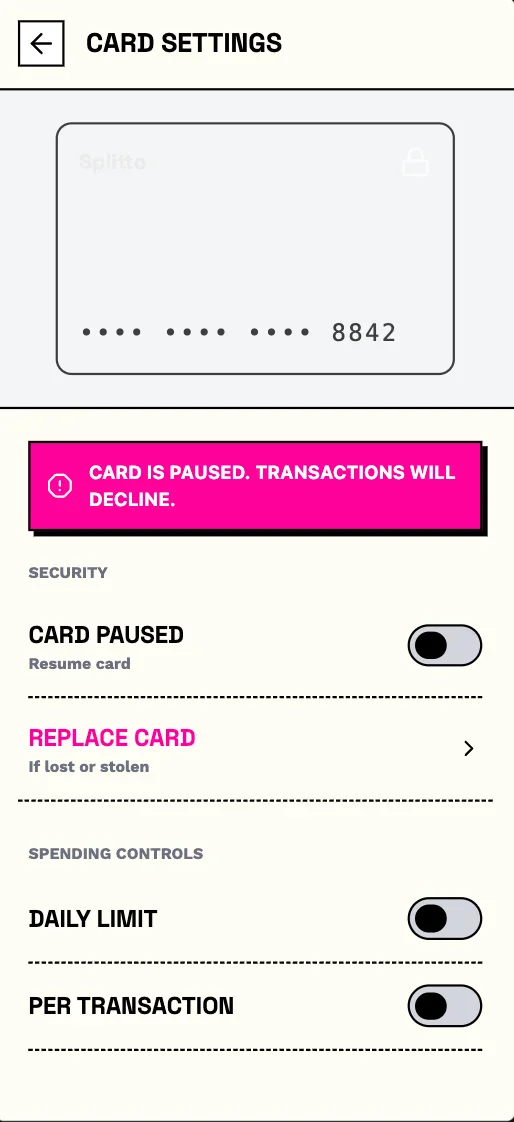
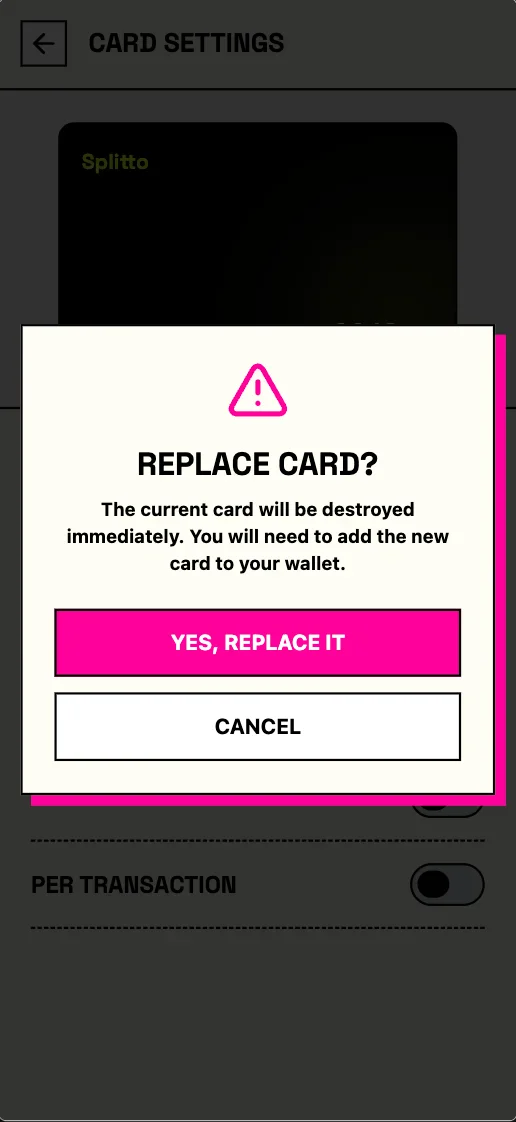
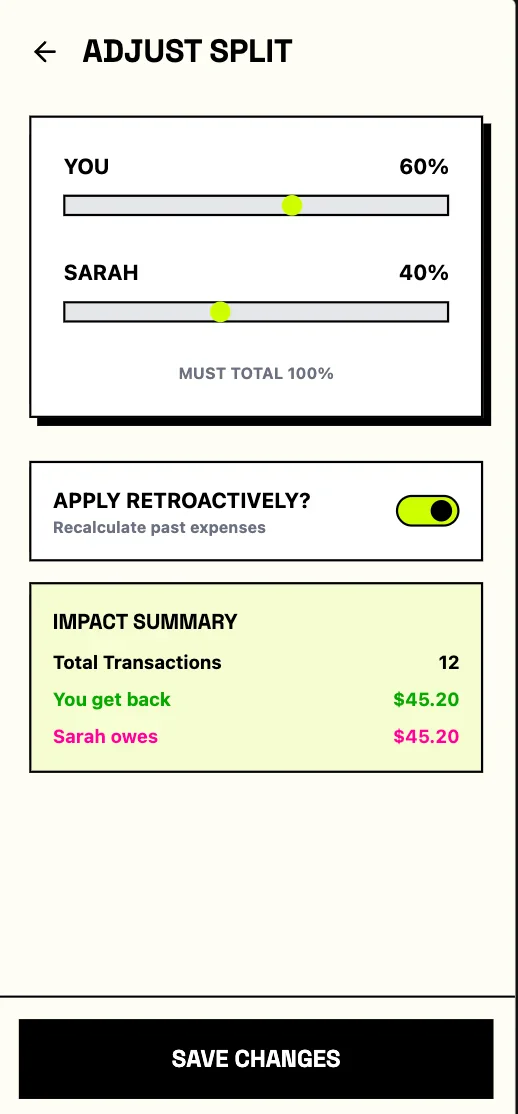
Splitto
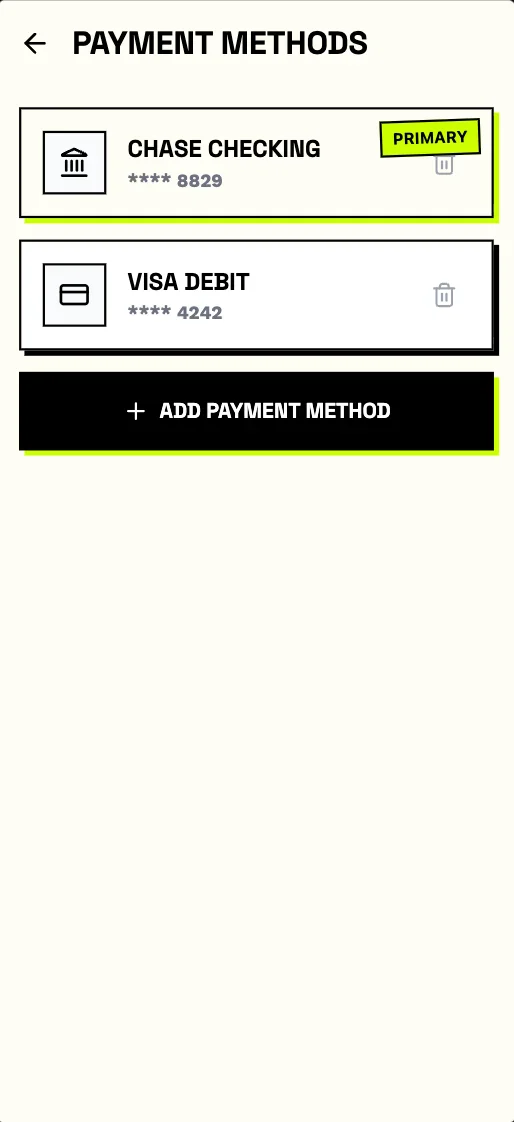
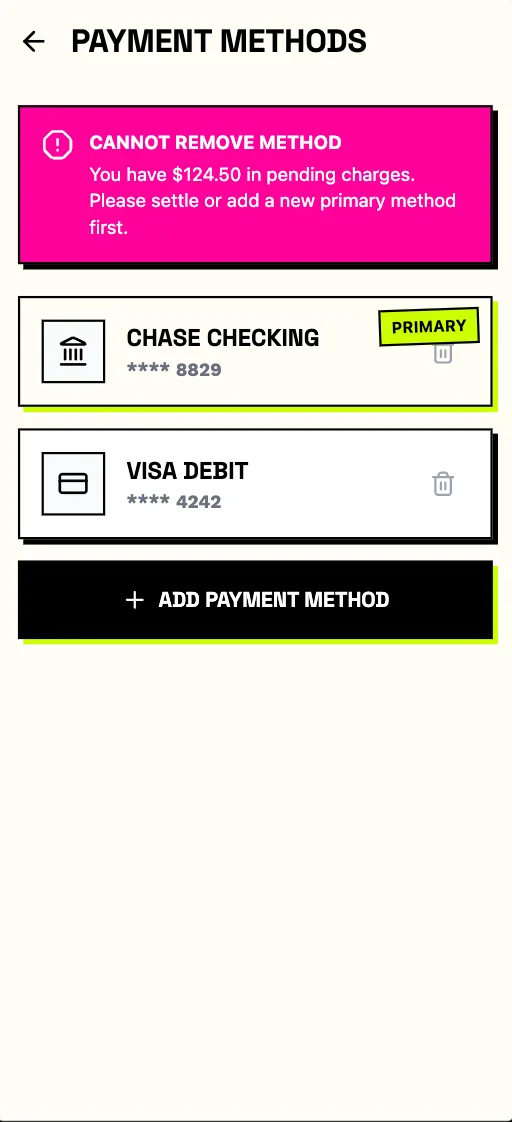
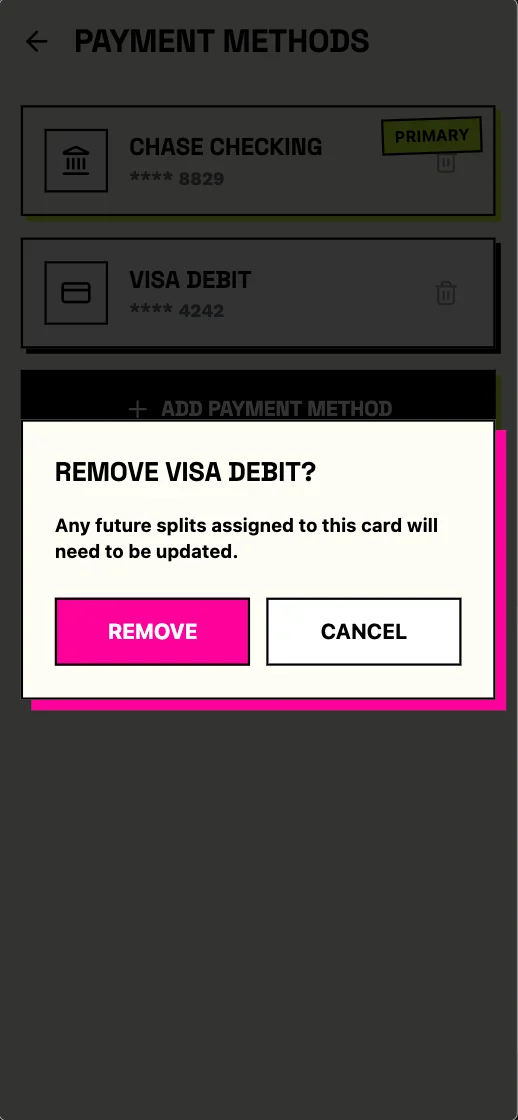
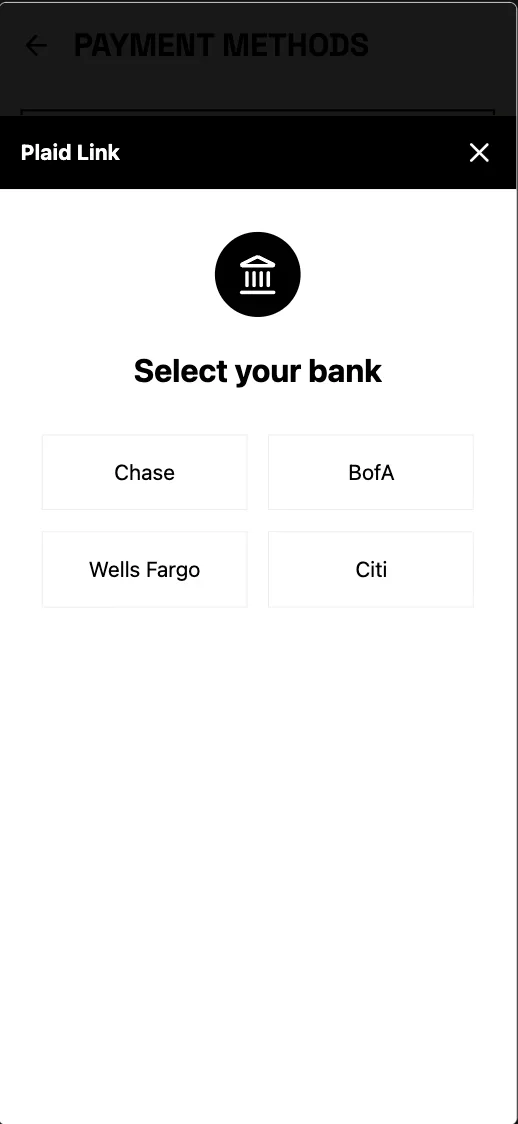
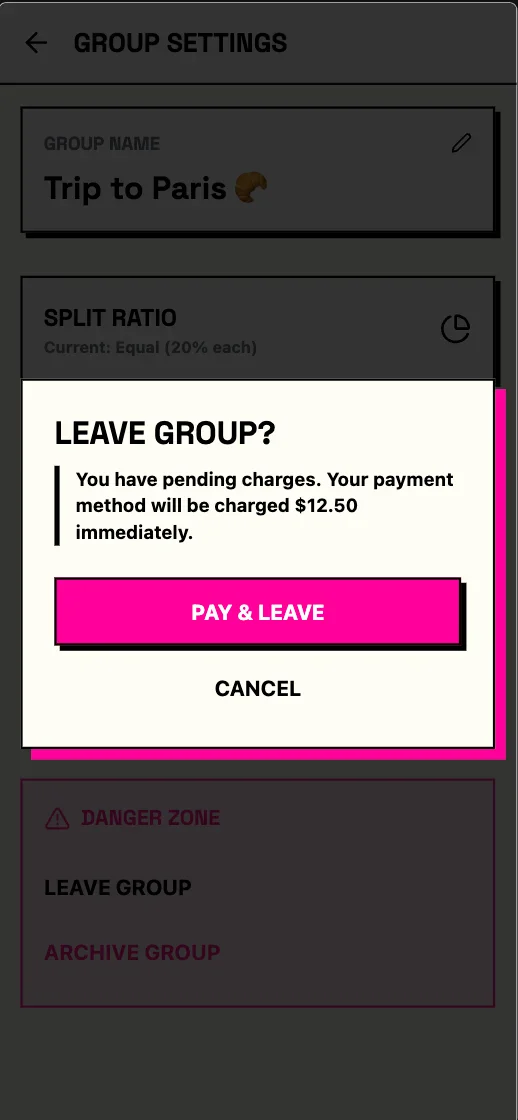
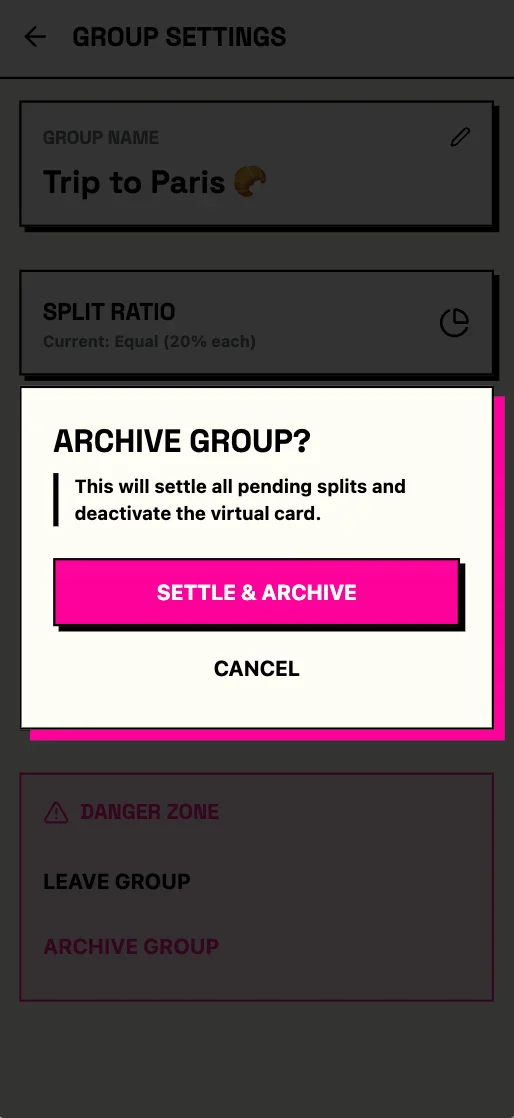
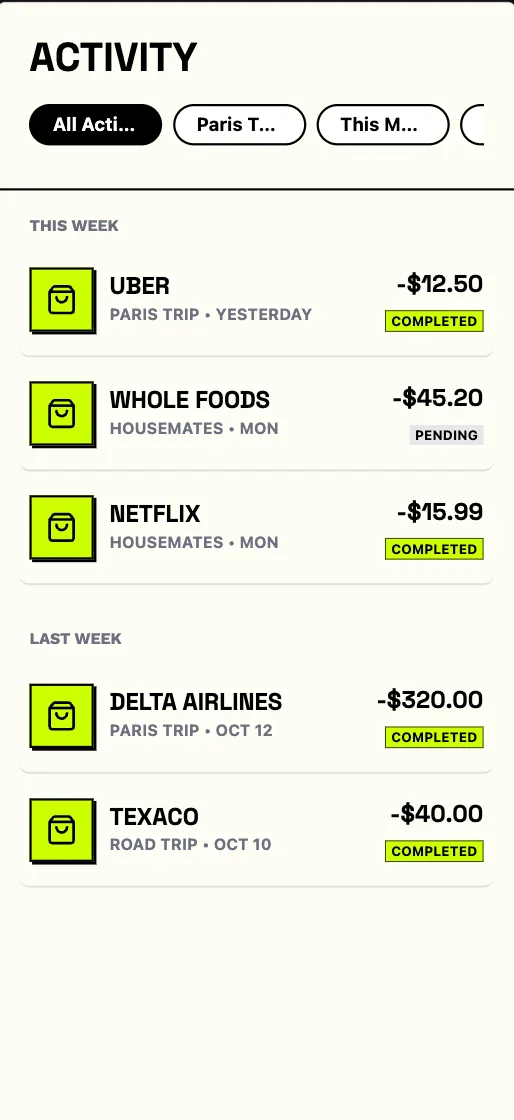
Eliminate shared expense awkwardness with virtual group cards. Automatically split purchases in real-time with no manual math or reimbursements.
preview in mowgli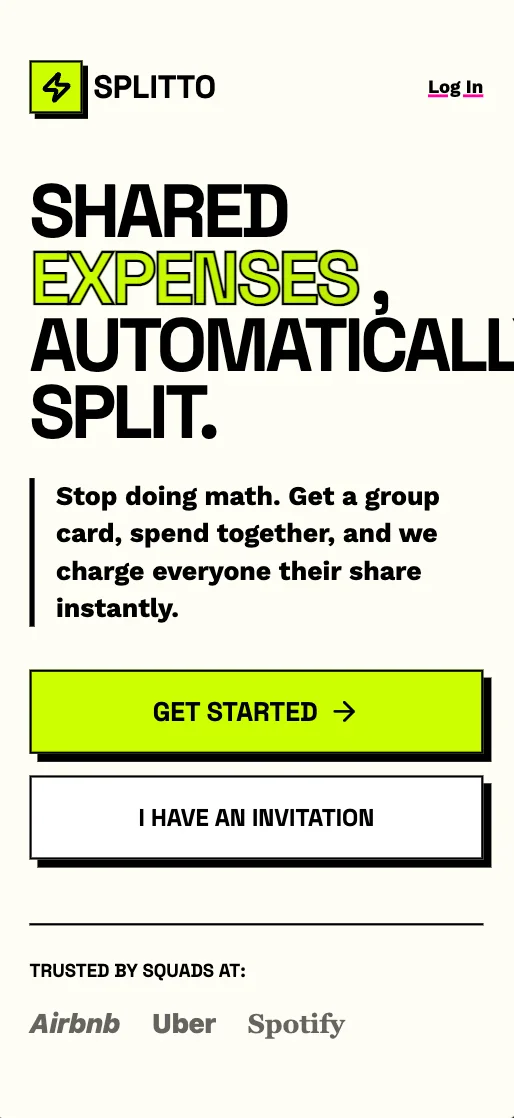
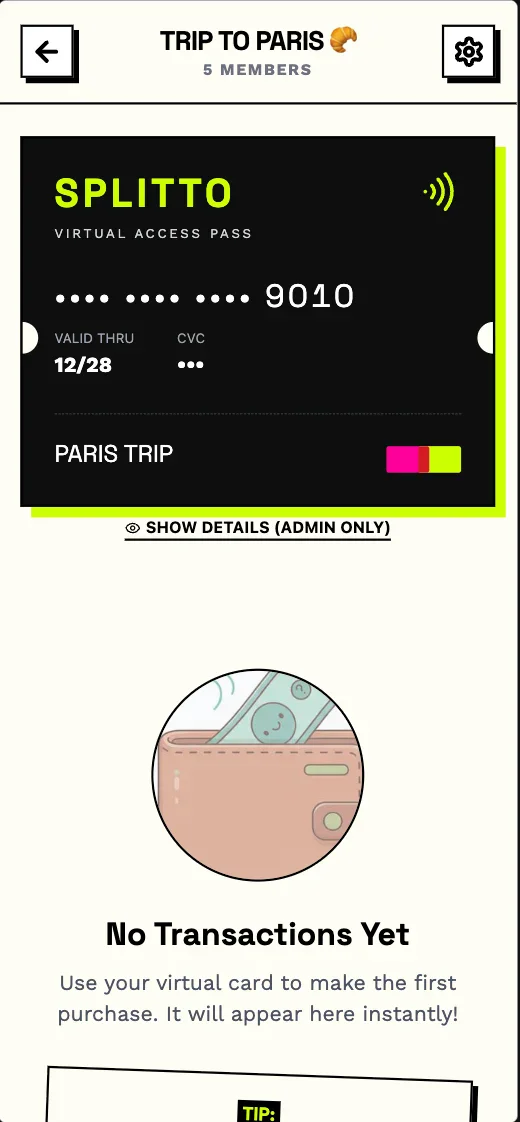
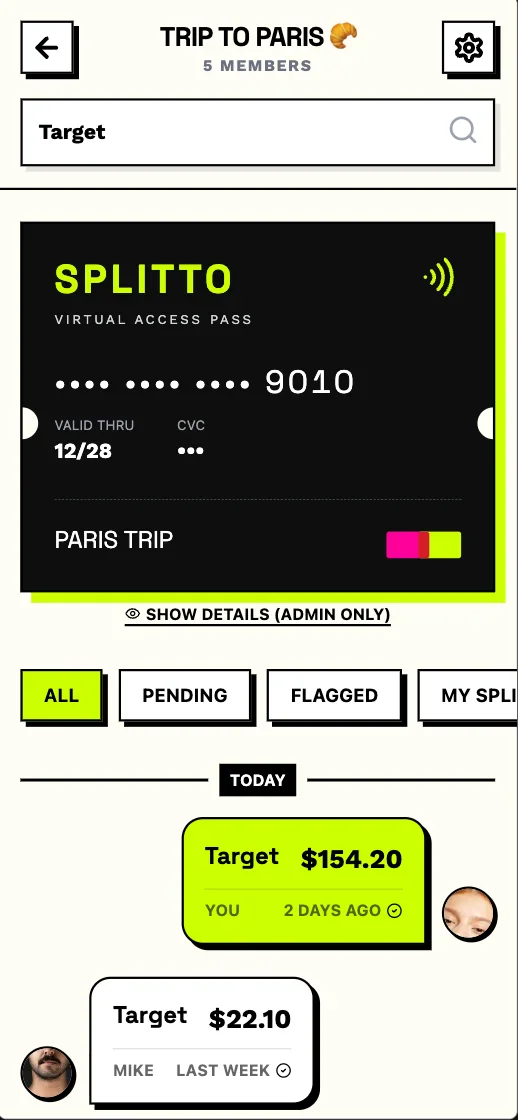
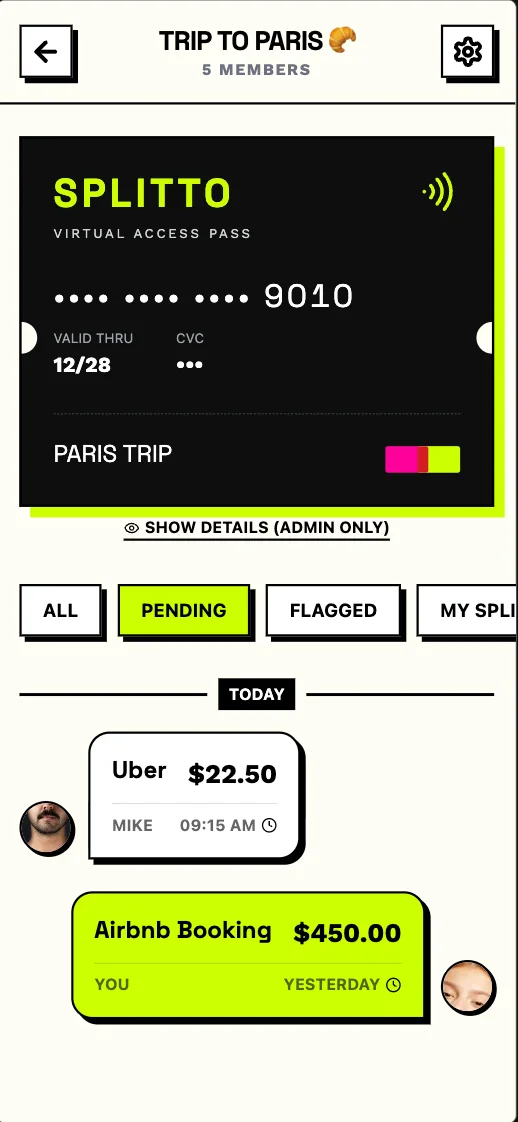
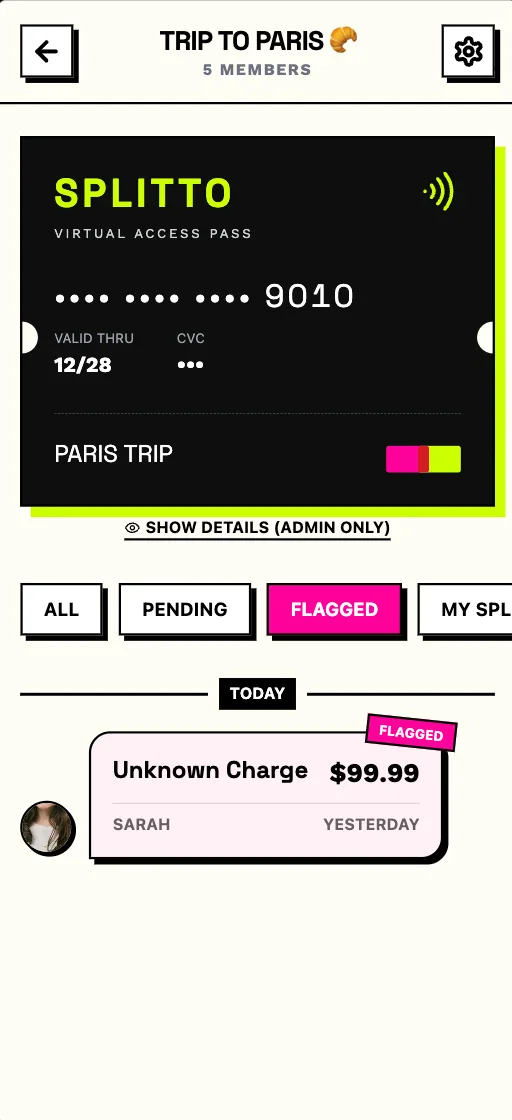
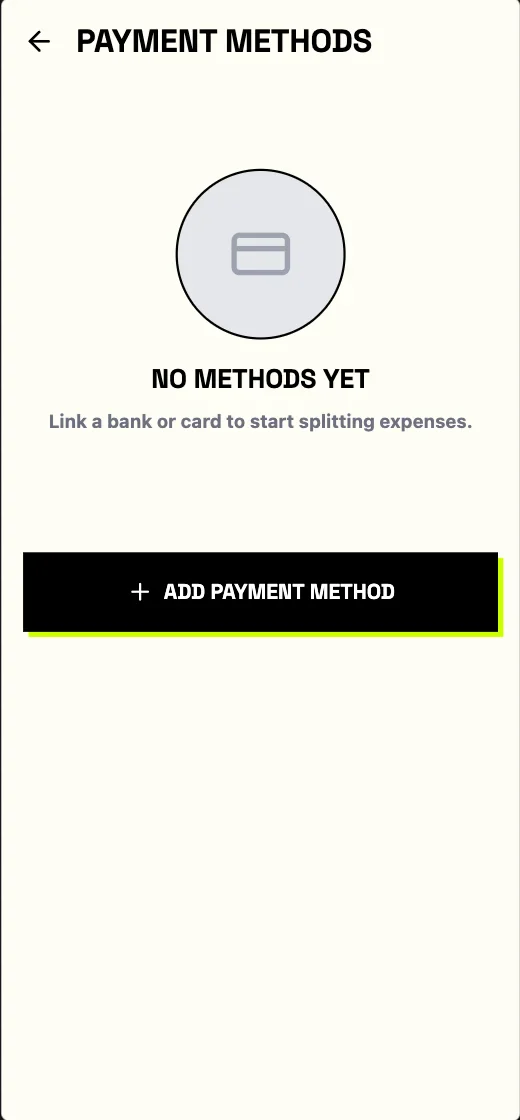
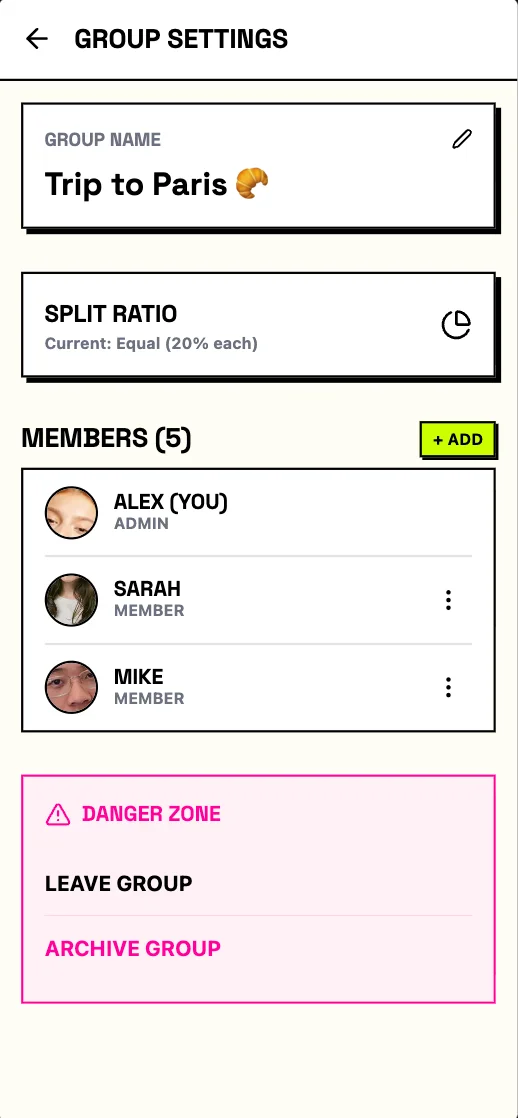
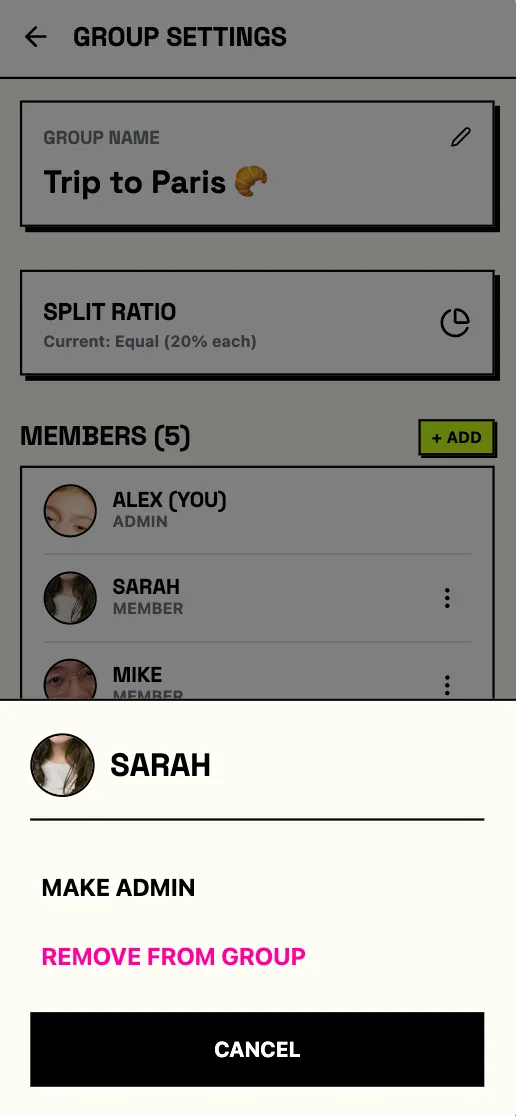
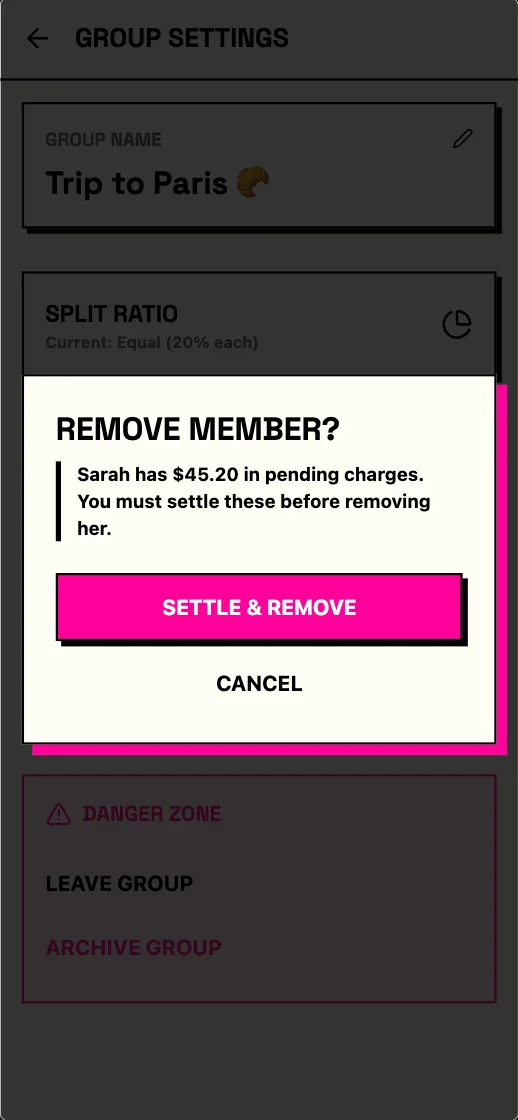
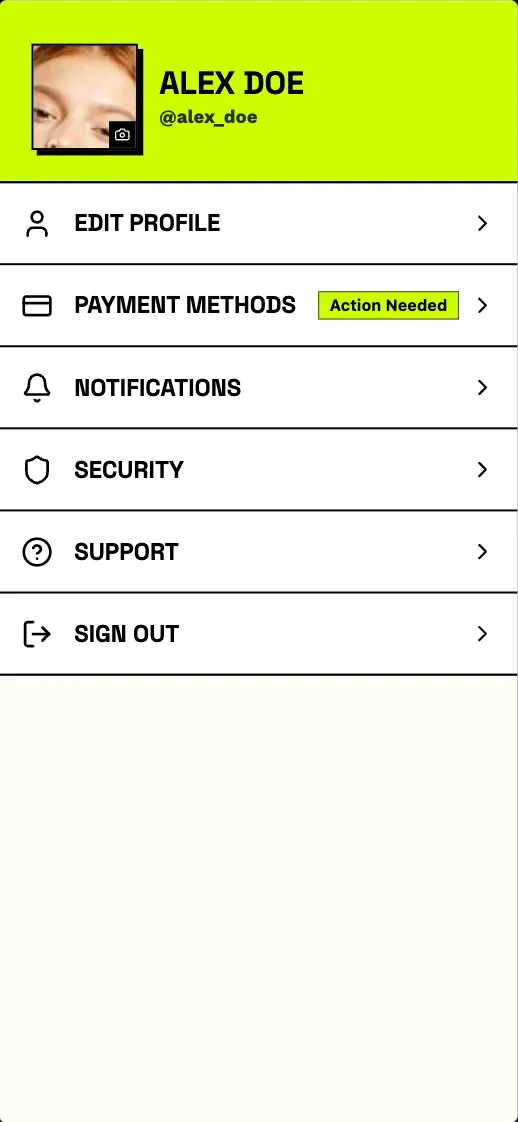
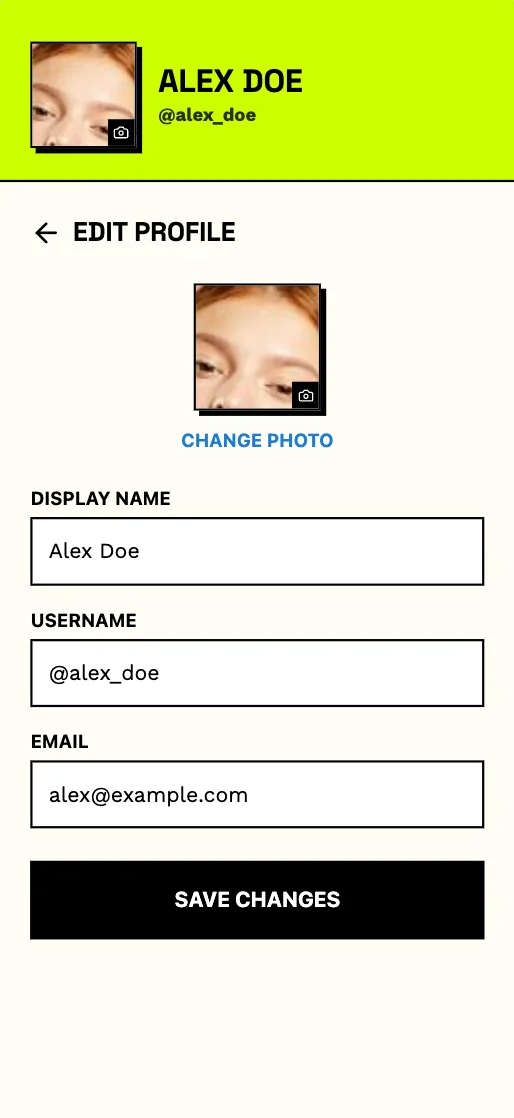
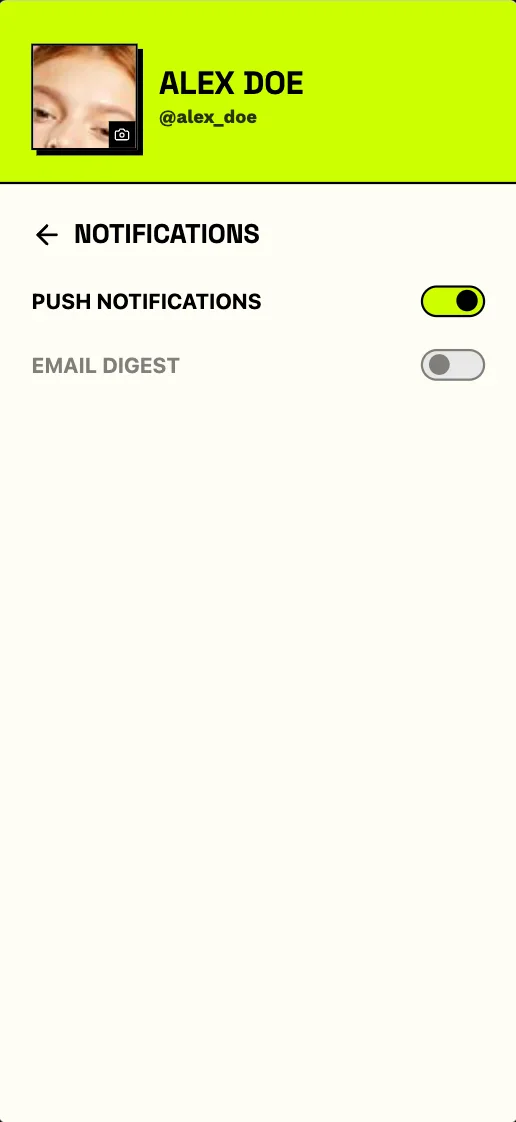
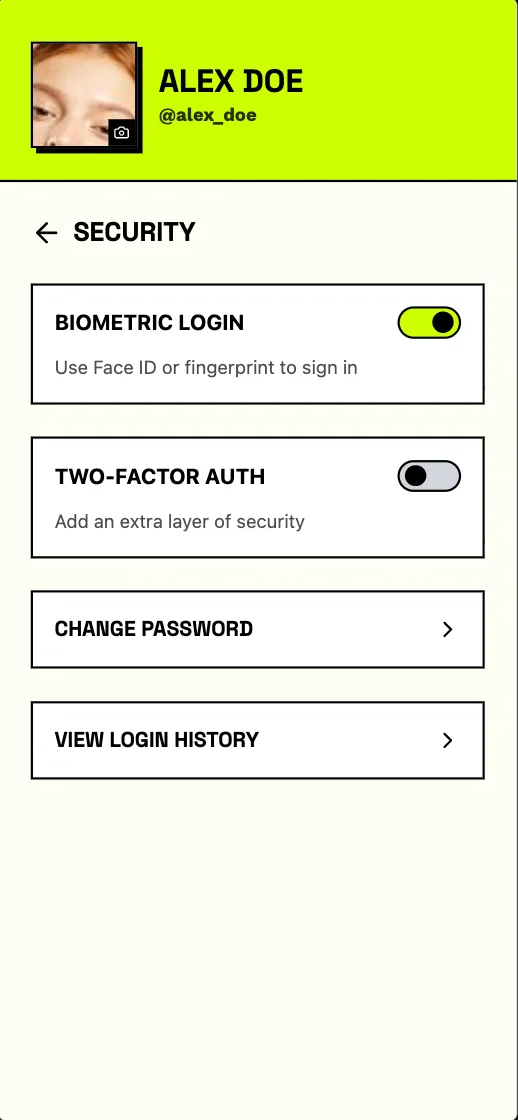
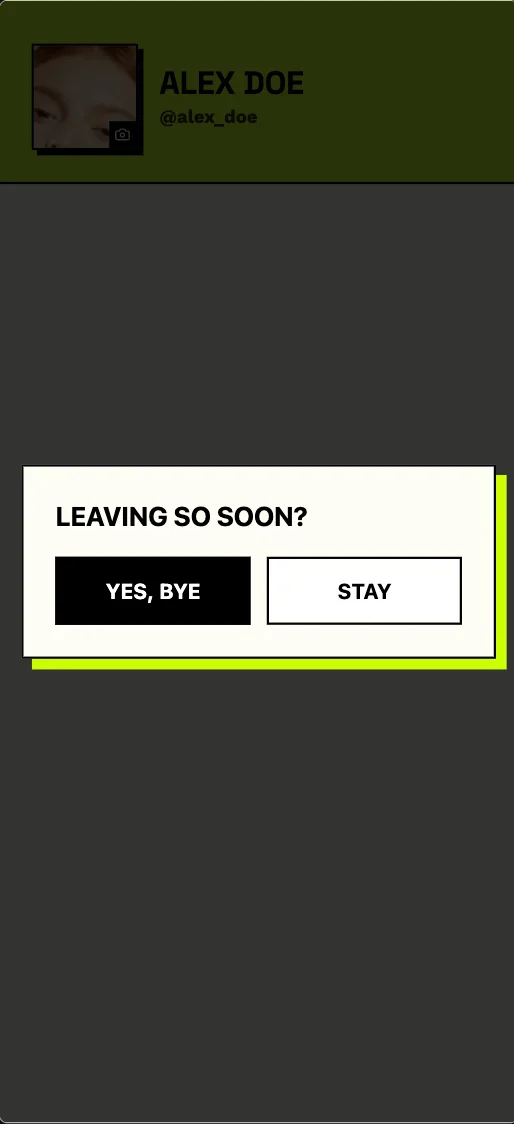
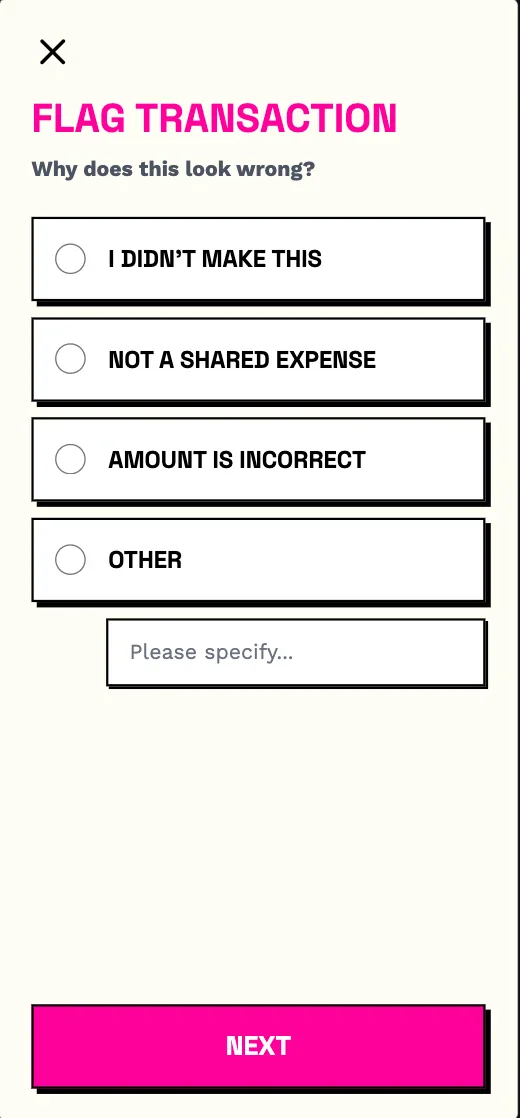
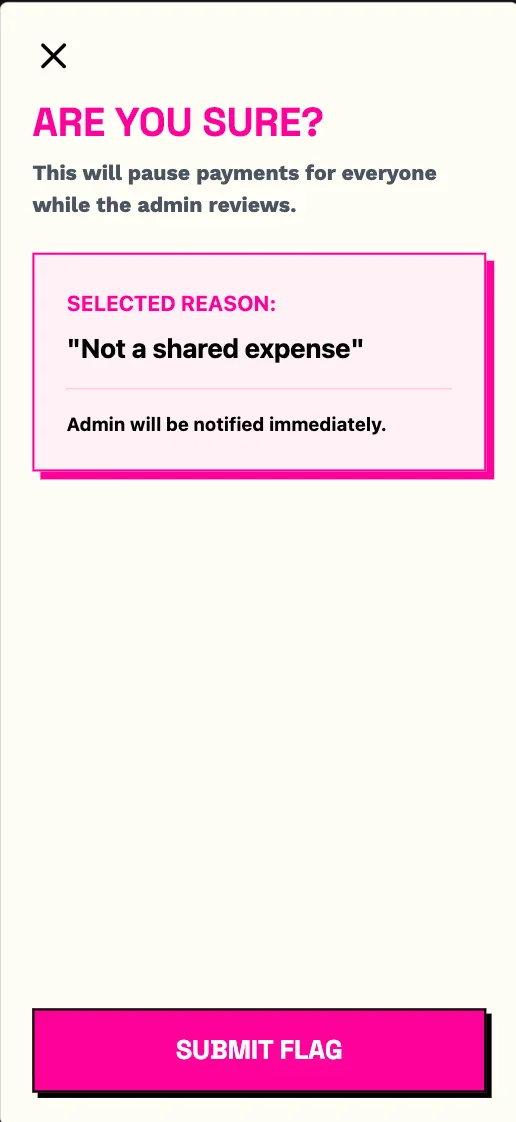
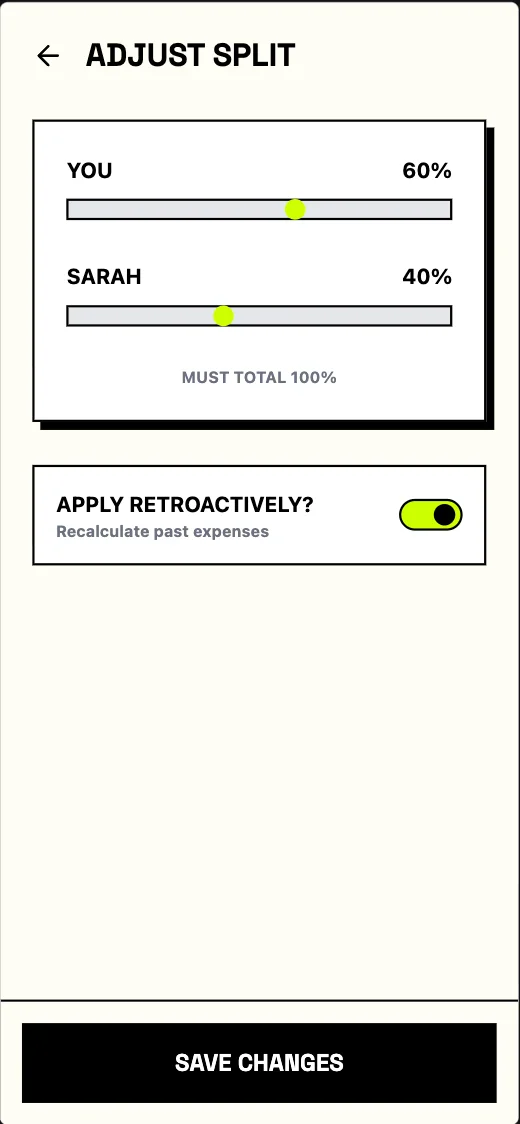
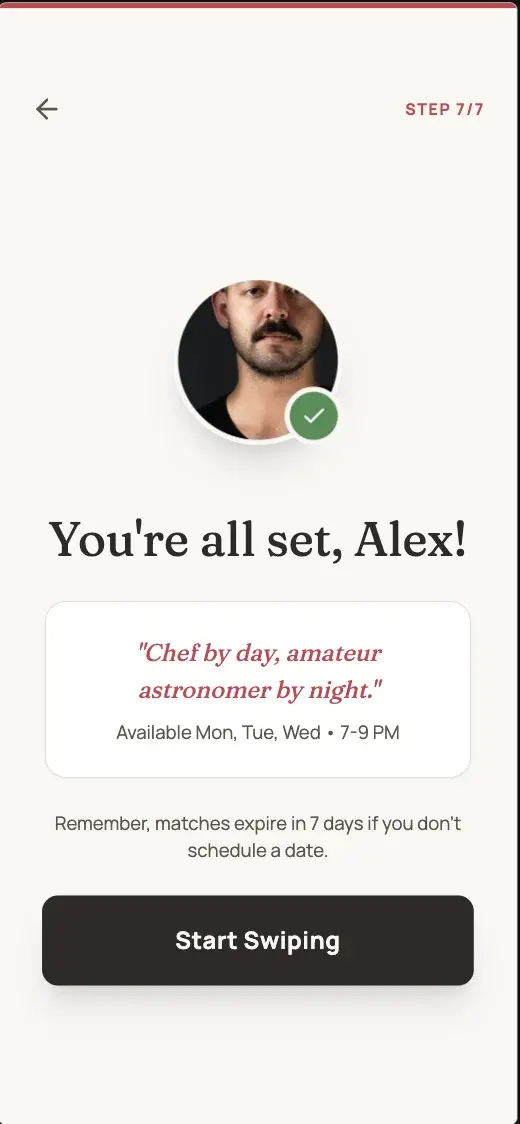
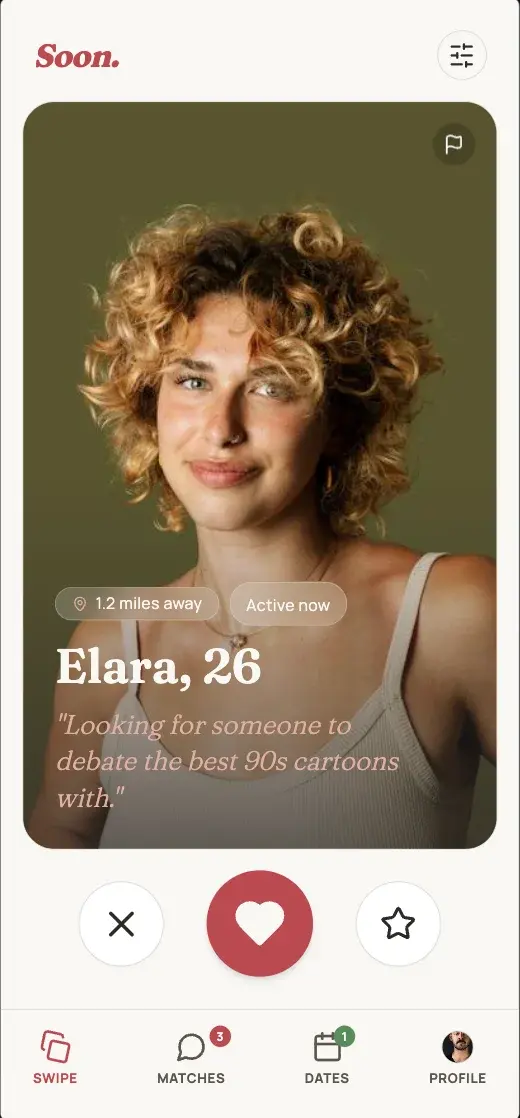
Soon
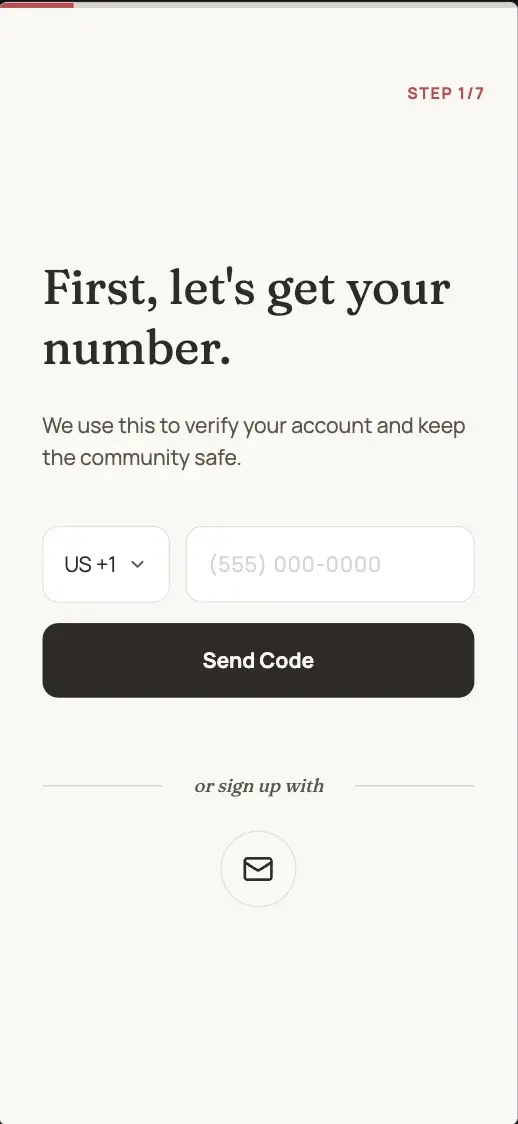
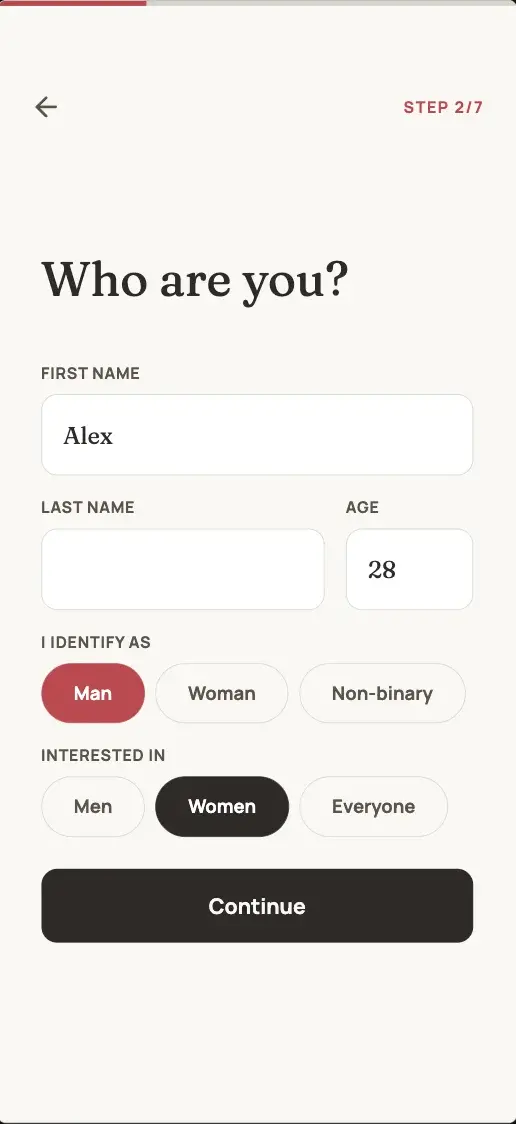
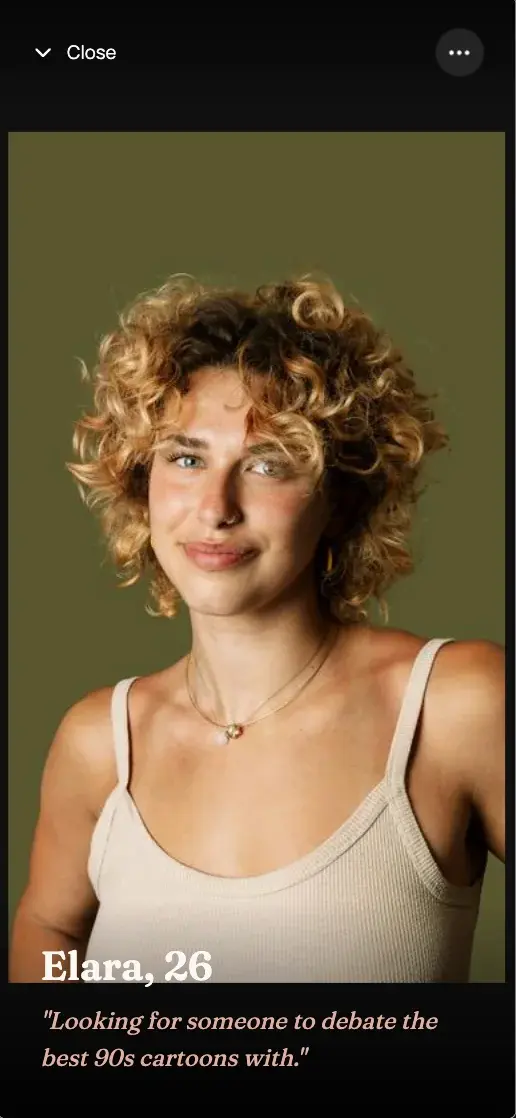
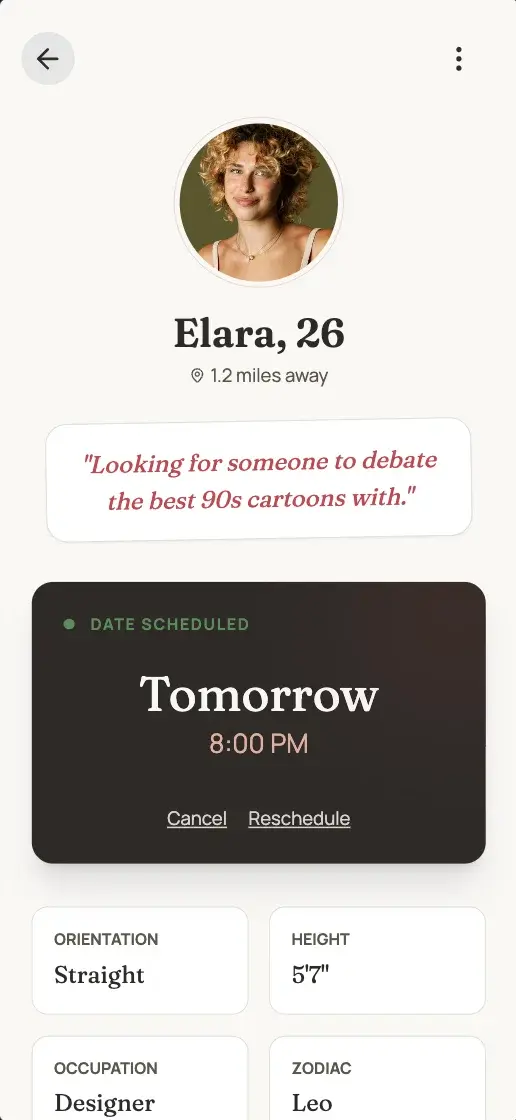
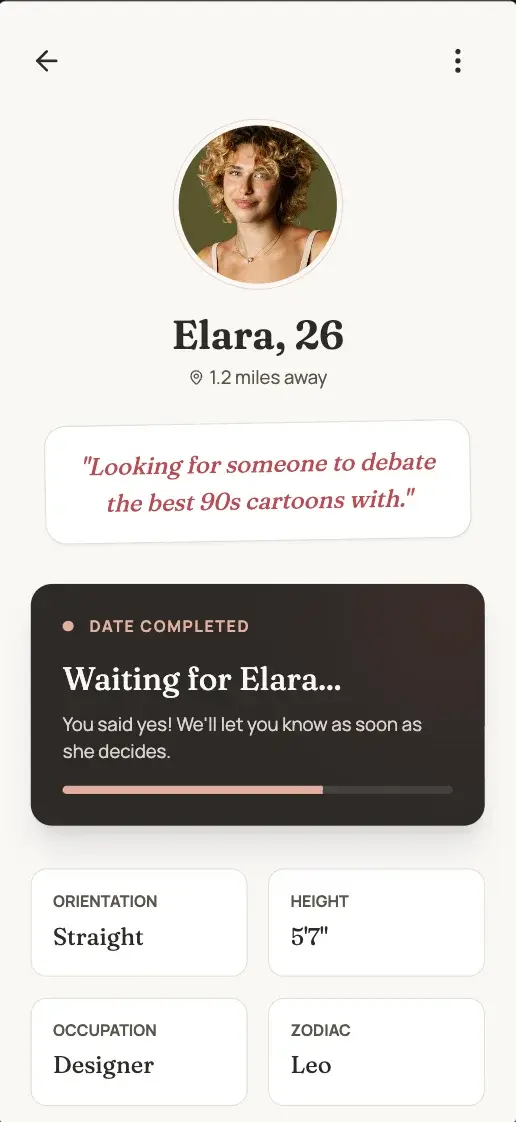
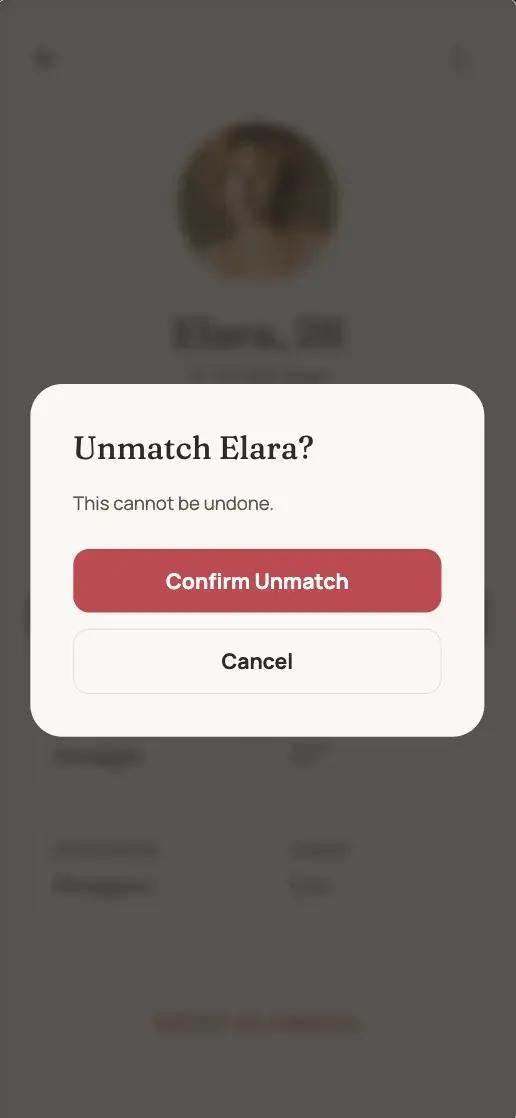
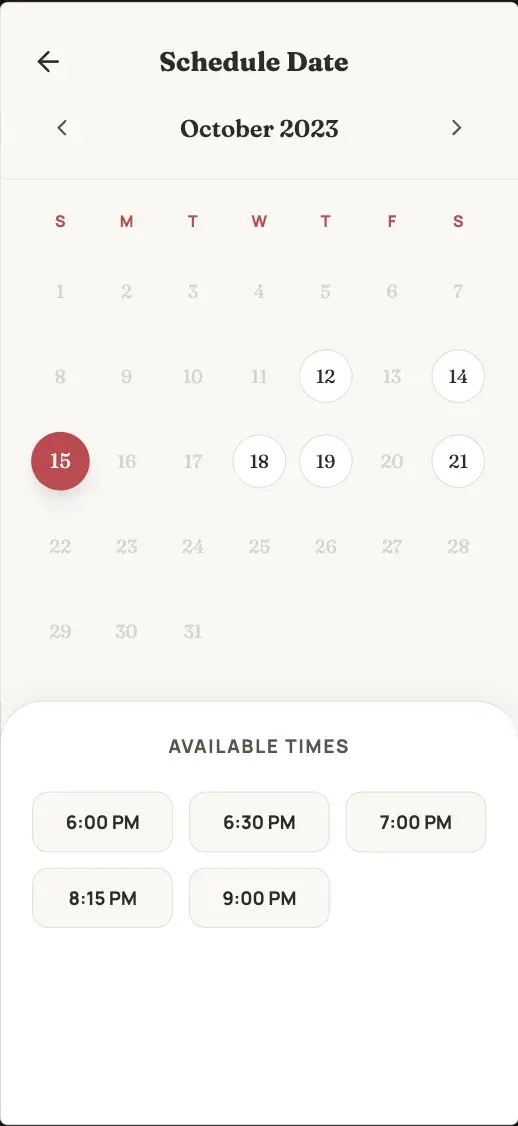
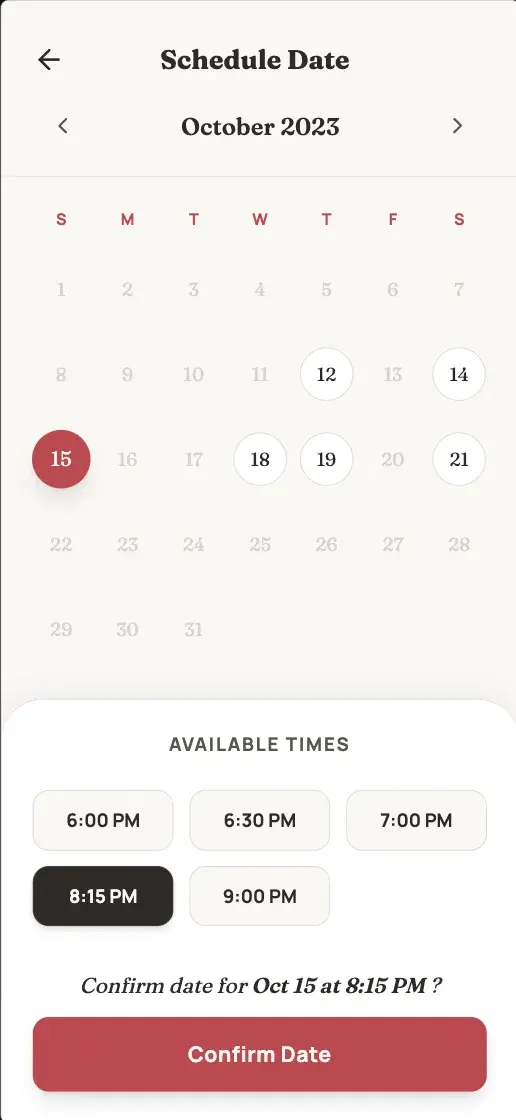
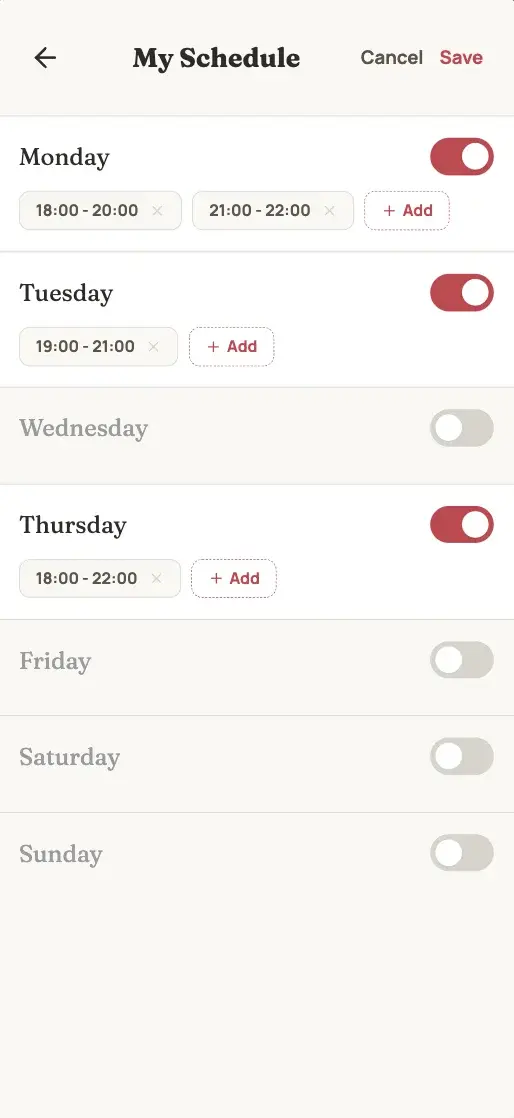
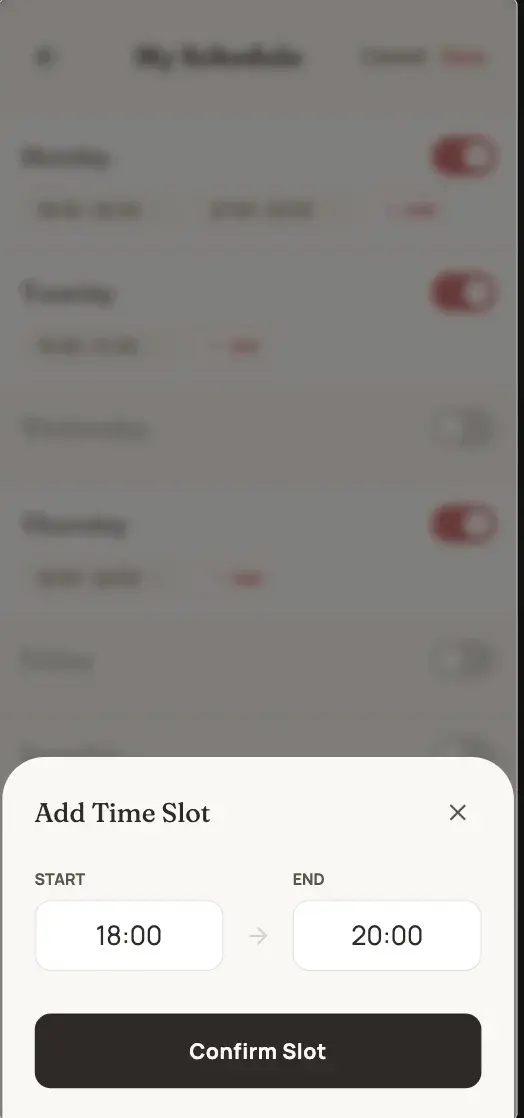
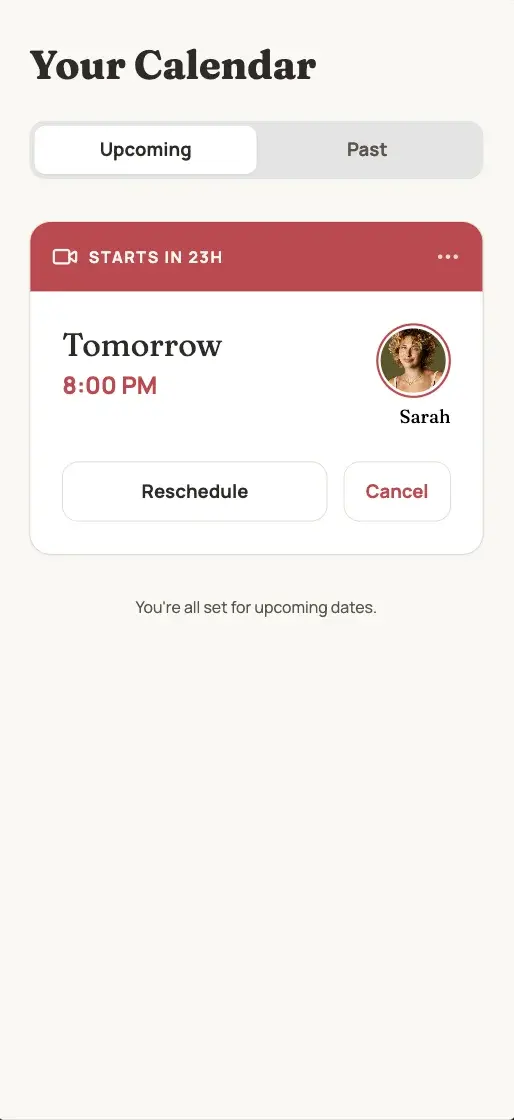
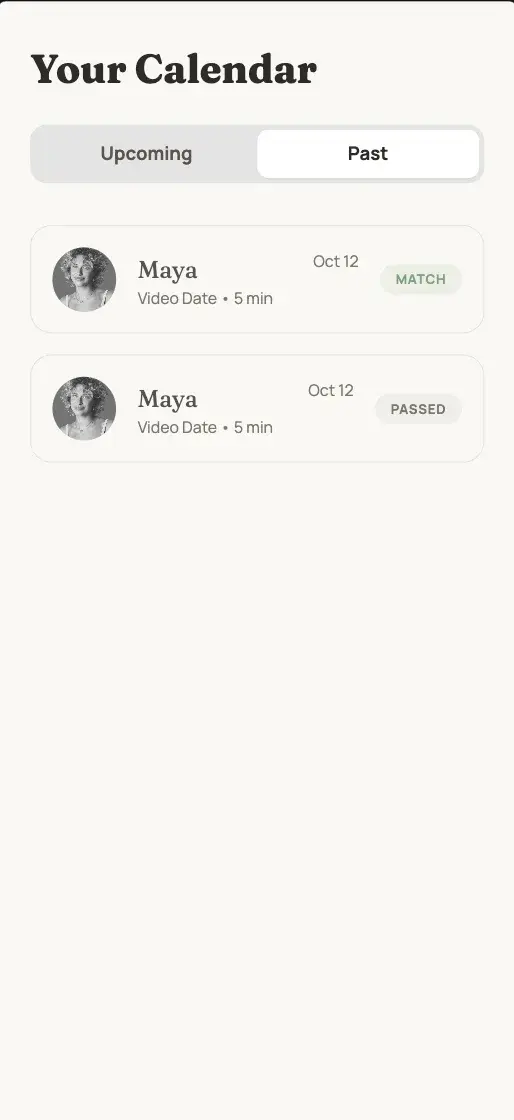
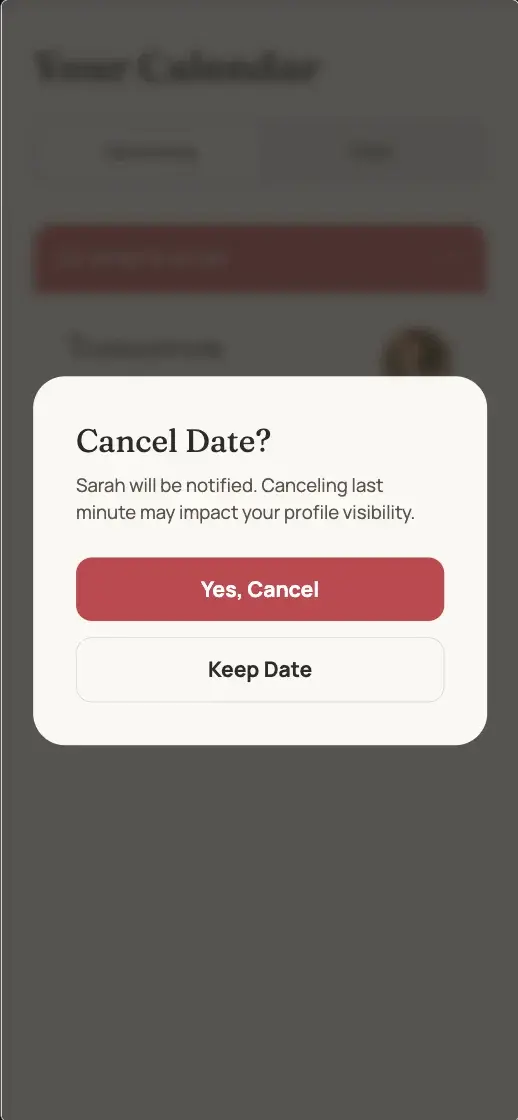
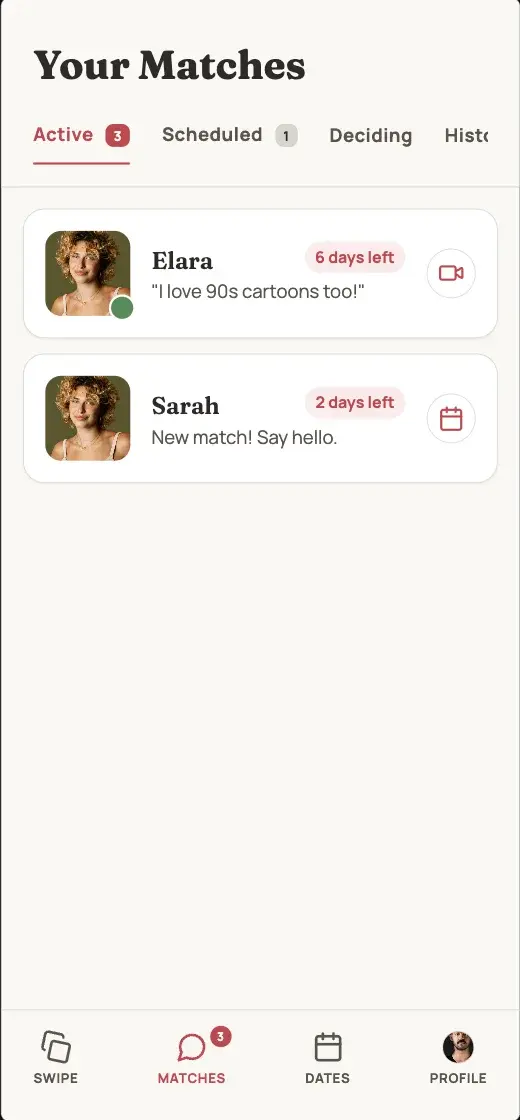
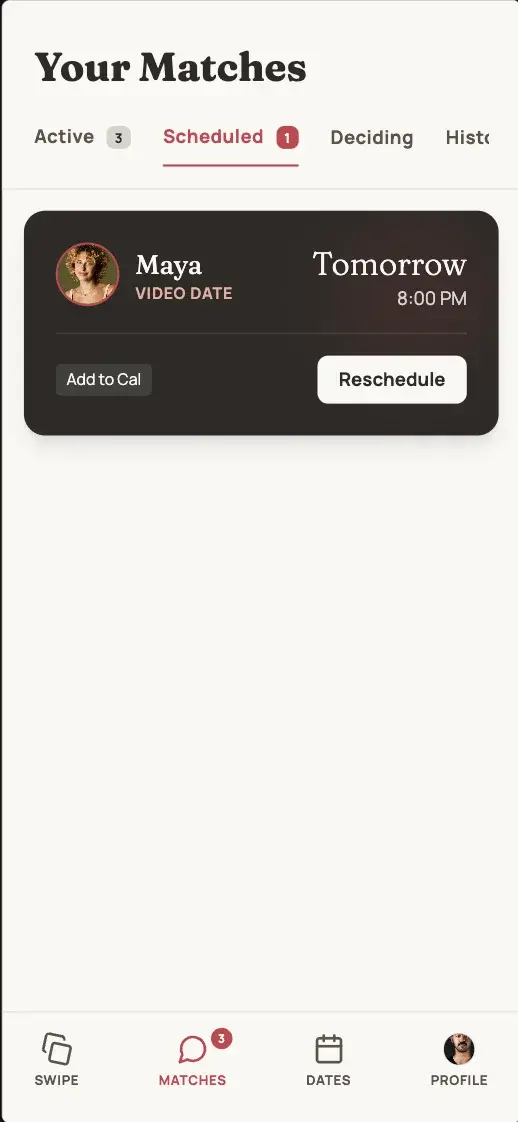
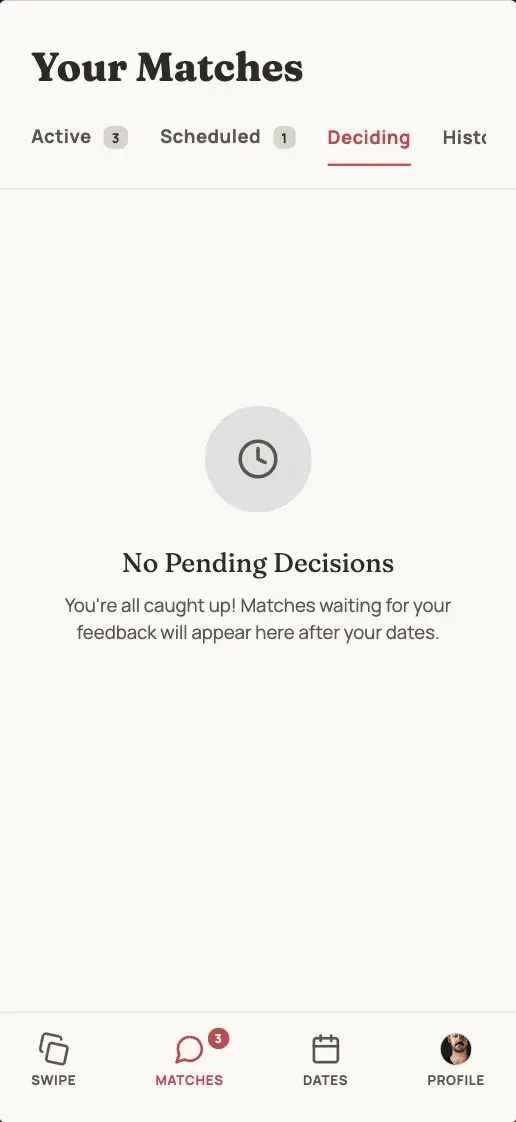
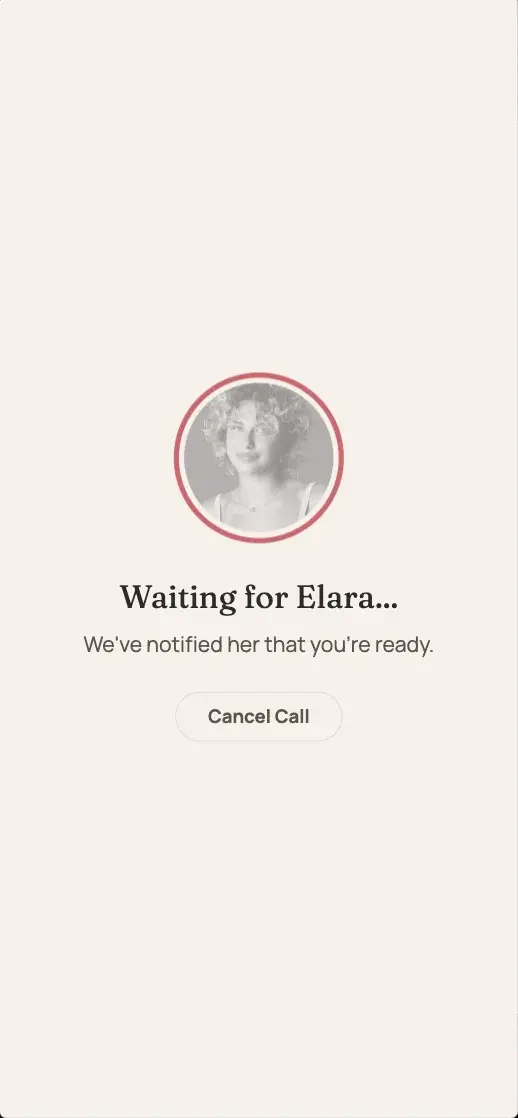
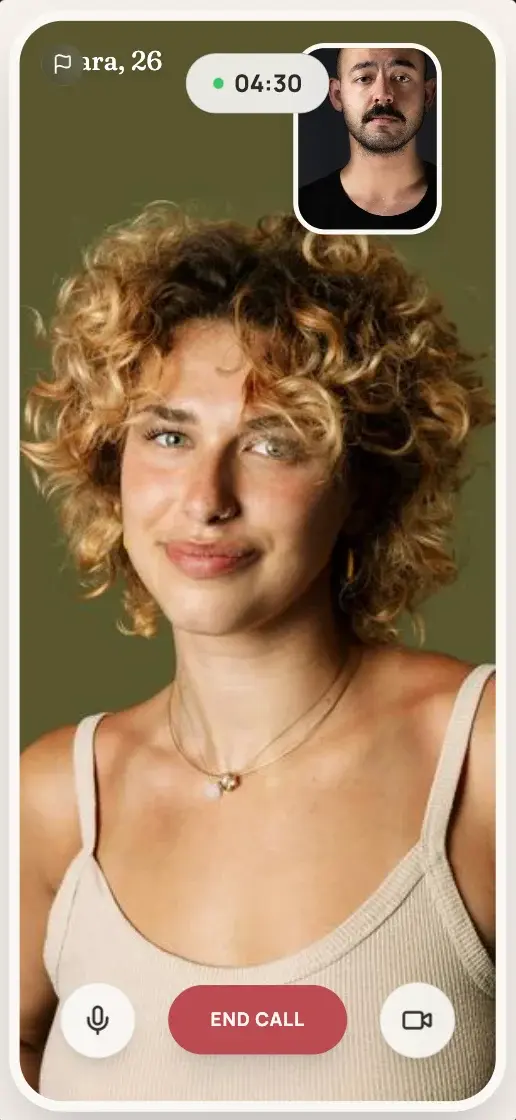
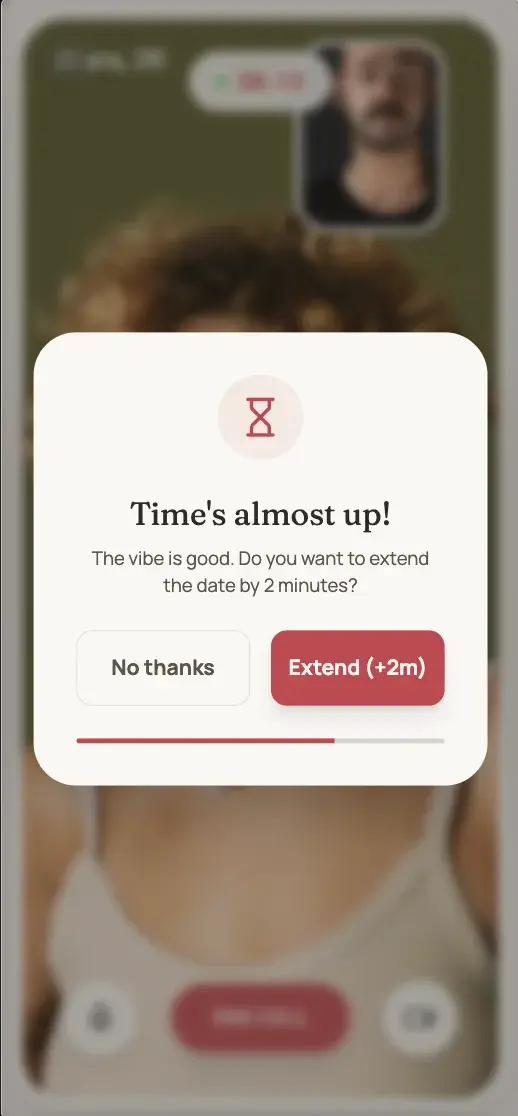
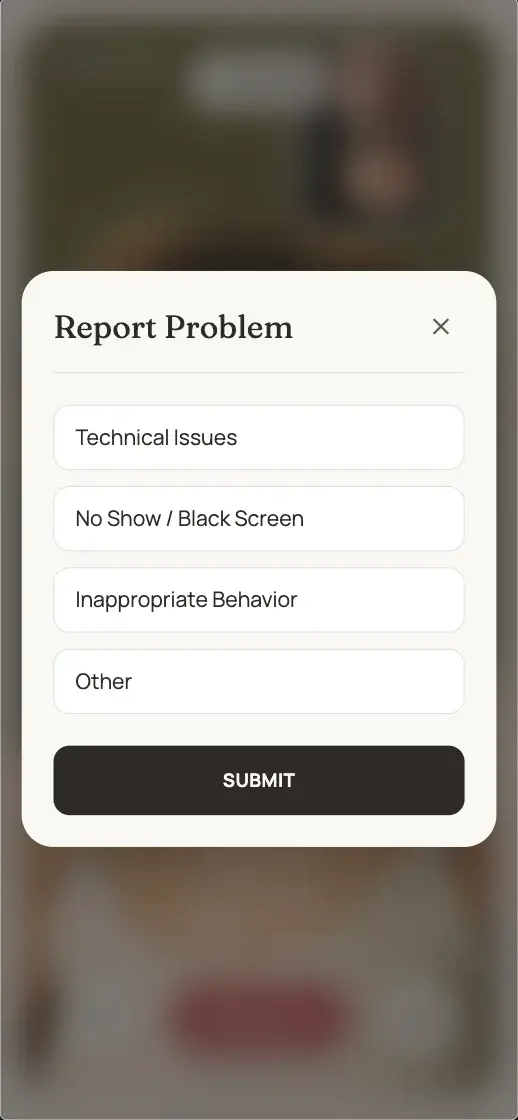
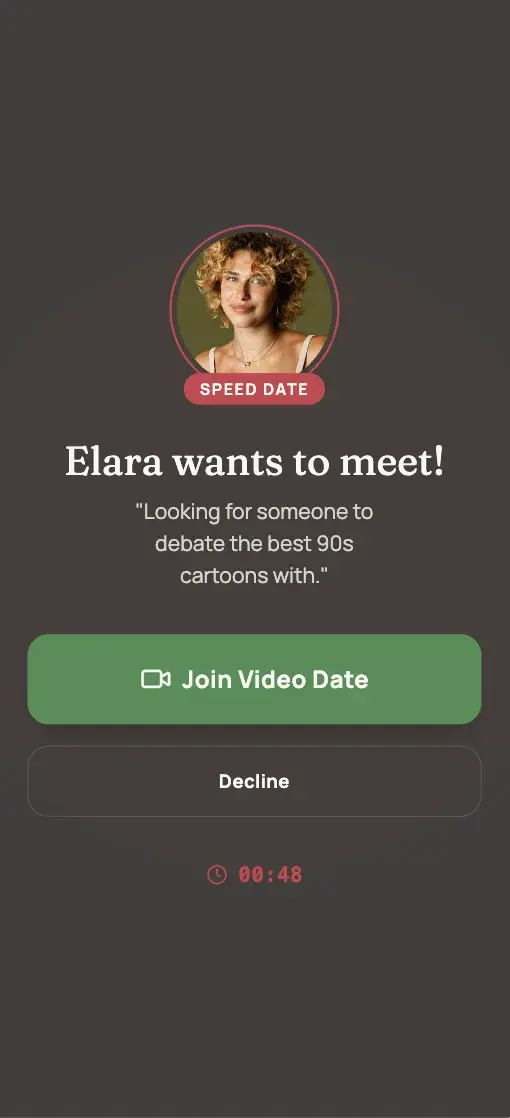
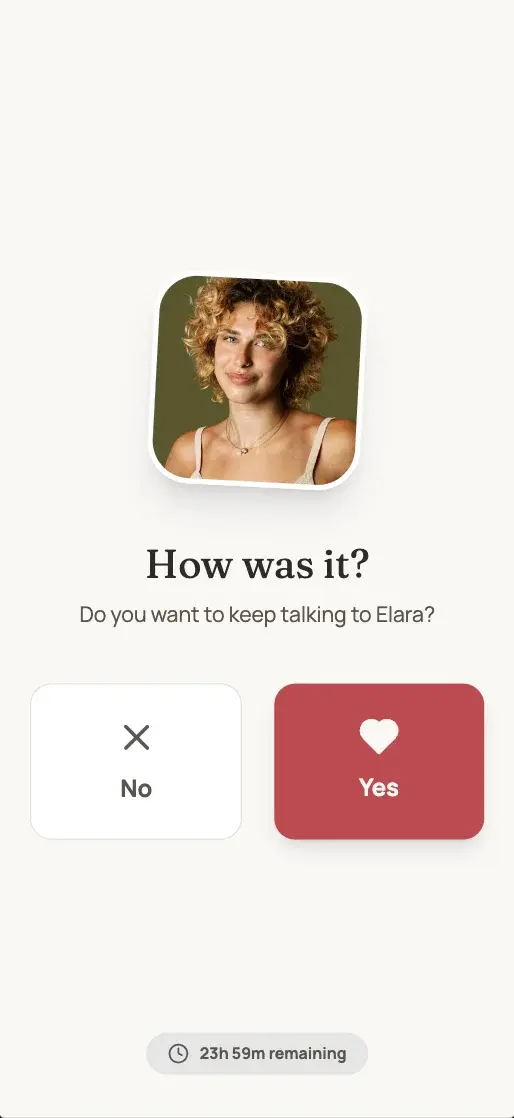
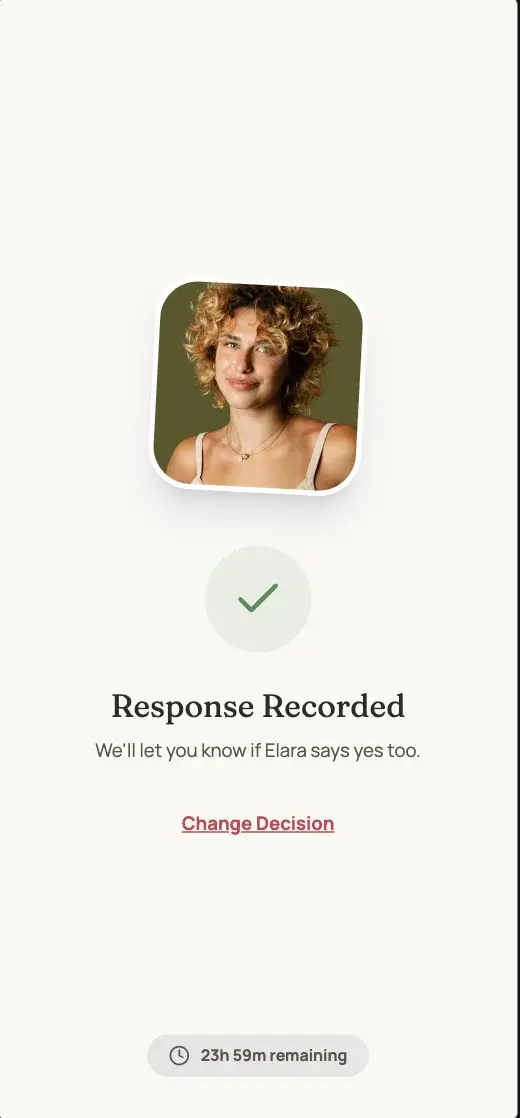
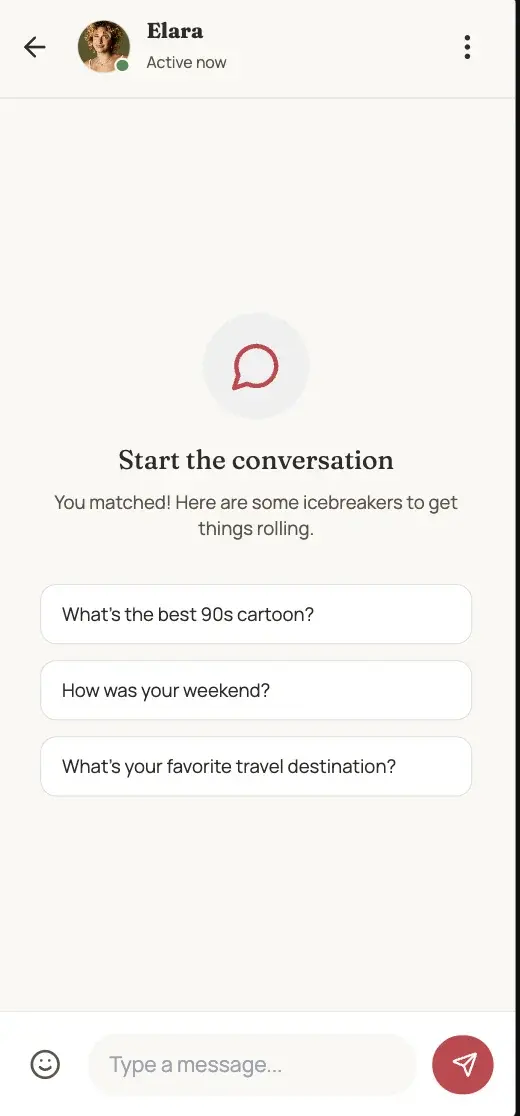
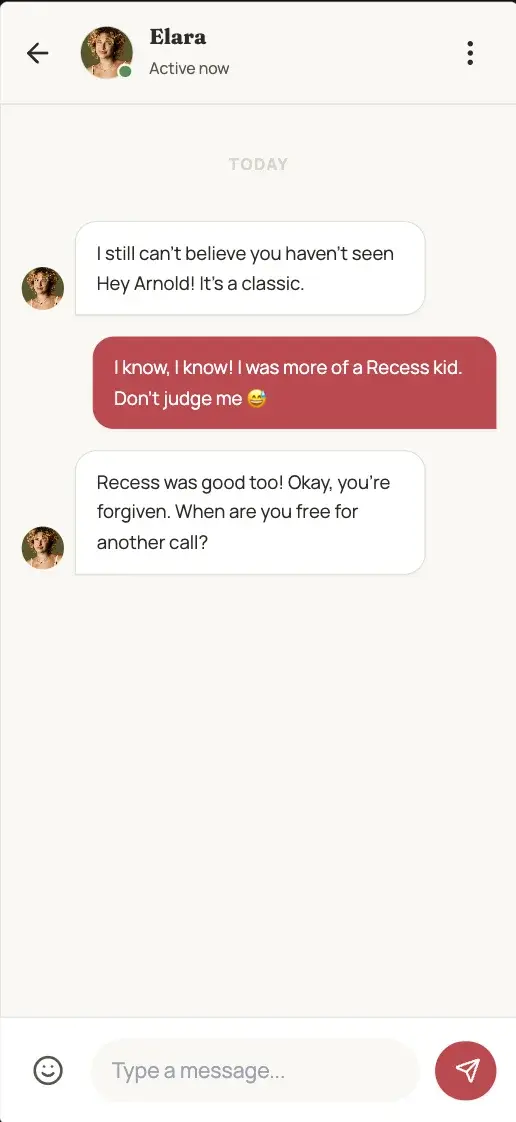
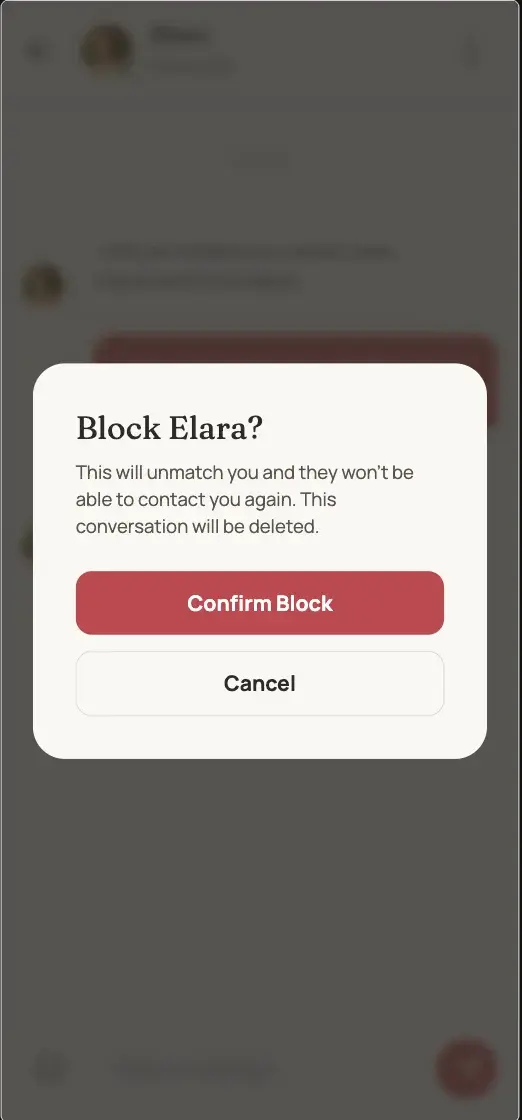
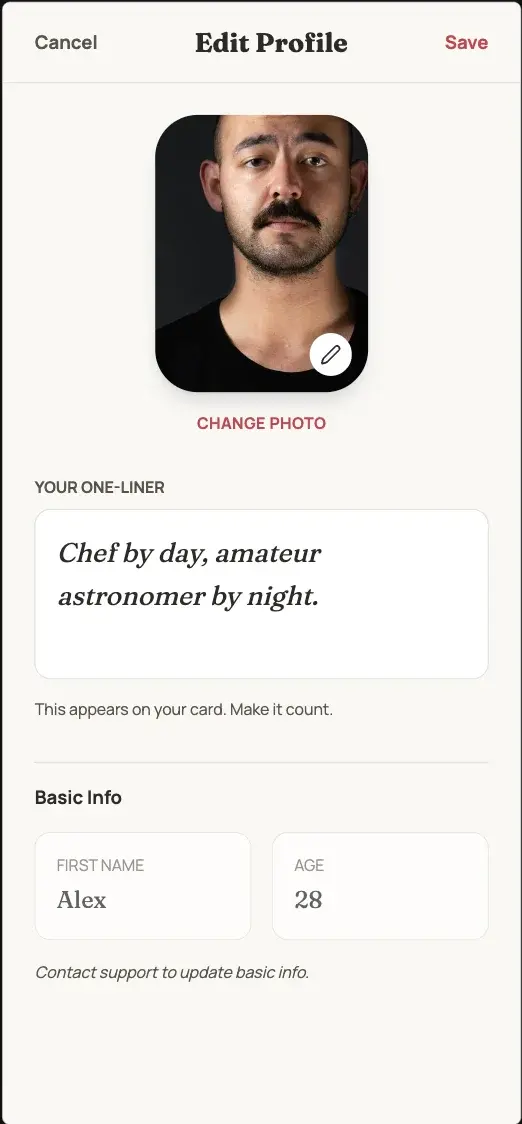
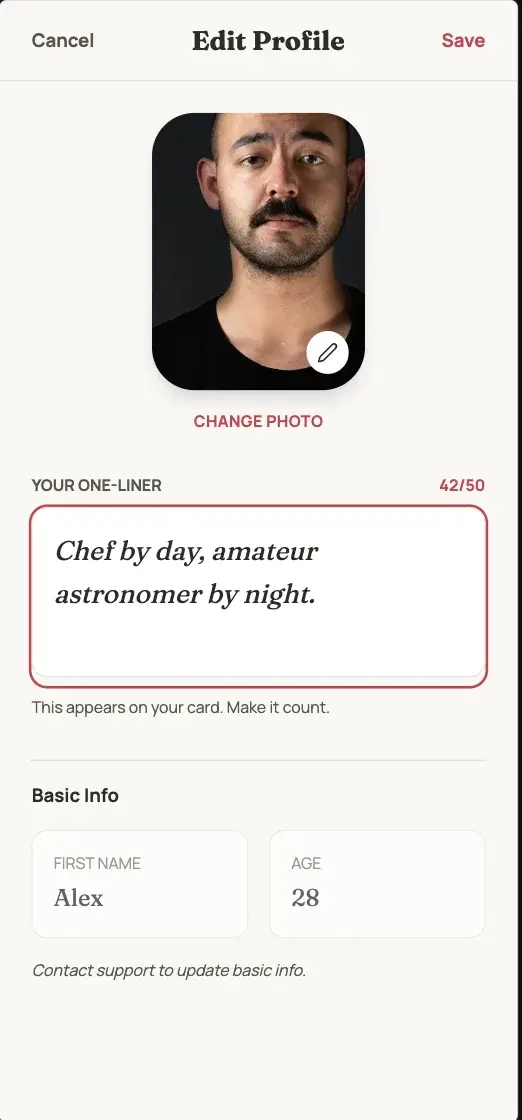
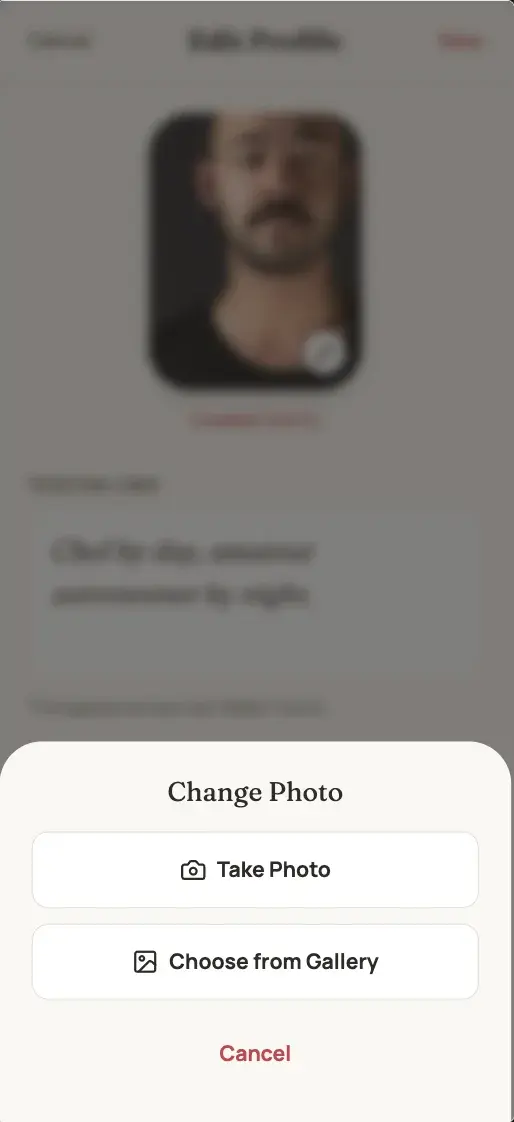
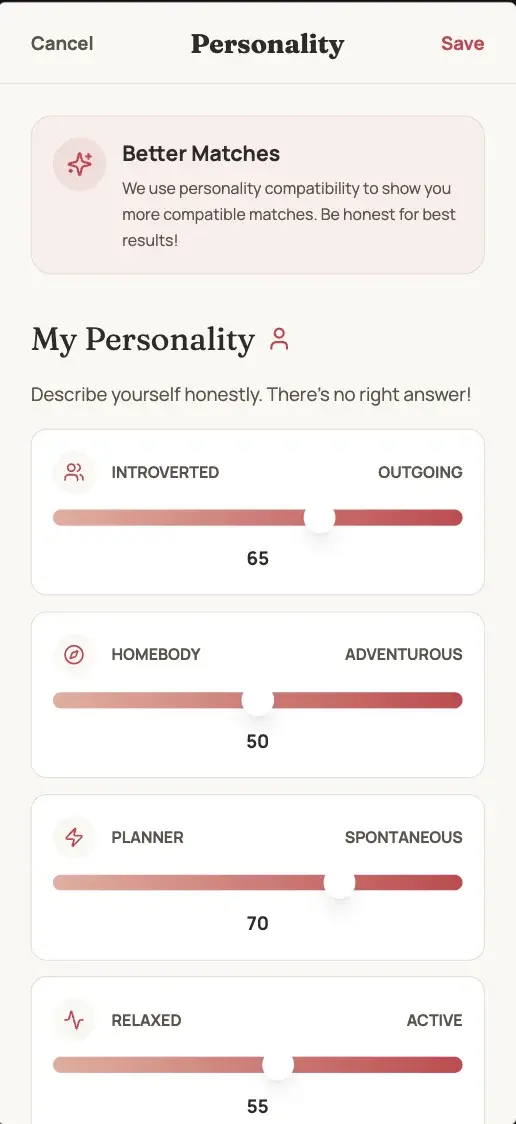
Speed dating reimagined: minimal profiles and immediate 5-minute video dates. Authenticity first—match, meet via video, then decide.
preview in mowgli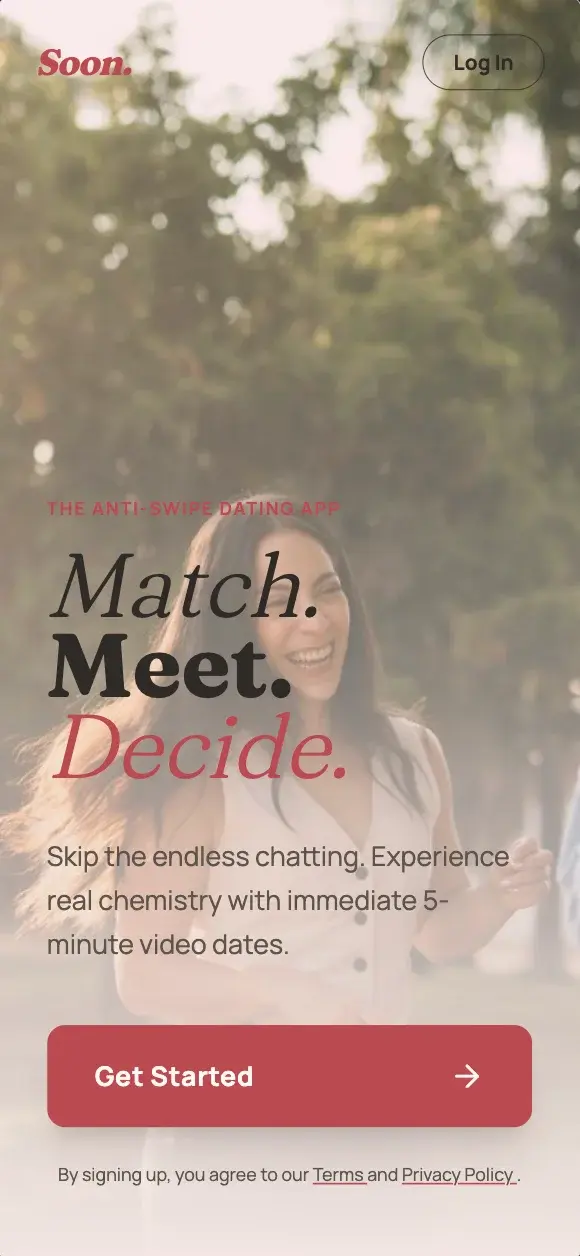
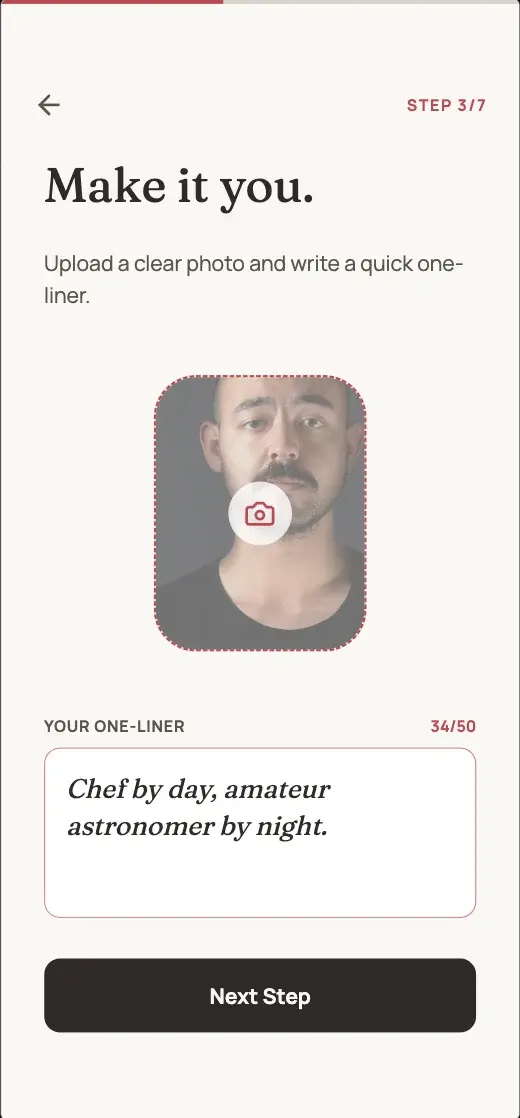
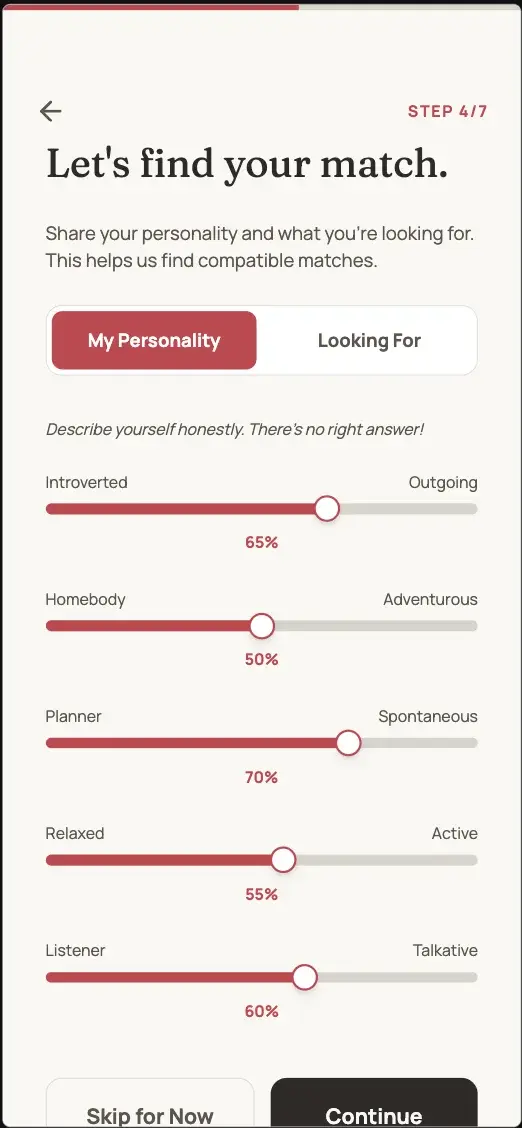
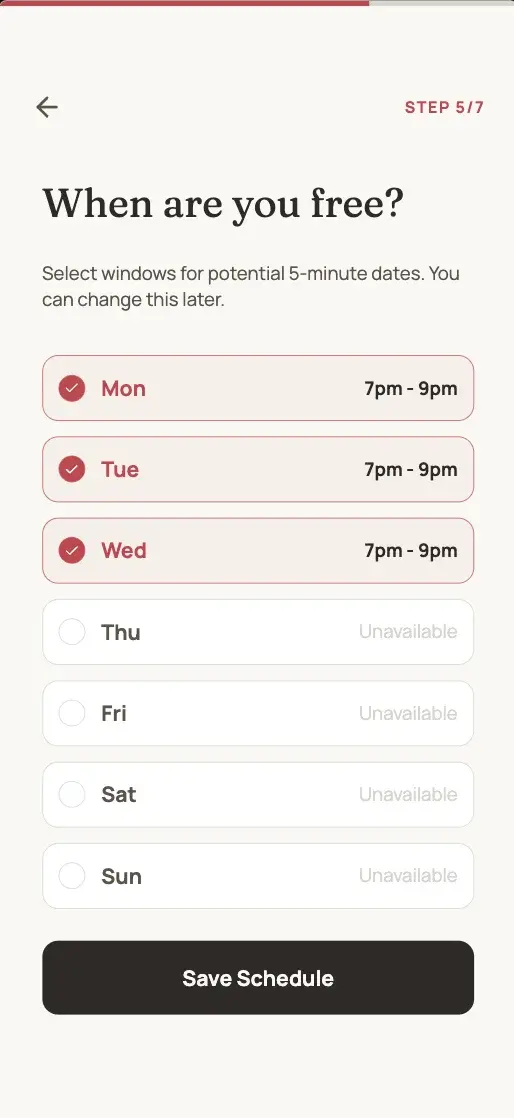
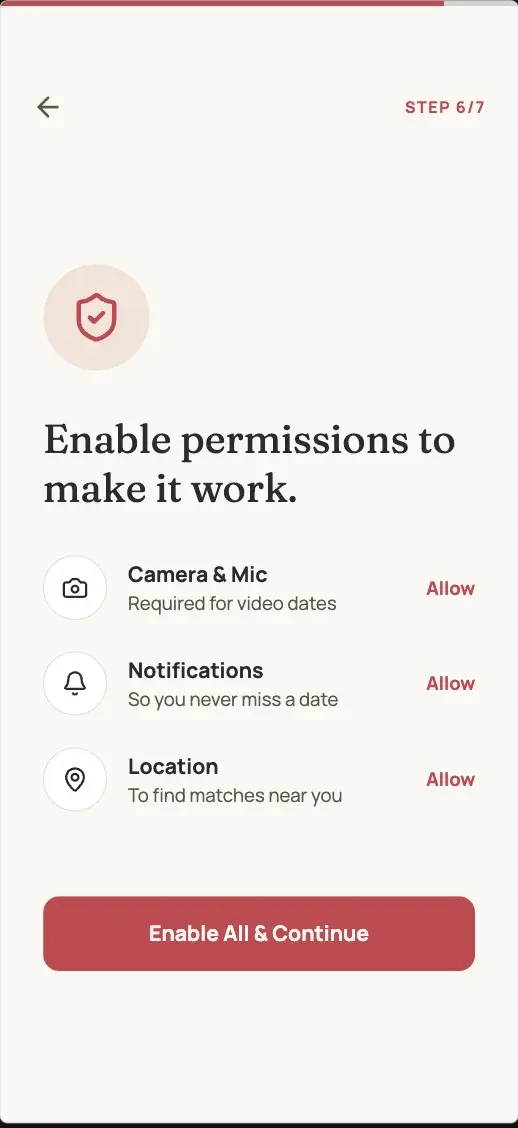
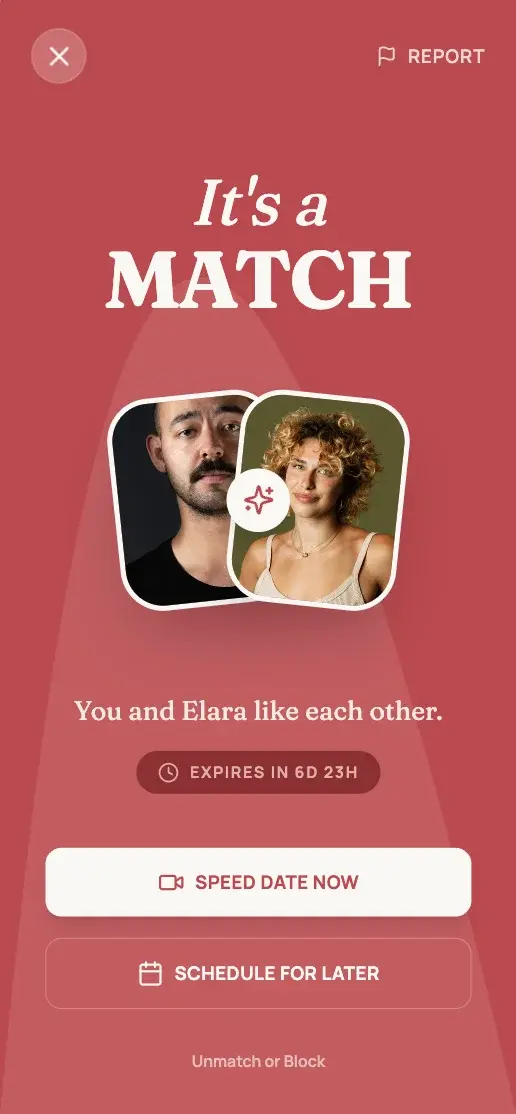
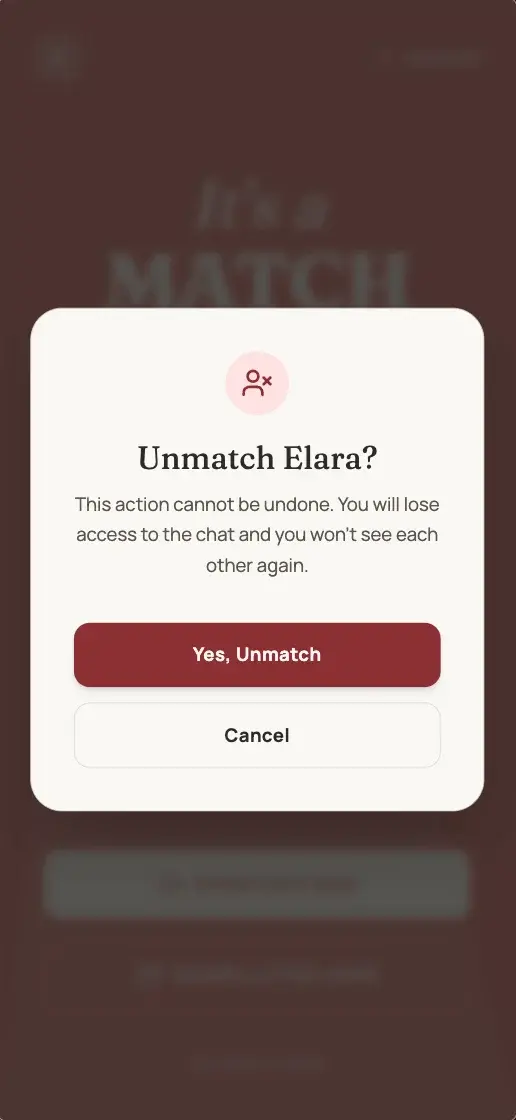
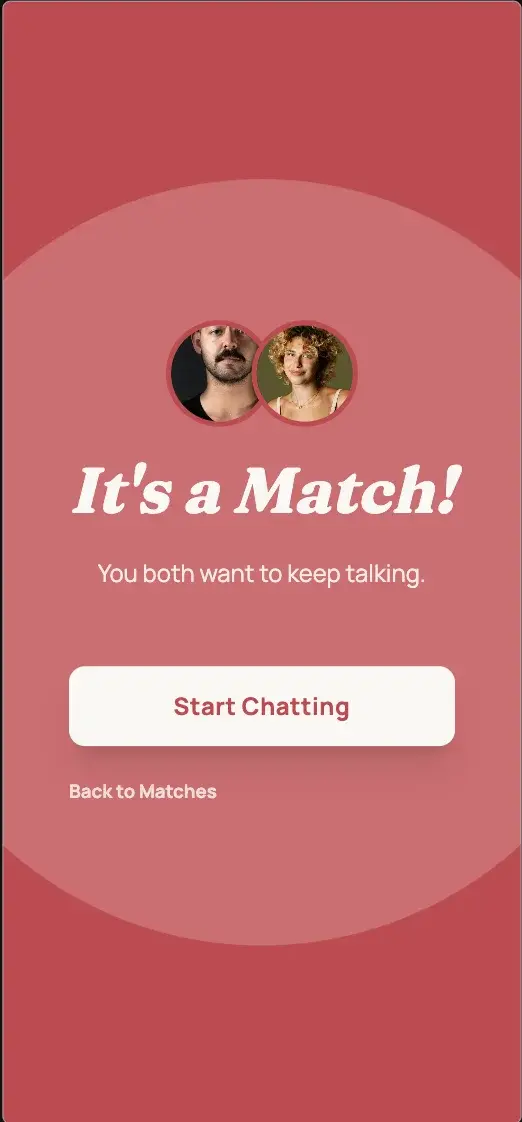
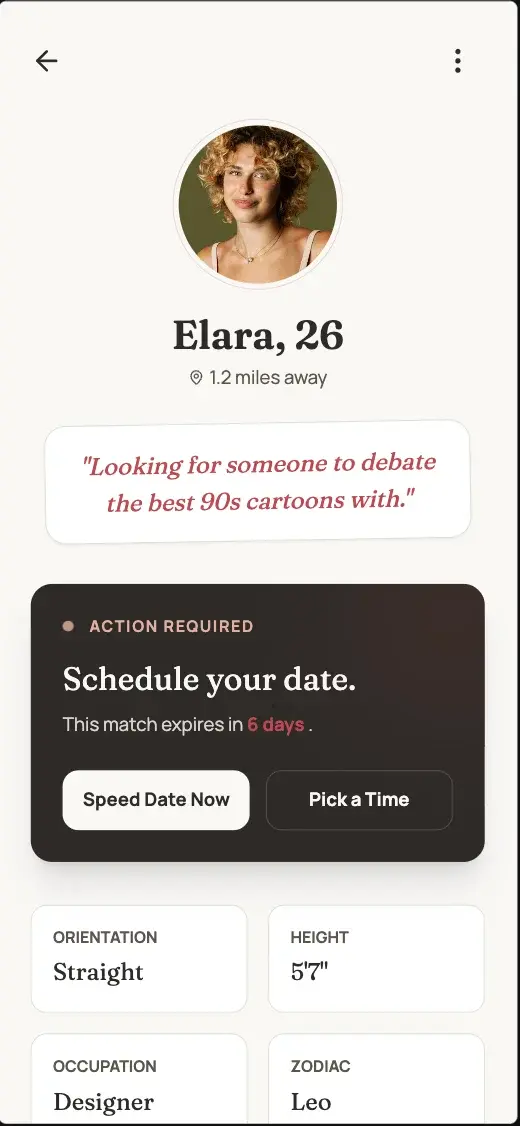
Let's deep dive
A streamlined workflow designed to take you from back-of-napkin sketch to production-ready specifications and designs.
Step 01
Brainstorm & Scope
Start by explaining your initial idea. Work through a dynamic questionnaire to refine your vision. Mowgli will translate this to your unique specification.
Q1:Let's start with the basics. What kind of application are we building today?
Please choose one option
Q2:Got it. And who is the primary user you want to optimize for?
Please choose one option
Q3:Love the trust-focused angle. That makes me think about group dynamics—should everyone have equal control?
answeredPlease choose one option
Q4:How should we handle the 'settle up' experience? Smooth and invisible, or celebratory?
Please choose one option
Q5:What type of methods of payments would you like to integrate with?
Please choose one option
Q1:Let's start with the basics. What kind of application are we building today?
Please choose one option
Q2:Got it. And who is the primary user you want to optimize for?
Please choose one option
Q3:Love the trust-focused angle. That makes me think about group dynamics—should everyone have equal control?
answeredPlease choose one option
Q4:How should we handle the 'settle up' experience? Smooth and invisible, or celebratory?
Please choose one option
Q5:What type of methods of payments would you like to integrate with?
Please choose one option
Step 02
The Spec View
Get a god-mode view of your application. Iterate on the spec directly to refine requirements before pixel-pushing.
1. New User Onboarding
1.1. App Discovery and Account Creation
- 1.1.1.User downloads Splitto from App Store or Google Play Store
- 1.1.2.User opens app and sees a welcome screen explaining core value...
- 1.1.3.User taps "Get Started" button
- 1.1.4.User enters personal information: full name, email address, phone number
- 1.1.5.User creates a secure password
Step 03
Generate Designs
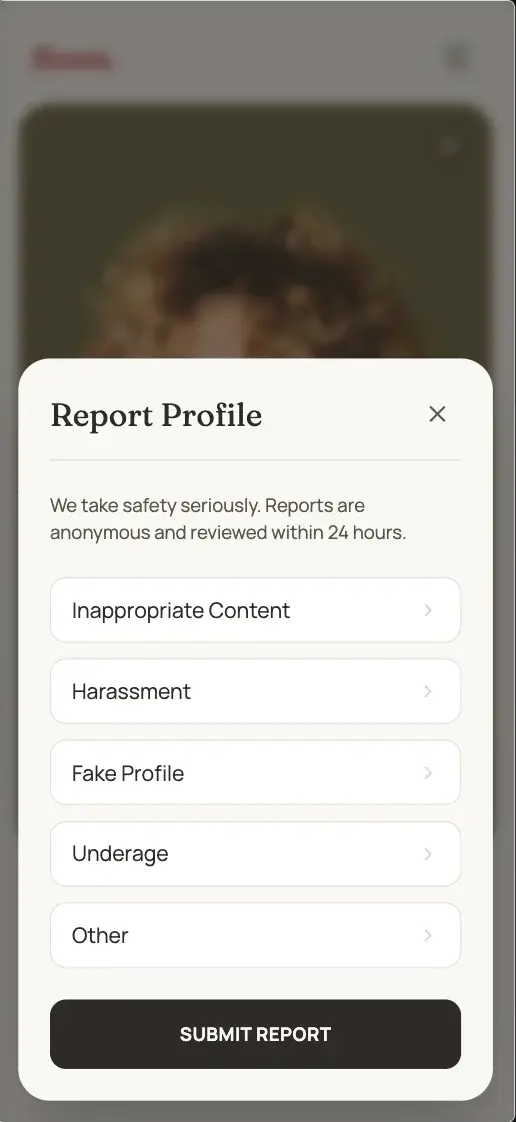
Pick a theme or steer the style. Mowgli will generate high-fidelity designs for every screen and state. Not just happy paths - explore all nooks and crannies of your product.
Step 04
Ideate by Design
Meet your project and ideate quickly by design. Use natural language to iterate on features, update flows, or polish UI details in real-time.
Step 05
Export
Ready to build? Get a curated master prompt to continue in your AI-powered builder, export into Figma or download a .zip with your spec and React code and get hands-on yourself.
Get the optimized master prompt with your full PRD spec and all screens, ready to attach in your favourite AI-native builder to launch in production.
Great for further design work or sharing. Export all of your screens and states to a Figma file using the Mowgli Figma plugin.
Perfect for a developer or AI. Download a .zip package containing your specification, and React + Tailwind code for your screen designs.
The new bottleneck? You.
Join our beta waitlist and start building comprehensive products with Mowgli today.